The PM platform enables you to easily manage HyPanels, intercom devices, and smart locks.
View HyPanel Details
The Devices > Smart Home Devices interface displays all HyPanel deivces within the project.
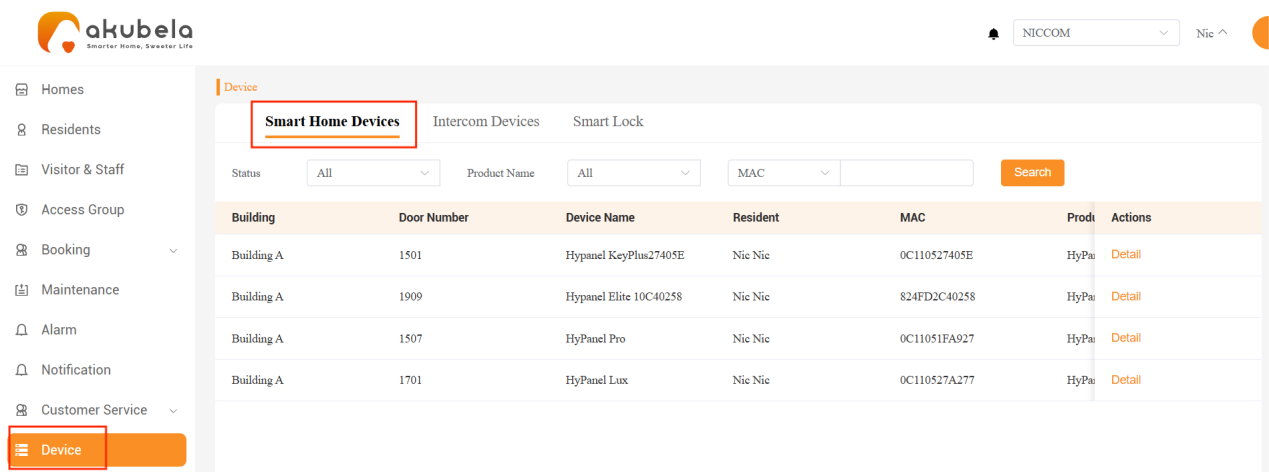
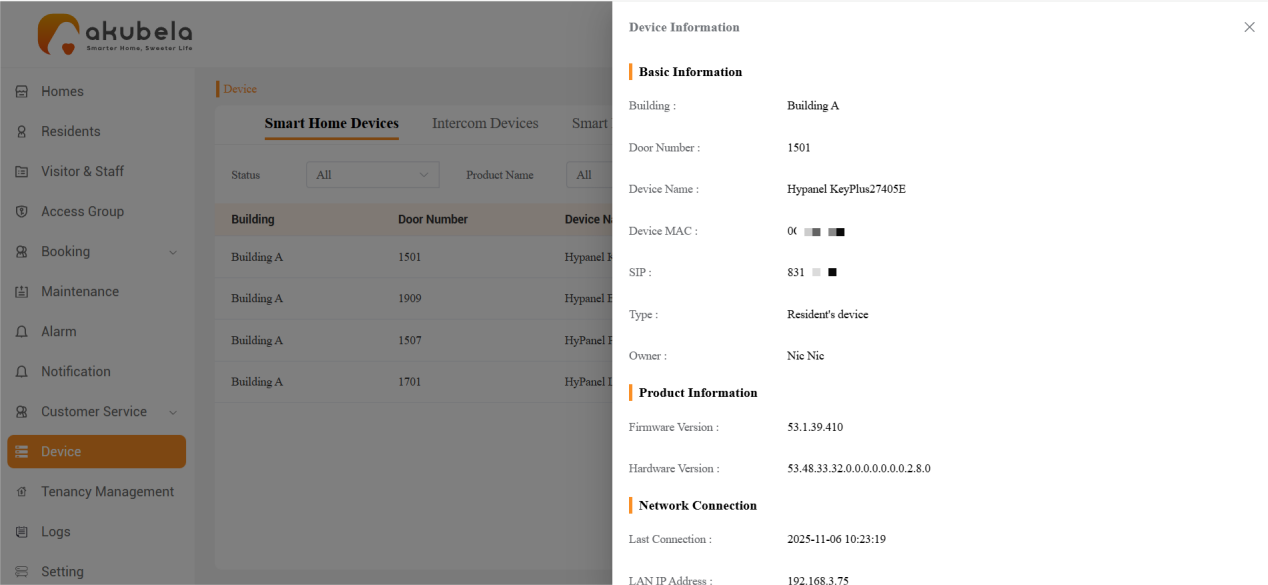
To view detailed information about a specific HyPanel such as its MAC address, SIP number, and IP address, click Detail.
Manage Intercom Devices
Go to Devices > Intercom Devices to view all Akuvox intercoms, including door phones, guard phones, and access control devices.
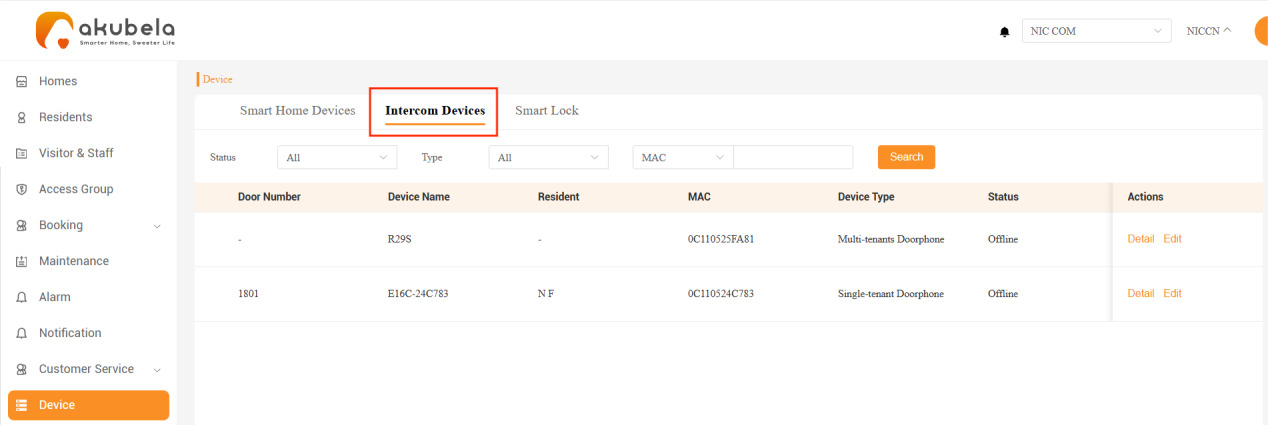
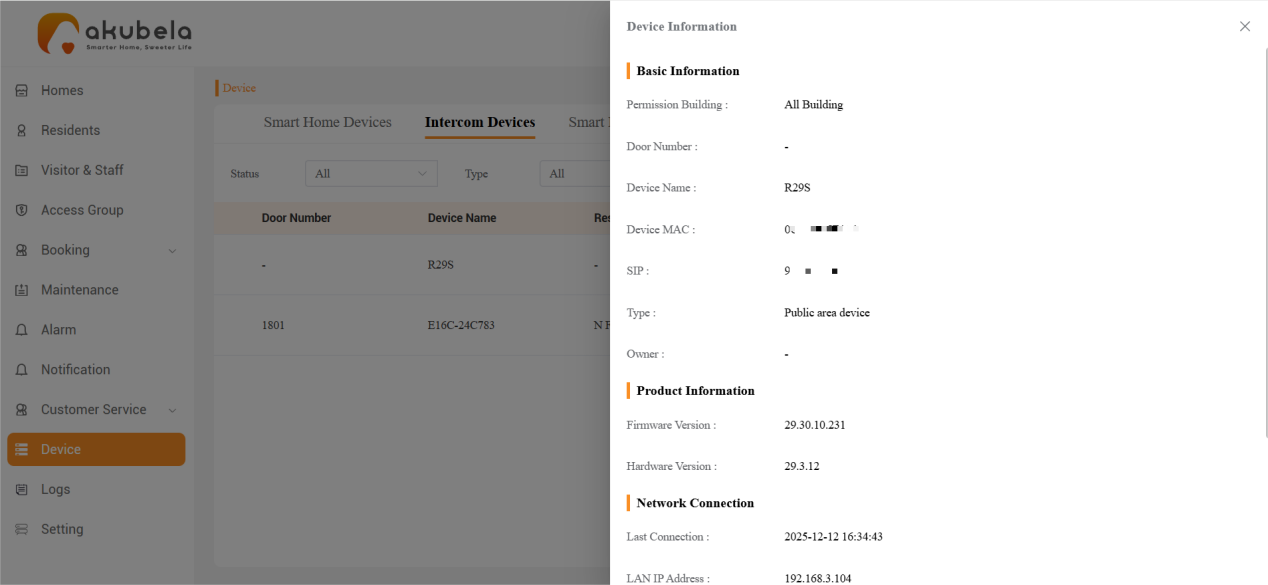
To view a device’s information, click Detail.
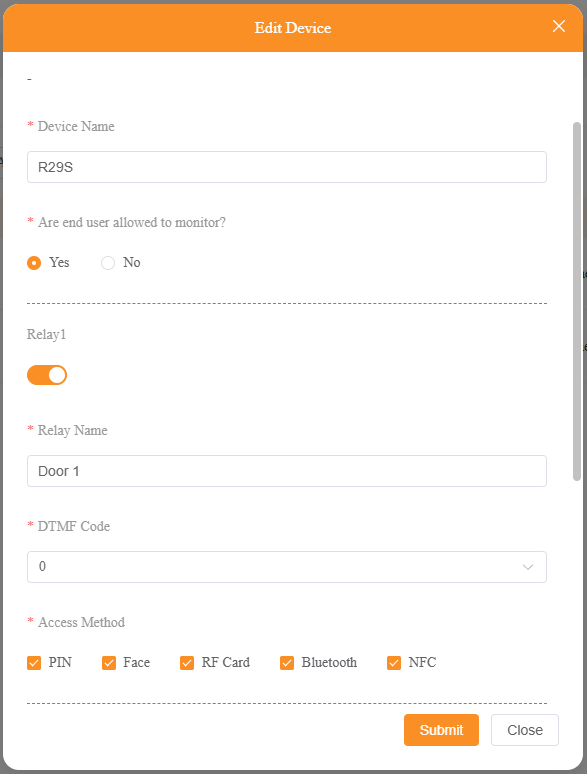
To edit a device, click Edit. You can:
Rename the device
Enable/disable residents to view its live video feed
Modify its relay settings, including the DTMF code and available access methods
Enable/disable desired access methods
Add relays and/or security relays
Manage Smart Locks
NOTE:
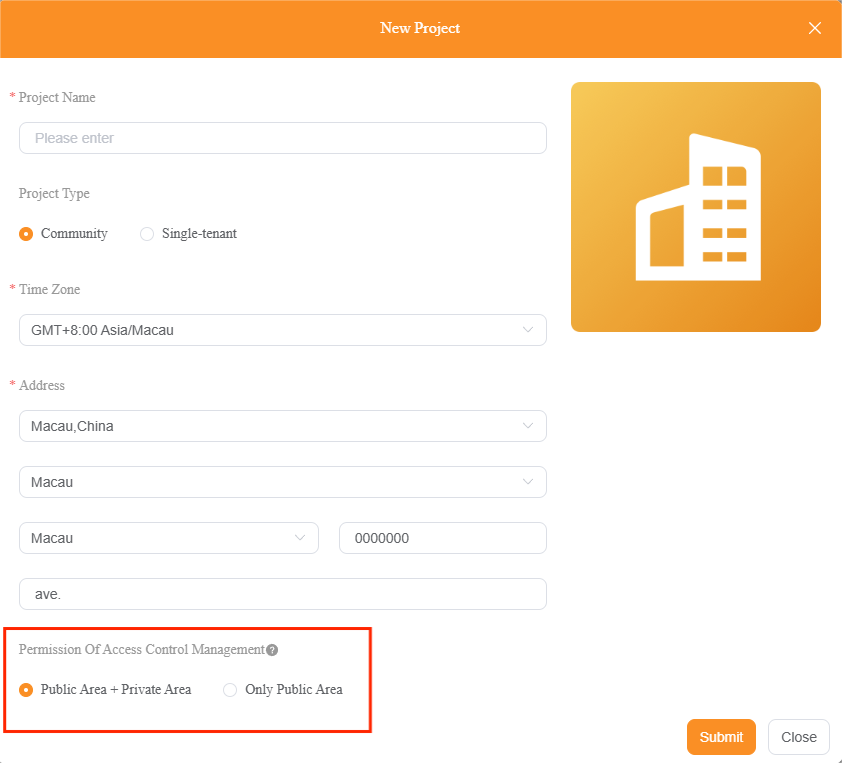
Smart locks are only visible if Permission of Access Control is set to Public Area + Private Area when creating the community project.
Go to Devices > Smart Locks to view all Zigbee and akubela smart locks in the project.
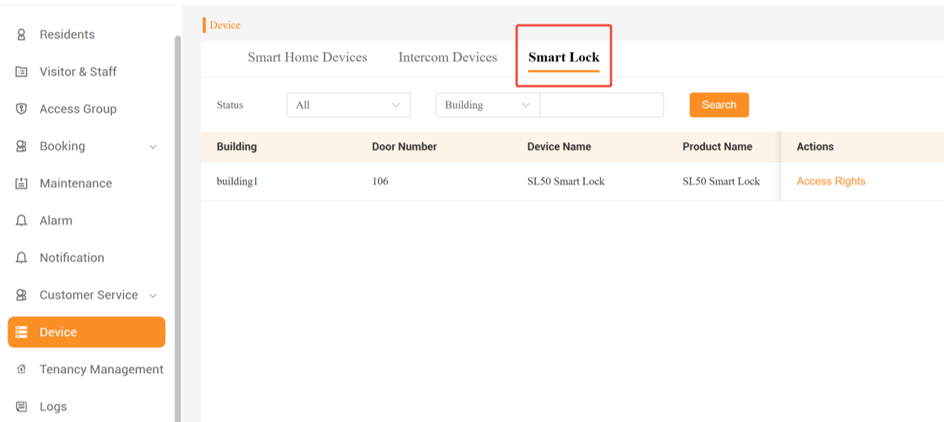
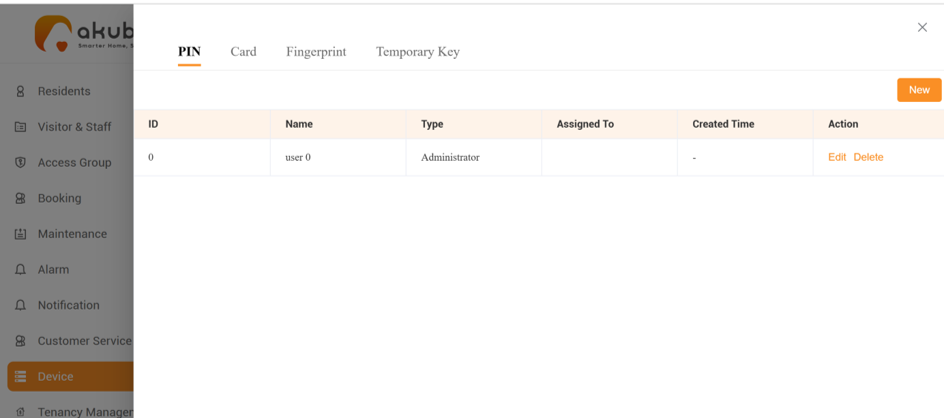
To add, edit, or delete access credentials such as PIN, card, fingerprint, and temporary keys, click Access Rights.
NOTE:
The Access Rights option is currently available only for SL21, SL50, SL60, and C6 smart locks.
For SL21, the Clear User Credentials button on the PIN management interface allows you to delete all user credentials with a single click. During this process, all operations on the lock and app are temporarily disabled.
View Device Logs
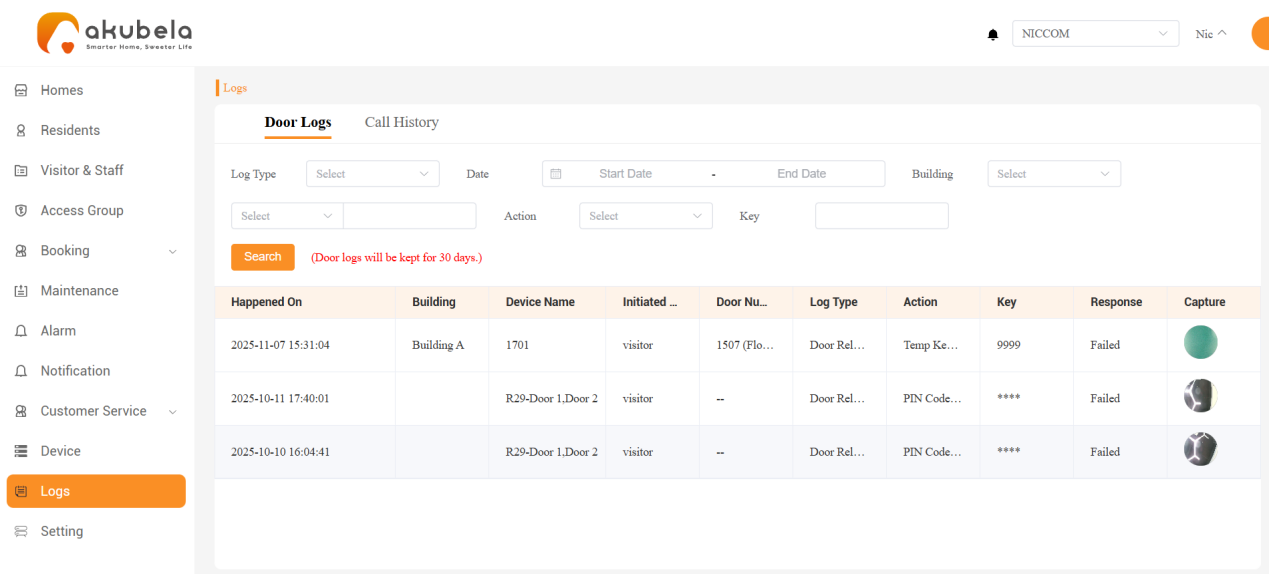
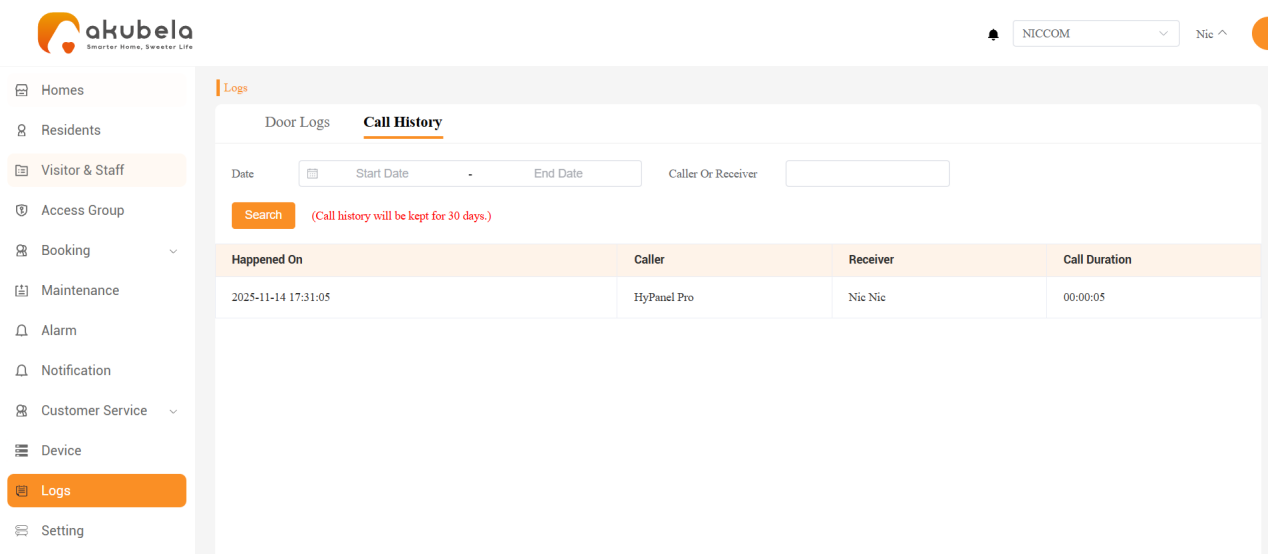
To view door phone activity and call history from the past 30 days, go to the Logs section in the left-hand menu.