Obtain Device IP Address
Obtain the device IP address by pressing its reset button once. The device will announce its IP address.
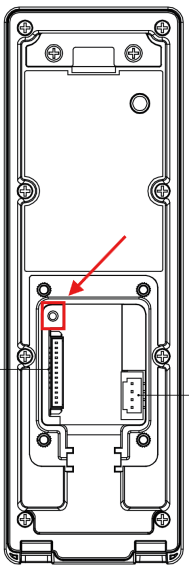
After accessing the device’s web settings, you can set up the IP announcement loop times on the Device > Audio interface.

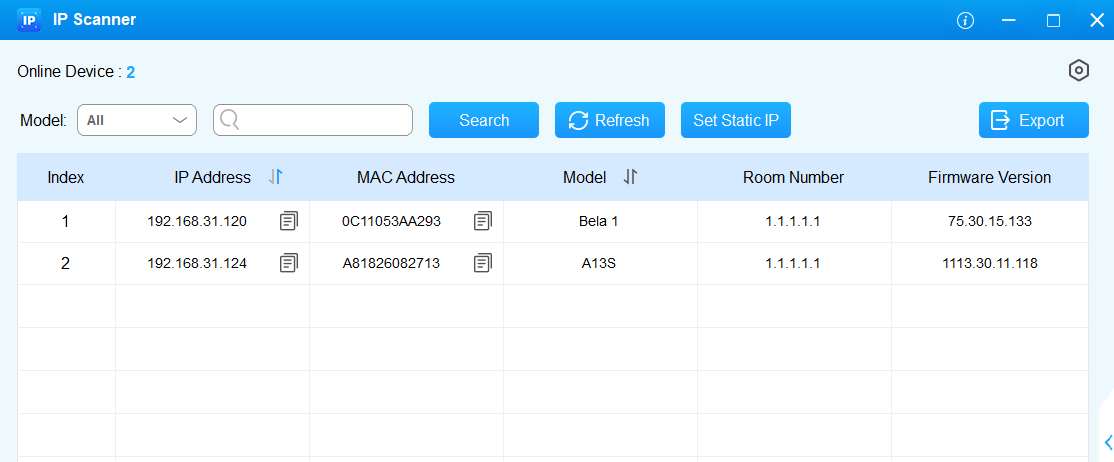
Or, search for the device IP with the Akuvox IP Scanner tool on the same LAN network. Click Refresh to update the list.
Access the Device Settings
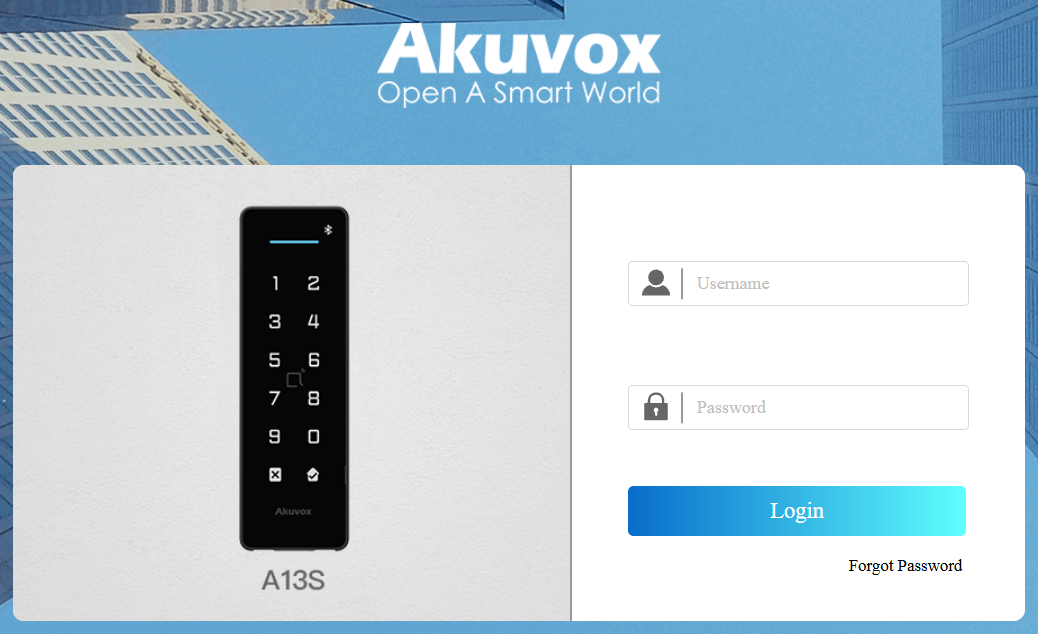
Du kannst die Geräte-IP-Adresse im Browser eingeben und dich in die Weboberfläche des Geräts einloggen, wo du Parameter konfigurieren und anpassen kannst.
Note
Download IP scanner:
https://knowledge.akuvox.com/docs/akuvox-ip-scanner?highlight=IP
See the detailed guide:
Google Chrome browser is strongly recommended.
The initial username and password are both admin(case-sensitive).
Your computer should be on the same network as the device.