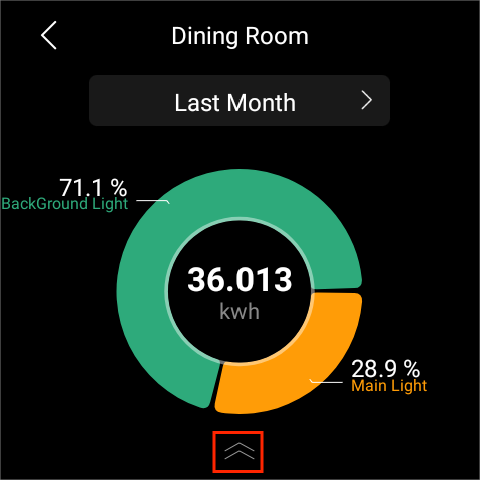
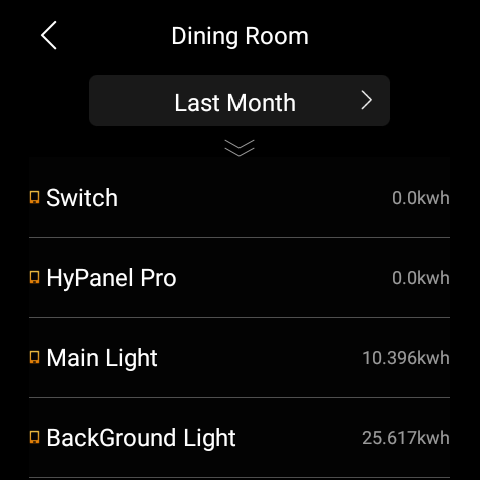
The Energy feature tracks the power consumption of your devices, rooms, and whole home.
NOTE:
By default, the Energy feature is not displayed on the Functions screen. To access this feature, please go to the user web interface, find the desired panel, and click
> Device permissions > Energy.
The Energy feature only applies to smart devices that support energy data collection.
Swipe down from the top edge of any screen to open Control Center, and tap
 > Energy.
On the Energy screen, you can see the previous day’s data, including:
The whole home power usage data showed in the center of the circle.
Top 3 power consumers.
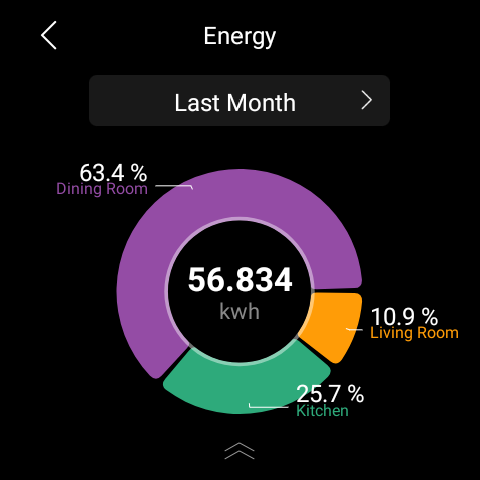
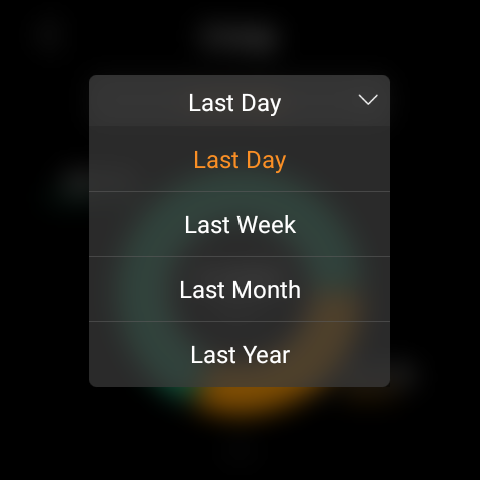
To see energy consumption of last week, or last month, tap
 next to the time period.
To track each room’s power usage, swipe up from the bottom of the screen. The details screen opens.
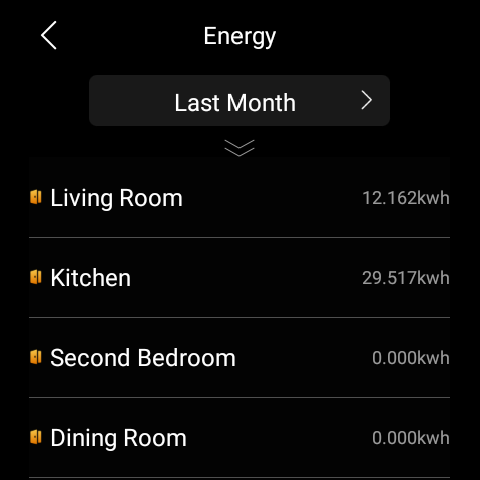
Tap the desired room to see each device’s power usage.