HyPanel Plus integrates with Apple HomeKit, Amazon Alexa, and Control4, and also supports third-party apps, providing effortless and convenient home control.
Amazon Alexa
By integrating with Alexa, you can voice-control all your Amazon devices using Alexa app.
Swipe down from the top edge of any screen, then tap
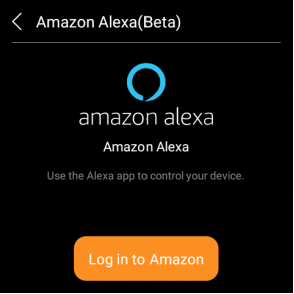
 > Integration > Amazon Alexa(Beta) > Log in to Amazon.
Sign in with your amazon account.
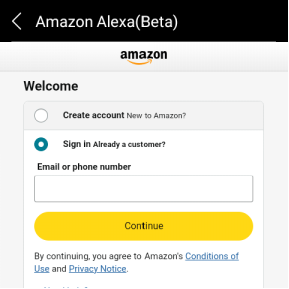
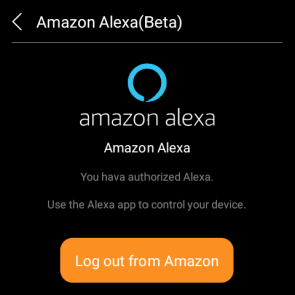
Wait for the integration to complete. Once finished, you can control akubela devices and scenes directly through the Alexa app.
Apple HomeKit
After integration, you can effectively control all devices connected to HyPanel devices using Apple's Home app.
Make sure your Apple device is on the same network with the HyPanel Plus.
Swipe down from the top edge of any screen, then tap
 > Integration > Apple HomeKit(Beta). The following screen displays.
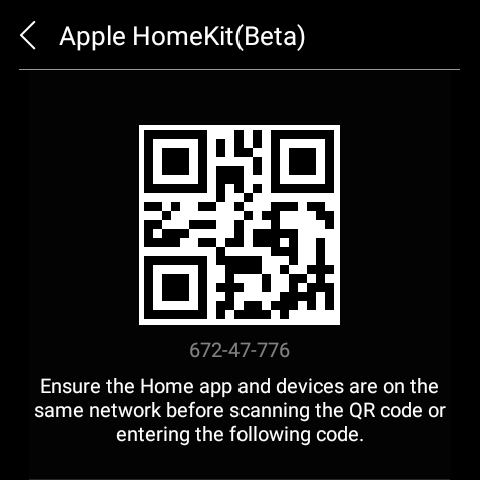
Open the Home app on your Apple device, log in with your iCloud account and continue to tap Add or Scan Accessory.
Scan the QR code.
Tap on Add to “Apple Home”. Follow the onscreen instructions to add all your devices and set them up.
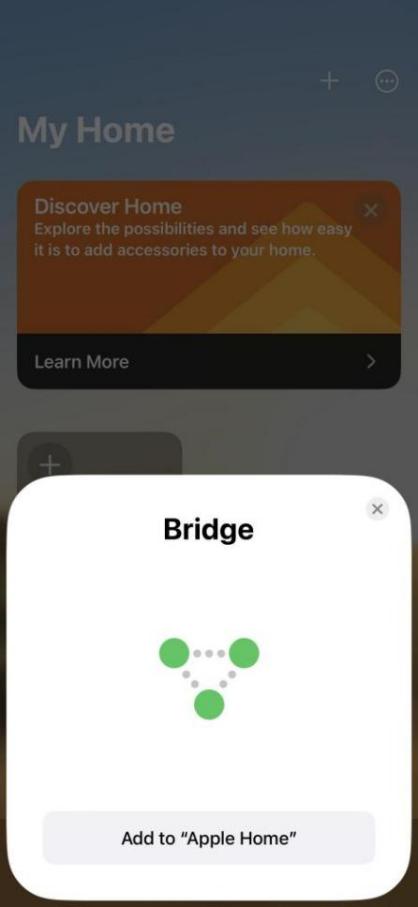
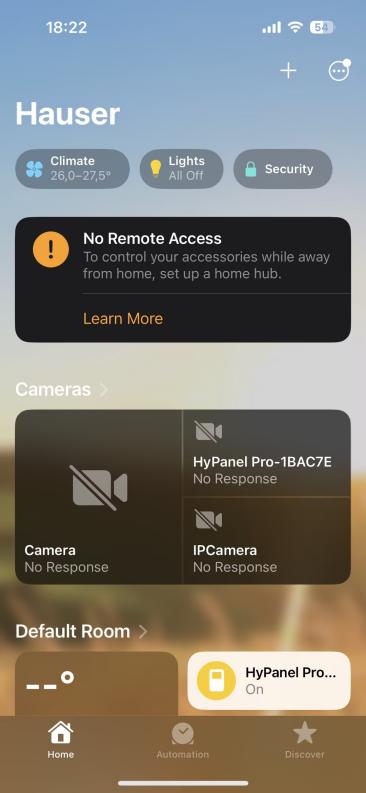
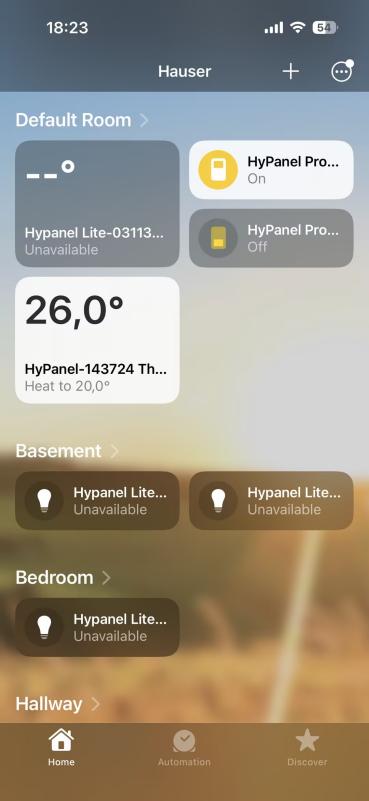
Once completed, all added devices are accessible within the app. Additionally, a successful confirmation screen is displayed on the HyPanel Plus.
You can control added devices directly on the Home app or via Siri. Refer to this page for common Siri commands.
Control4 system
Once integrated, users can operate the Control4 system from both Control4 and HyPanel simultaneously.
Connect Control4 and HyPanel Plus to the same local network.
Configure settings in Control4 Composer.
TIP:
See this guide for detailed instructions.
On the panel, swipe down from the top edge of any screen, then tap
 > Integration > Control4.
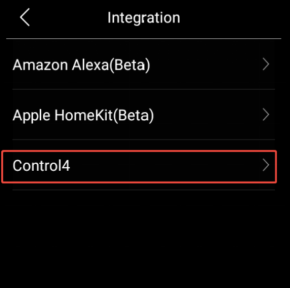
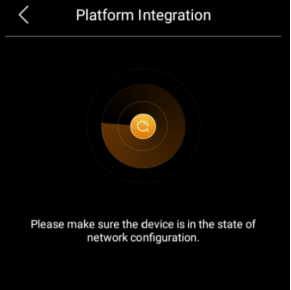
Refresh Composer. The HyPanel Plus will appear, then double-click it to add.
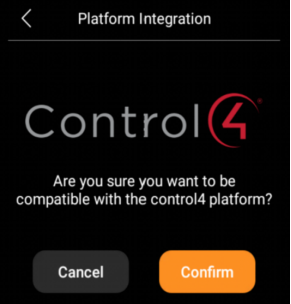
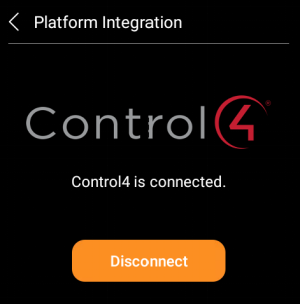
On the panel, tap Confirm. The HyPanel Plus status will then show as connected.
TIP:
For other settings, see here.
Third-party applications
HyPanel Plus allows for installing third-party apps through its device web portal. If you need to install any apps, please contact your service provider.
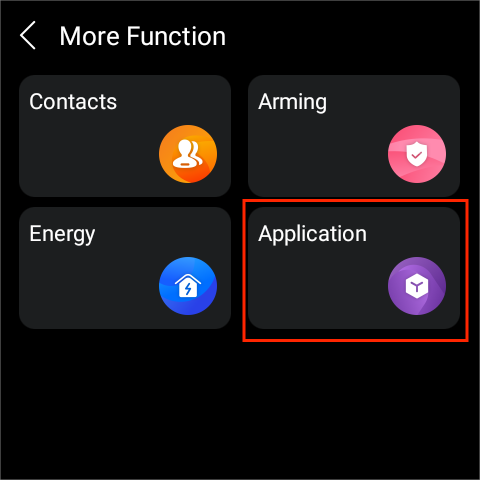
Upon successful installation, you can find the app by swipe down from the top edge of any screen and tapping  > Application.
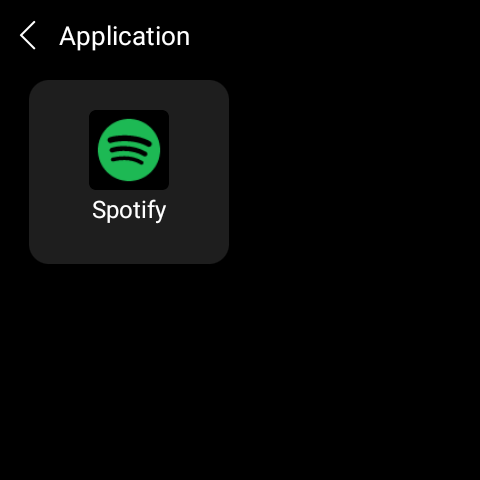
You can also add the app card to the homepage for quick control.
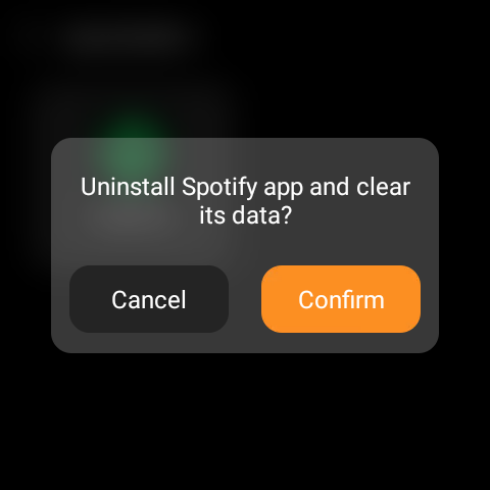
To uninstall the app, tap and hold the app card on the Application screen, and tap Confirm.