Akuvox devices can be upgraded on the device web interface.
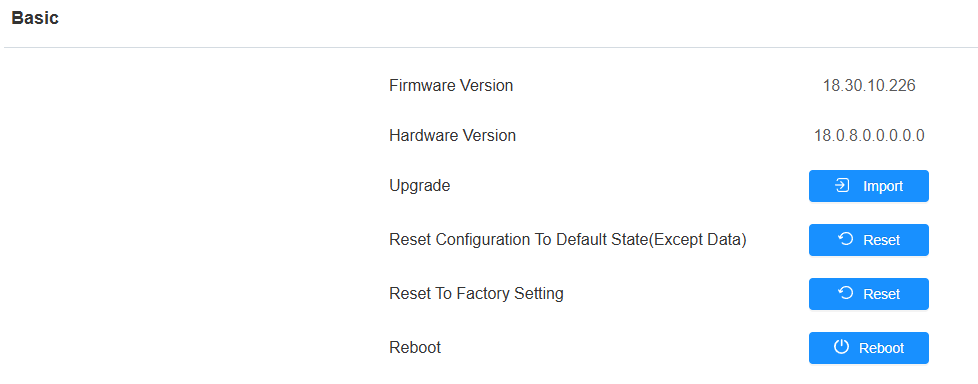
Upgrade the device on the System > Upgrade > Basic interface.
Note
Firmware files should be .rom format for upgrade.
When the device has an SD card inserted, you can add a .rom file at the root directory and change the file name to update.rom. Then, tap Advanced > Upgrade on the device screen for upgrading.
Click here to download the latest firmware and check new features.