Akuvox devices can be upgraded on the device web interface.
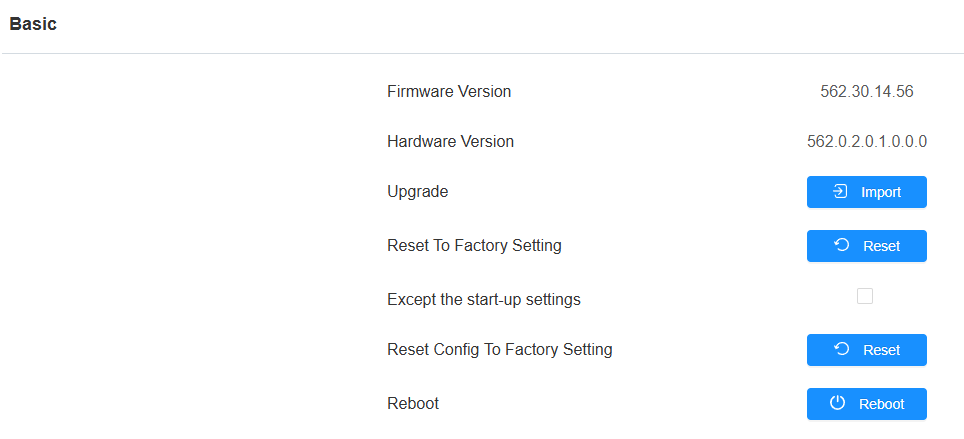
To upgrade the device, navigate to the Upgrade > Basic interface. Click Import to upload the upgrade file.
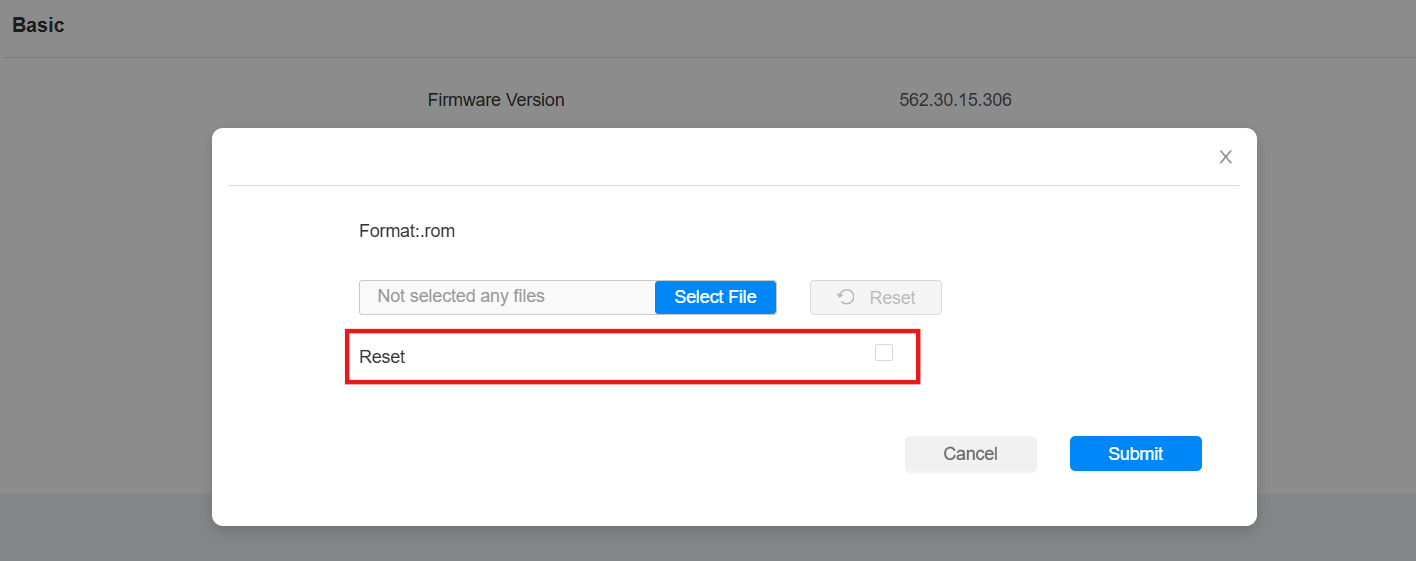
If you want to reset the device while upgrading, check the Reset box. After the upgrade, the device will be reset to the factory settings.
Note
Firmware files should be .rom format for an upgrade.
Click here to download the latest released firmware and view the new features.