Les paramètres système des téléphones portables peuvent être consultés soit sur l’appareil, soit sur son interface.
Access the Device Settings
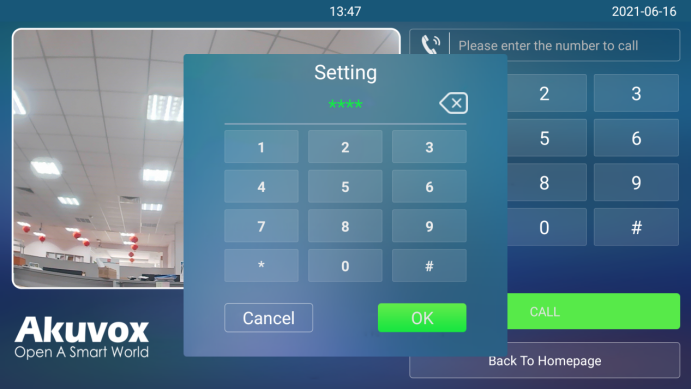
You can set up some basic settings on the device screen by pressing 9999 + Dial key + 3888 (password) on the Dial screen.
Access the Device Web Settings
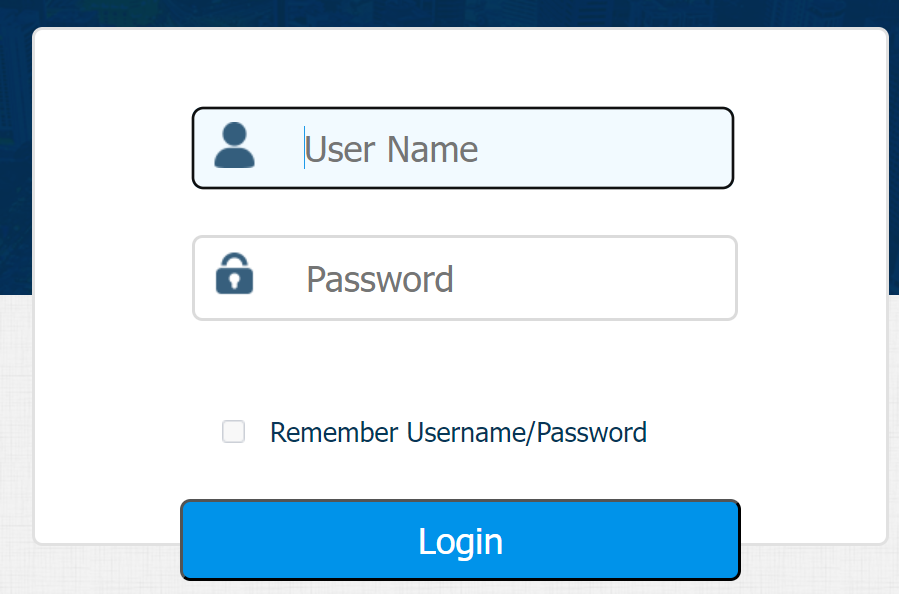
Vous pouvez entrer l’adresse IP de l’appareil dans un navigateur et vous connecter à l’interface web de l’appareil où vous pouvez configurer et ajuster les paramètres.
Check the IP address on the device Settings > Info screen.
Or, use the IP scanner to scan the device IPs on the same LAN.
Note
Download IP scanner:
https://knowledge.akuvox.com/docs/akuvox-ip-scanner?highlight=IP
See the detailed guide:
Google Chrome browser is strongly recommended.
The initial user name and password are admin and please be case-sensitive.
Your computer should be on the same network as the device.