Access the Device
Les paramètres système des téléphones portables peuvent être consultés soit sur l’appareil, soit sur son interface.
Obtain Device IP Address
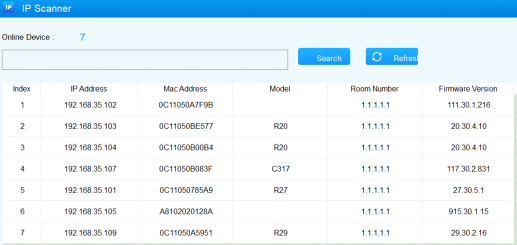
Searching the device IP by the IP scanner in the same LAN network. Just click the Scan tab in the IP scanner to check the device IP. Or checking the device IP address from the device setting screen.
Access the Device Setting on the Device
To access the device setting, press *2396# to enter the advanced setting screen. It provides some advanced permissions like editing network, reset, and admin password modification to administrators, including System Information, Admin Settings, and System Settings.
Access the Device Setting on the Web Interface
Vous pouvez entrer l’adresse IP de l’appareil dans un navigateur et vous connecter à l’interface web de l’appareil où vous pouvez configurer et ajuster les paramètres.
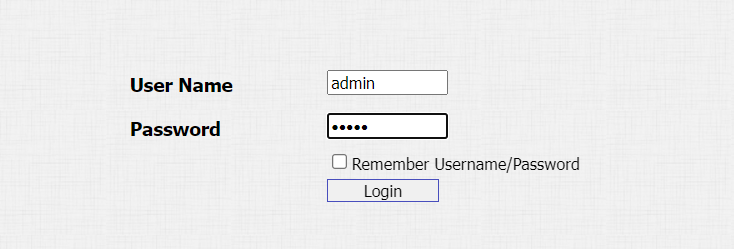
The initial user name and password are both admin, and please be case-sensitive to the user names and passwords entered.
-
You can obtain the device IP address using the Akuvox IP scanner to log in to the device web interface.
-
Download IP scanner:
https://knowledge.akuvox.com/docs/akuvox-ip-scanner?highlight=IP -
See detailed guide:
https://knowledge.akuvox.com/v1/docs/en/how-to-obtain-ip-address-via-ip-scanner?highlight=IP%20Scanner -
Google Chrome browser is strongly recommended.