Access Logs
You can search and check door logs on the device web Status > Access Log interface. You can export the access logs in a CSV or XML file.
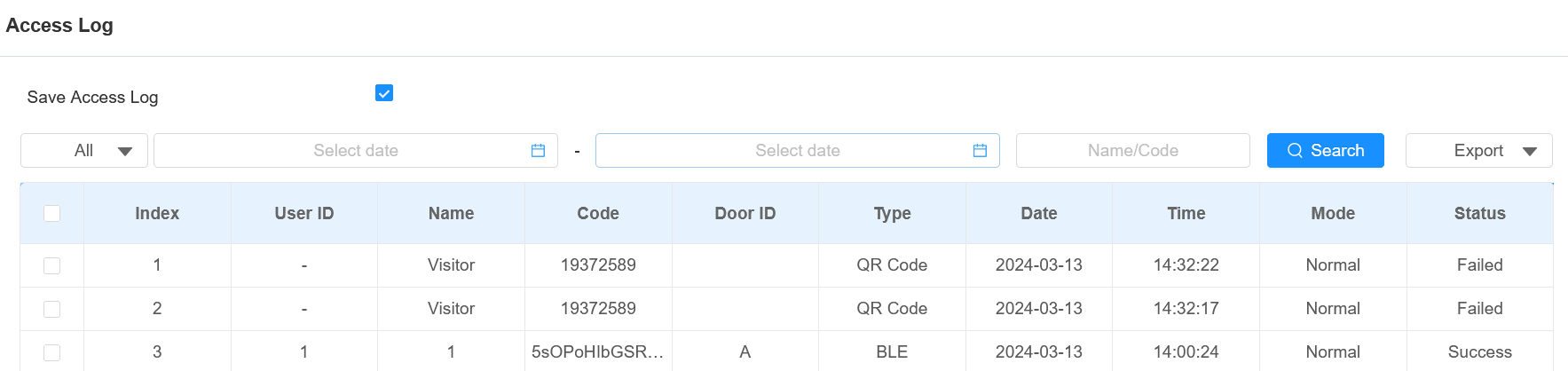
Save Access Log: Decide whether to save the door-opening records.
Status: Success and Failed options represent successful door accesses and failed door accesses respectively.
Time: Select the specific period of the door logs you want to search, check, or export.
Name/Code: Search the log by the username or the PIN code.
Door ID: Display the door name.
Type: Display the access type such as QR code.
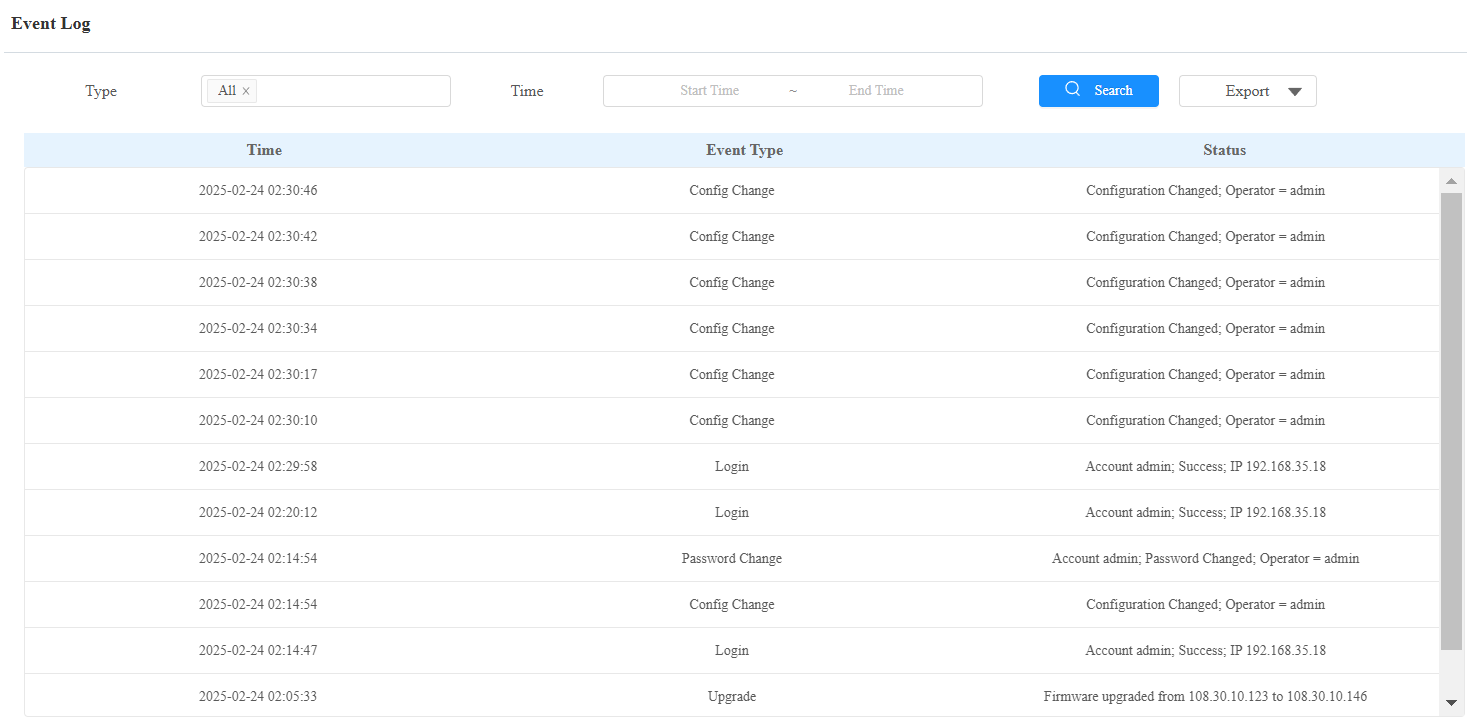
Event Logs
Les journaux d’événements enregistrent les événements clés tels que le changement de statut de l’entrée, le relais, l’alarme de manipulation, etc. Cela aide à suivre l’état et les changements de l’appareil.
Check event logs on the Status > Event Log interface. You can export the event logs in a CSV file.