Volume Configuration
Vous pouvez configurer le volume du micro, du haut-parleur, etc. De plus, vous pouvez également configurer le volume d’alarme anti-falsification en cas de retrait indésirable de l’appareil.
On the Web
Set up volumes on the Phone > Audio interface.
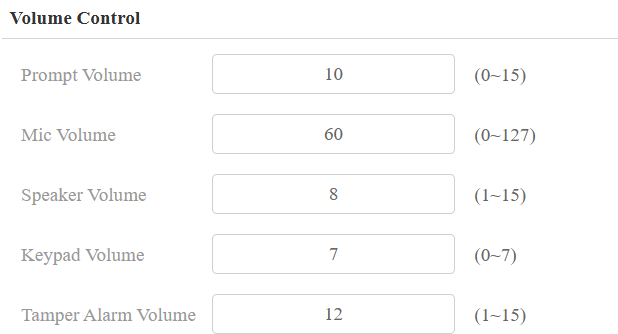
Prompt Volume: Include door-opening prompts, instruction tones, and ringback. The default is 8.
Mic Volume: The default is 60.
Speaker Volume: The default is 8.
Keypad Volume: The icon tapping sound. The default is 7.
Tamper Alarm Volume: Set the volume when the tamper alarm is triggered. The default is 8.
On the Device
Set up the volumes on the Setting > Volume screen.
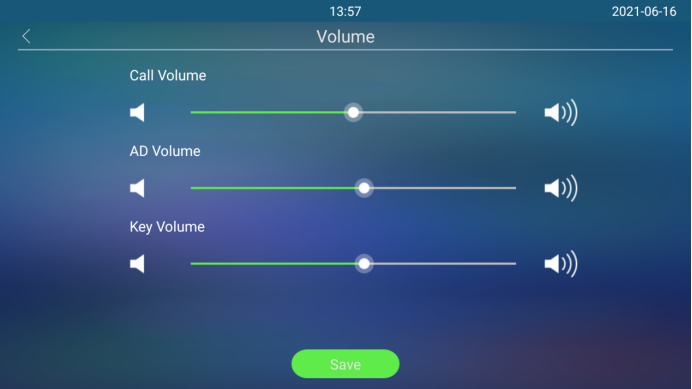
AD Volume: Adjust the announcement volume. Announcements can be, for example, the open-door success announcement, ringback sound, and other prompt sounds.
Key Volume: The volume of tapping keys.
Door-opening Tones
You can enable or disable various types of open door tones on the web Phone > Audio > Open Door Tone Setting interface.
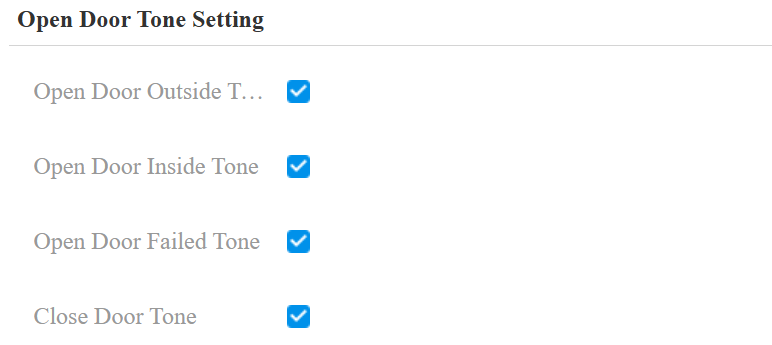
Open Door Outside Tone: The relay-triggered tone. The door-opening tone can be heard when users open doors by the device-supported access methods, except for the exit button.
Open Door Inside Tone: The input-triggered tone. The door-opening tone can be heard when users open doors by pressing an exit button.
Close Door Tone: The door-closing tone works for the relay(s) set to the Bistable mode. When users close the door with their credentials, the prompt will be played.
You can turn on/off the door-opening success/failure tone on the web Intercom > Advanced > Open Door Warning interface.

Upload Tones
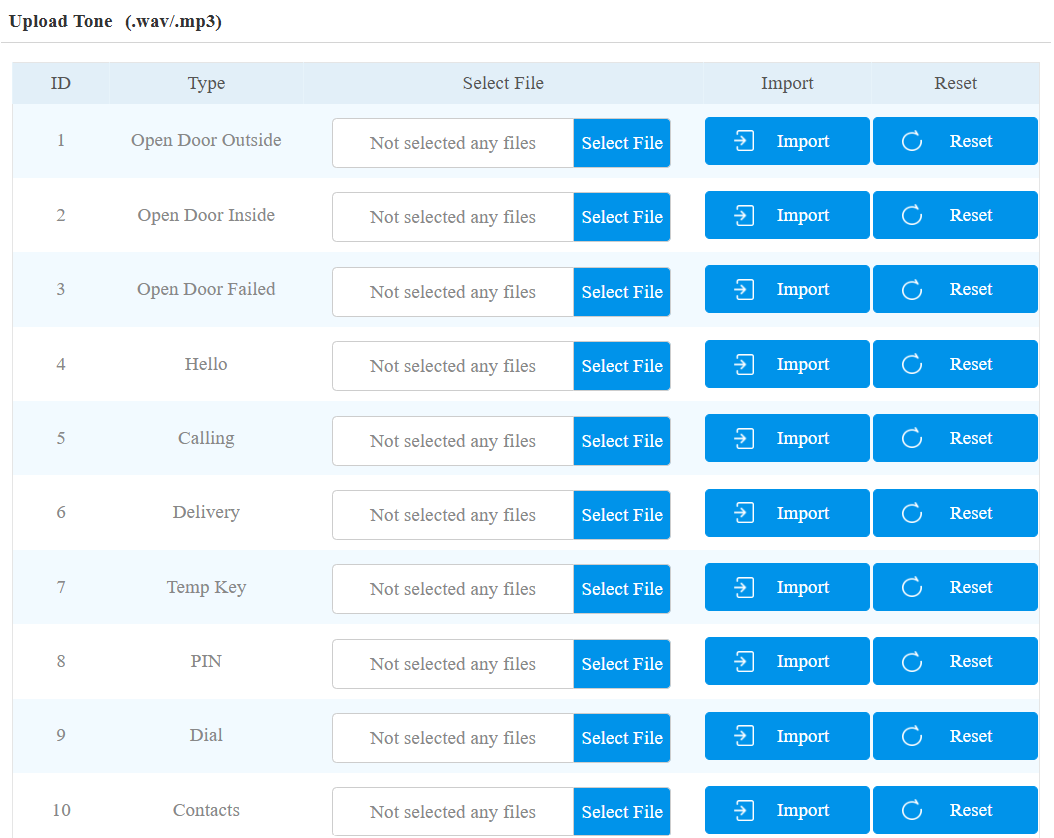
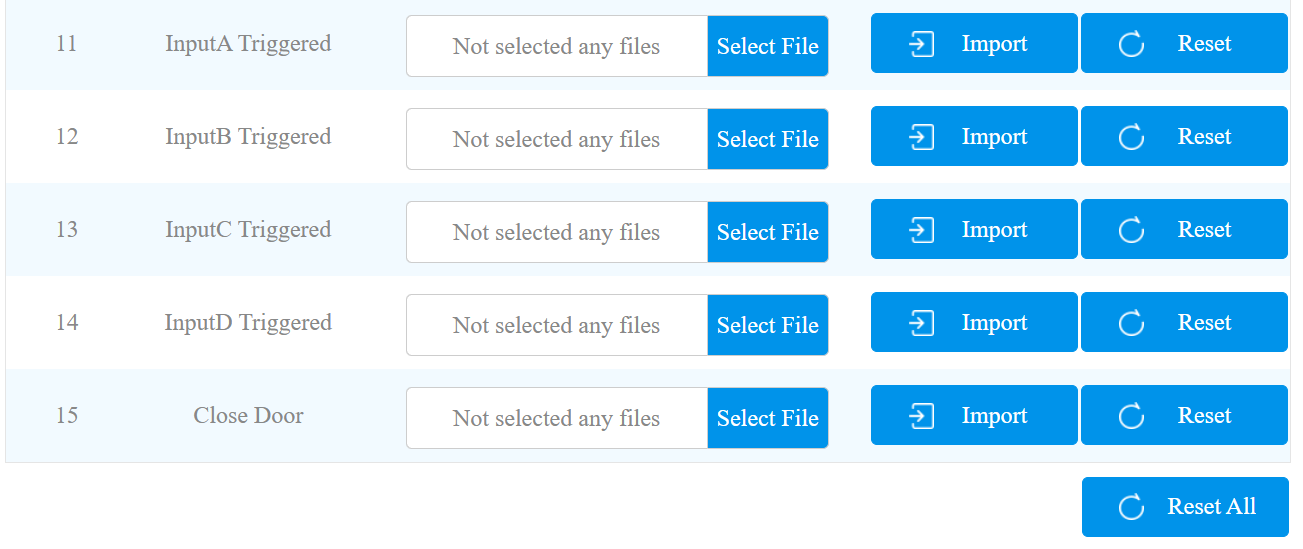
You can upload various types of tones on the Phone > Import/Export > Upload Tone interface. The file should be in .wav or .mp3 format. No limitation on file size.
Click Select File to choose the file from your driver, and click Import to upload it.
Click Reset to remove the file.
Visitor-friendly Mode
This feature decides whether to give auditory or visual prompts when recognition fails.
Set it up on the Phone > Audio > Visitor-friendly Mode interface.

Open Door Tone Mode
You can decide the door-opening tone mode on the Phone > Audio interface.

Voice Prompt: Play the default prompt “Welcome, please come in” when the door is opened.
Sound Effect: Play the Beep sound when the door is opened.