The SL20 receives performance and security updates pushed from the akubela Cloud via your service provider.
To check and confirm an upgrade:
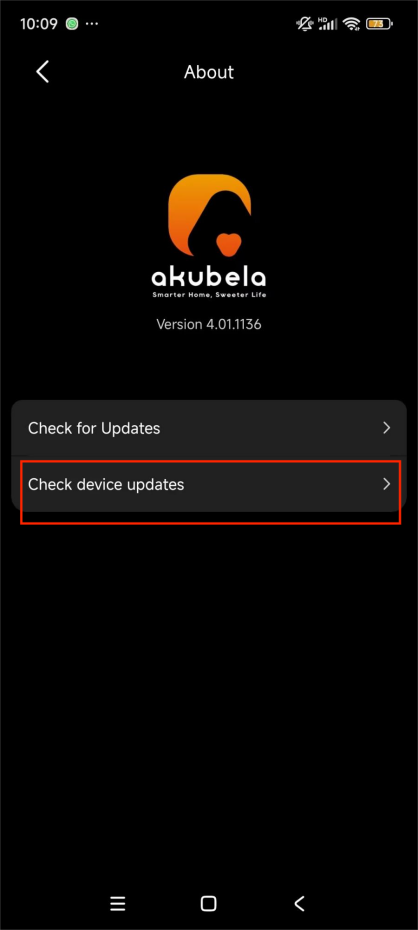
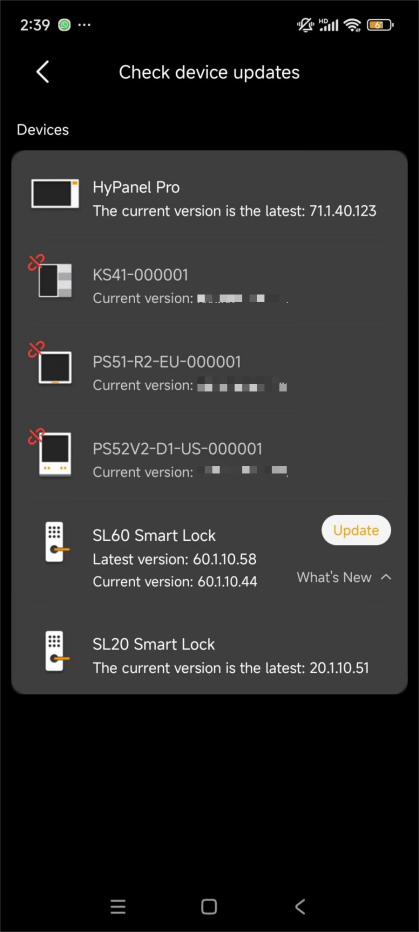
Go to Me > About > Check device updates.
Tap Update to begin the download and installation if a new version is available.
NOTE:
If the lock battery is below 50%, the app will prompt you to charge it before upgrading.
Lock functions, including remote unlocking, remain available during the upgrade.