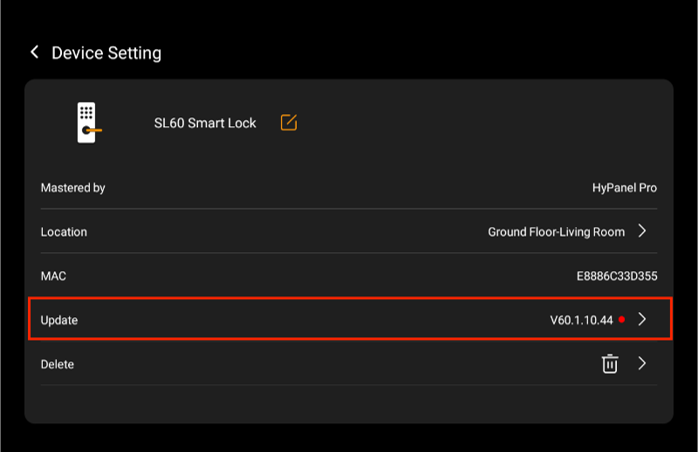
The SL60 receives performance and security updates pushed from the akubela Cloud via your service provider.
To check and install updates:
Via the app
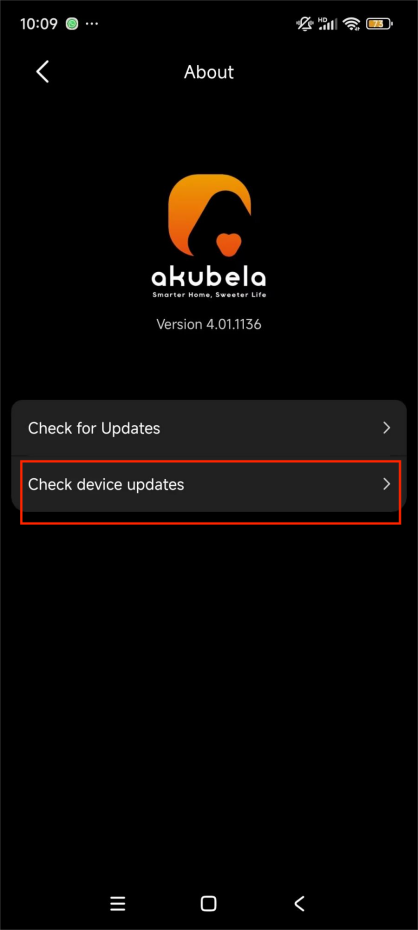
Go to Me > About > Check device updates.
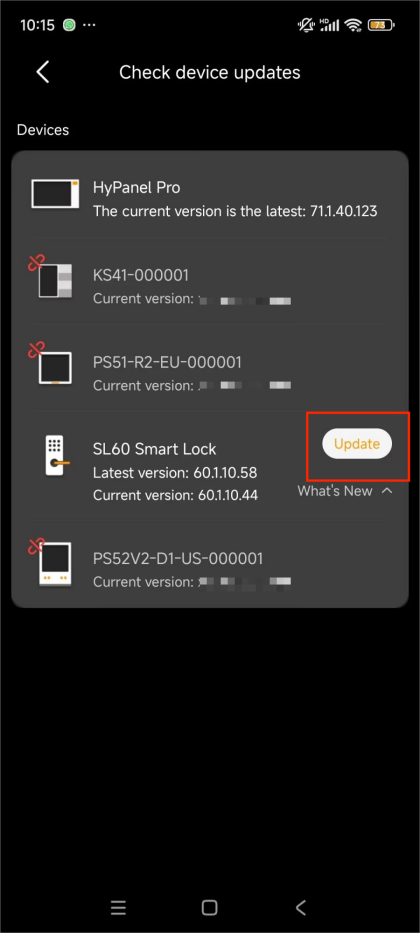
Tap Update to begin the download and installation if a new version is available.
Via the panels
Go to the device settings screen, and tap Update.