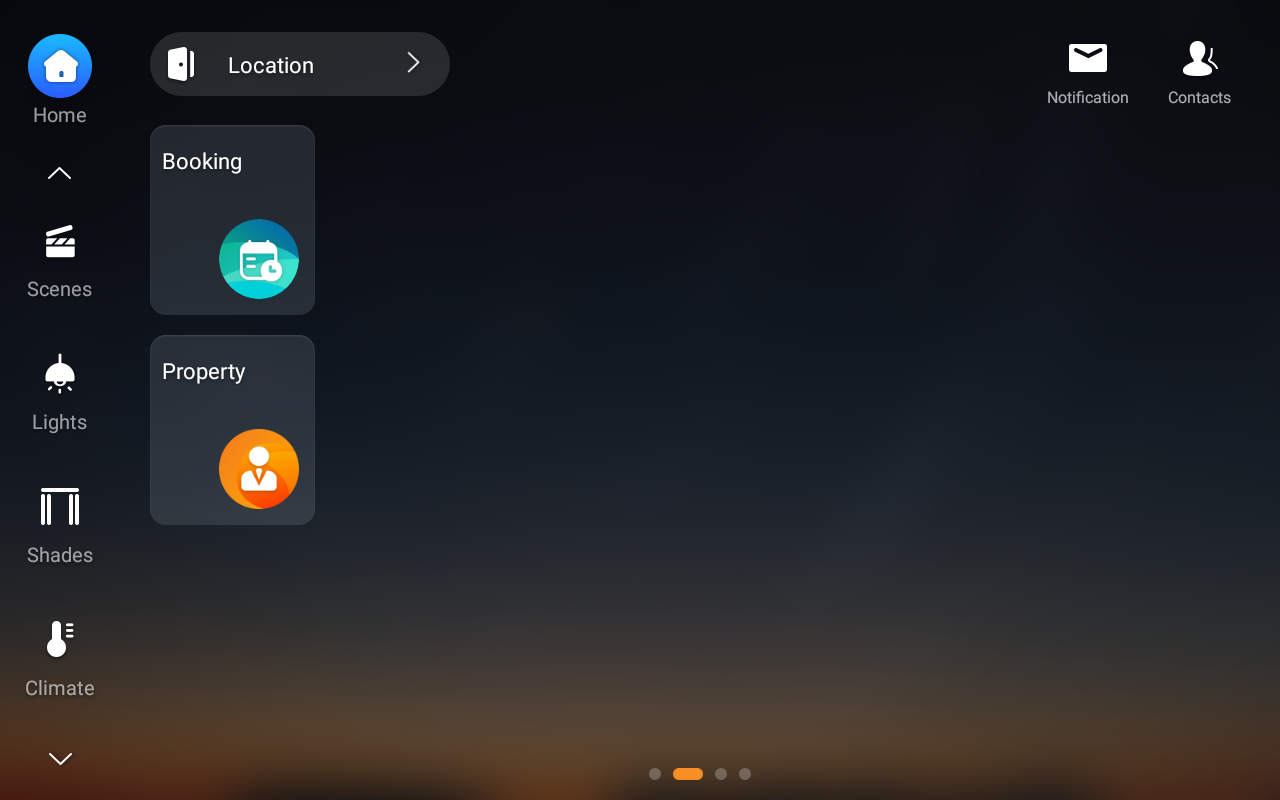
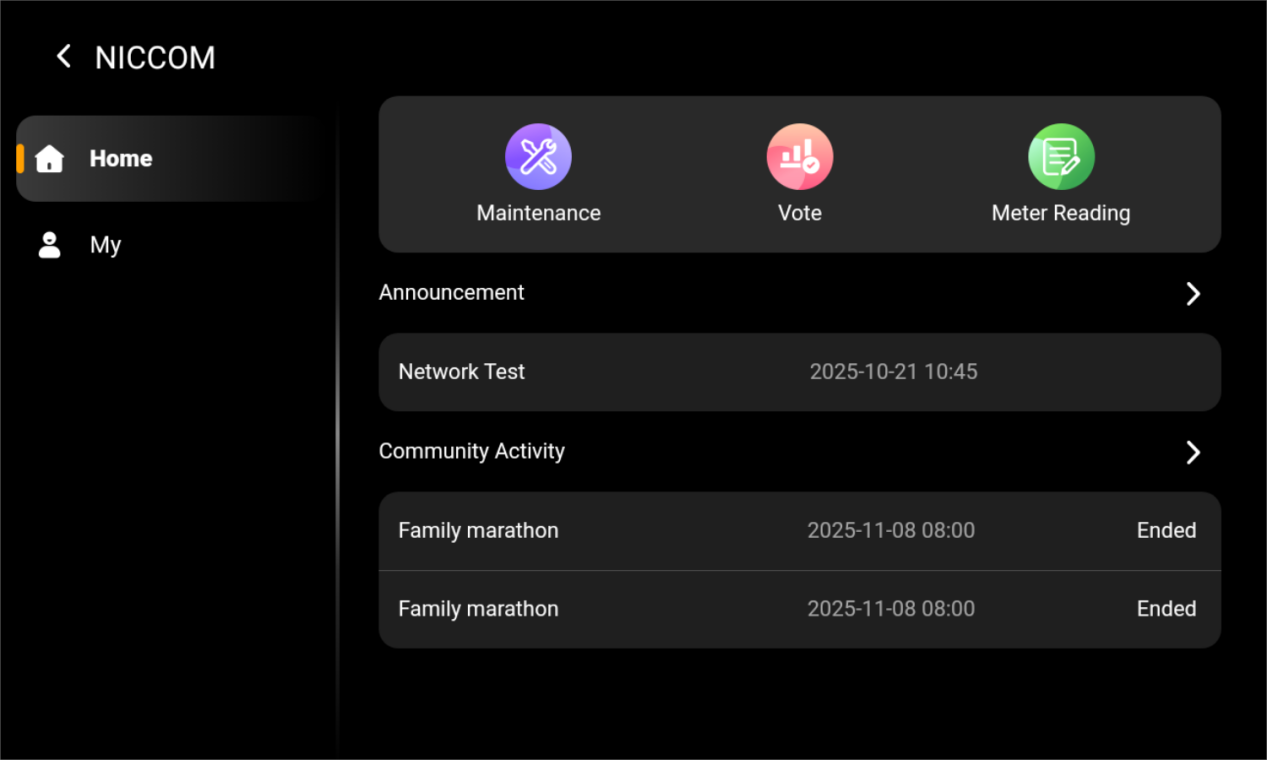
You can manage home settings configured on the akubela Cloud by installers or distributors, choose whether to display the Property feature on residents’ panels, and enable or disable residents’ permission to issue temporary keys via the BelaHome app.
TIP:
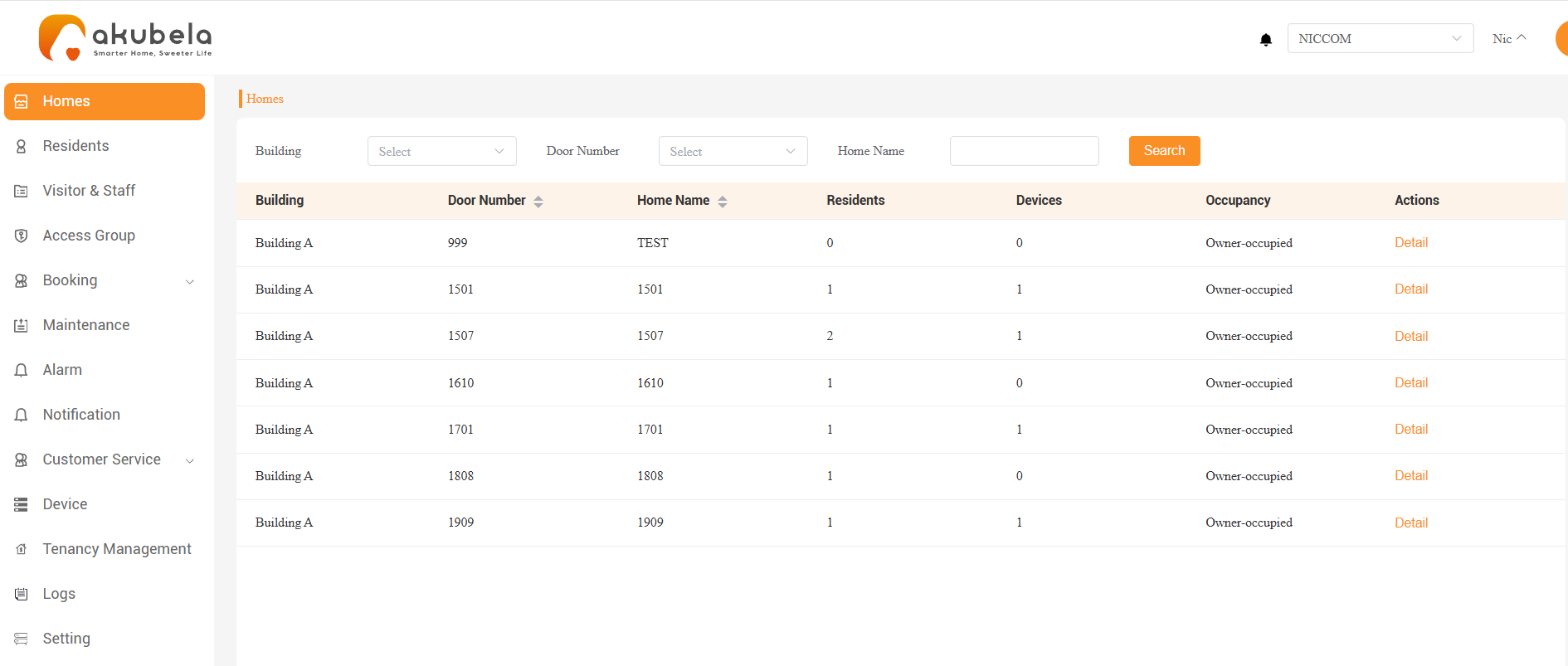
For projects with the Tenancy Management feature enabled, the Homes section also displays the occupancy status.
Mange Home Settings
View Home Details
To view details such as residents and devices, go to Homes > Detail.
Edit Home Settings
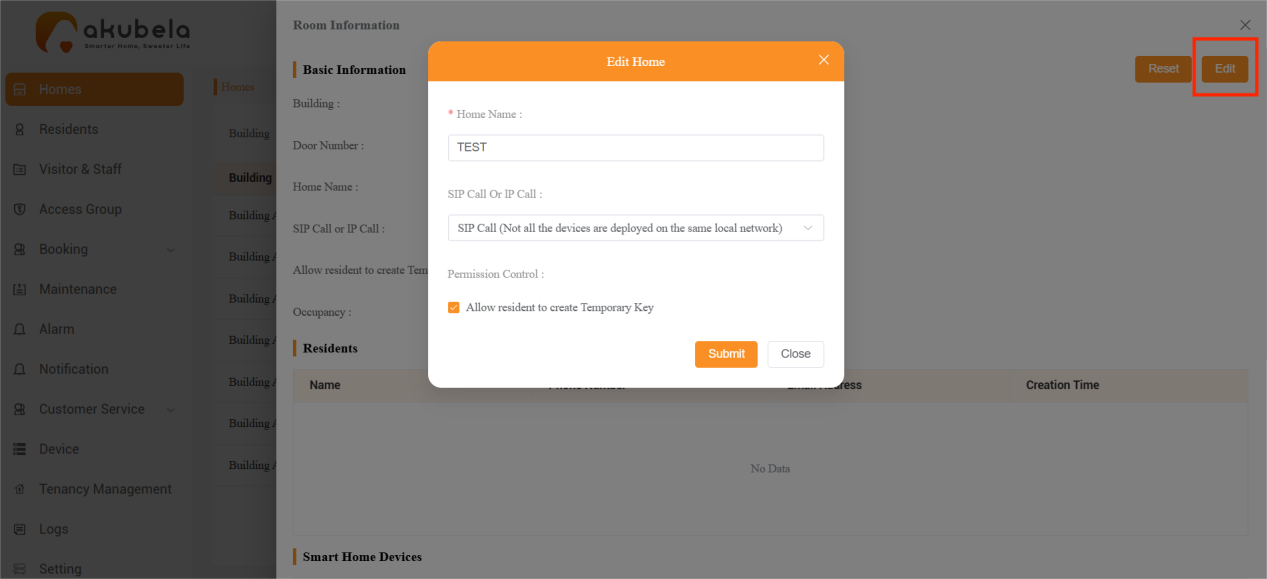
To modify the home name or adjust network settings, click Homes > Detail > Edit.
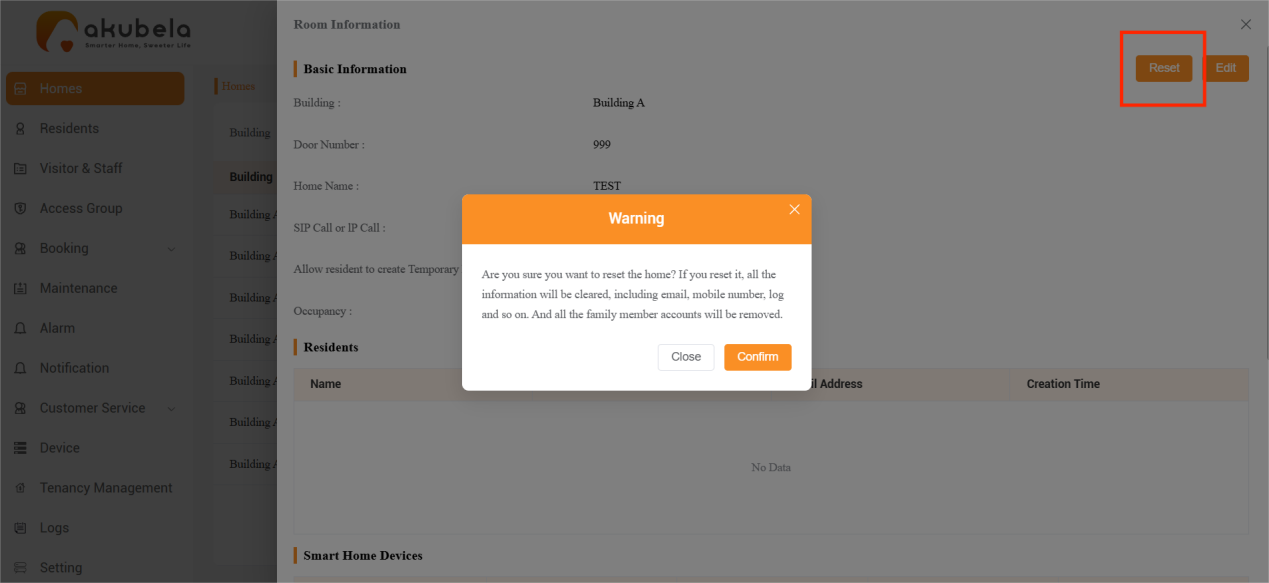
Reset a Home
To remove all user accounts and related data from a home, go to Detail > Reset.
NOTE:
This feature is primarily designed for rental units. After tenants move out, you can reset the home to unbind all user accounts and remove associated data from both the platform and the home panels.
SmartPlus app permissions are not affected.
Mange User Temporary Key Permissions
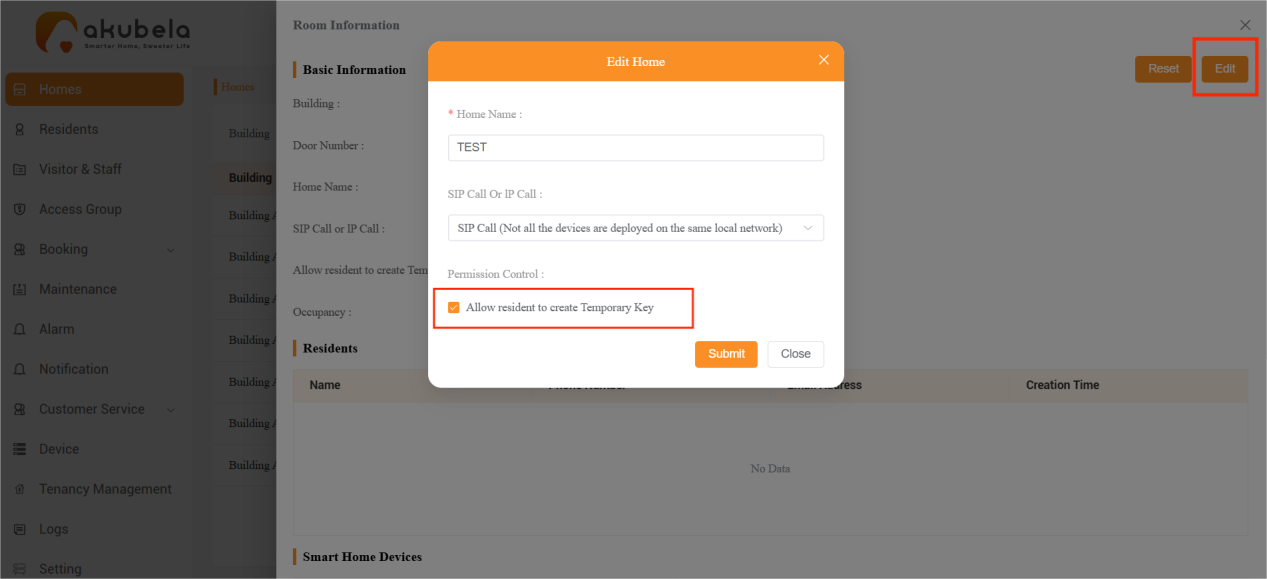
By default, residents can create temporary keys for visitors or delivery personnel through the BelaHome app. You can disable this feature for specific families by going to Homes > Detail and ticking off the checkbox at the bottom of the pop-up window.
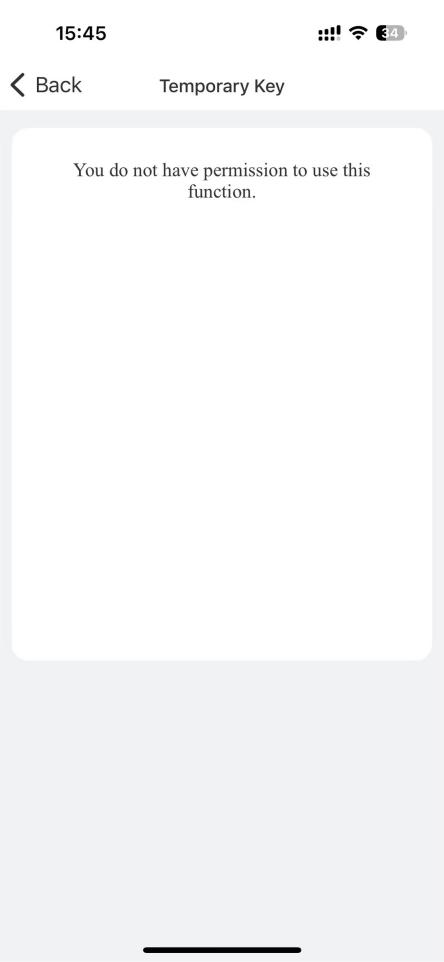
Once disabled, all users in that family will see the following screen when attempting to create temporary keys in the BelaHome app.
Display Property Function Card on User Panels
You can decide whether to display the Property function card on residents’ panels. This card allows users to access Maintenance, Meter Reading, participate in votes, and view community messages directly on their large-screen panels.
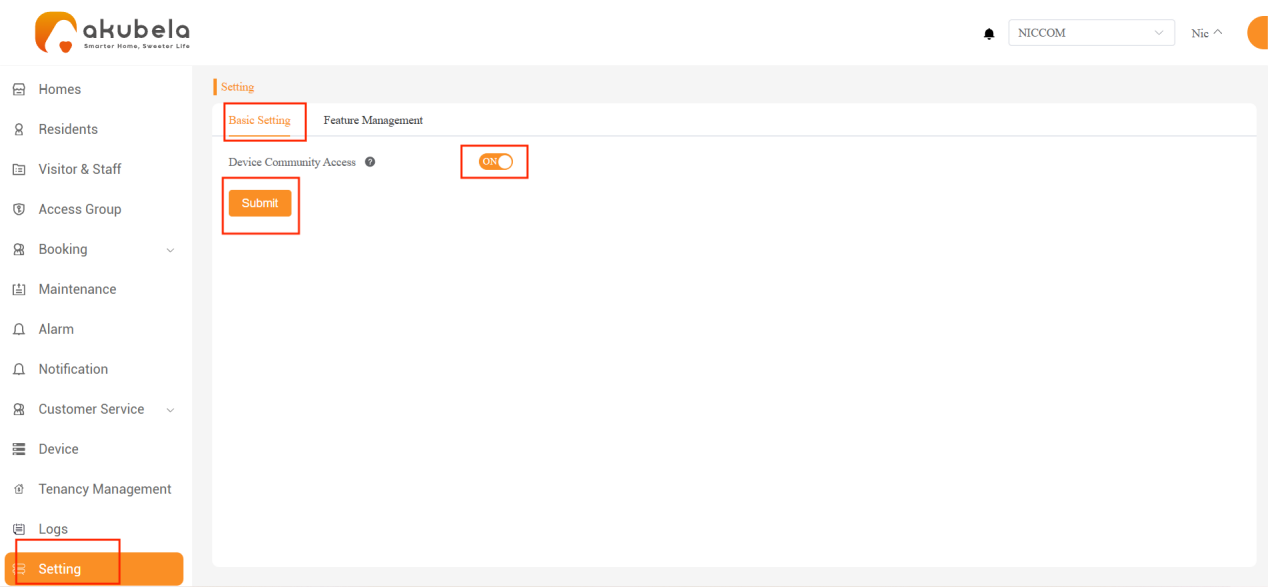
To enable or disable this feature, go to Setting > Basic Setting, toggle Device Community Access on or off, and click Submit.
NOTE:
Once enabled, the Property function card will appear on all large-screen panels in the home. Small-screen panels do not support this feature.