Function Sections
The PM platform includes twelve default function sections to help you efficiently manage communities, residents, staff, and devices.
For rental projects with the Tenancy Management feature enabled, an additional Tenancy Management section will appear.
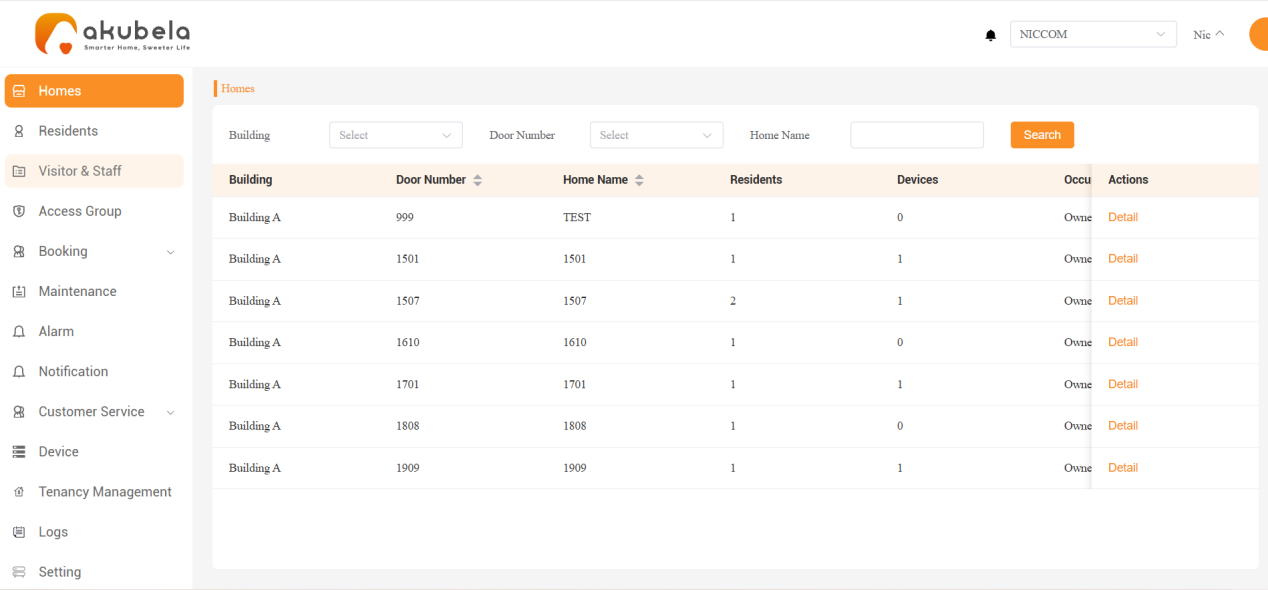
Homes
View families and their details within the project.
Add, edit, or delete residents; assign access credentials and access groups; reset passwords; and manage resident profiles.
Visitor&Staff
Create temporary access credentials for visitors and assign access credentials to staff members.
Access Group
View, add, edit, or delete access groups.
Booking
Manage public amenities, including availability, reservation approvals, and booking records.
Maintenance
Process and manage residents’ maintenance requests.
Alarm
View emergency alarms triggered by door phones, as well as SOS and sensor alarms from HyPanels.
Notification
Check device alerts, such as low battery warnings.
Customer Service
Create and send messages, pickup notifications, announcements, votes, and activity notices to residents. You can also manage utility meter readings for the community.
Device
Manage all devices in the community, including HyPanels, intercoms, and smart locks.
Tenancy Management
Manage rental homes, including setting move-in and move-out status and resetting home data after move-out. This section appears only when the tenancy management feature is enabled in Settings.
Logs
View door unlock histories and call records from the past 30 days.
Setting
Configure whether to display the Property function card on residents’ panels, and enable or disable the Tenancy Management feature and make this section visible, as well as the Pickup Notification and Meter Reading features in the Customer Service section.
Other Actions
There are three options in the top right corner:
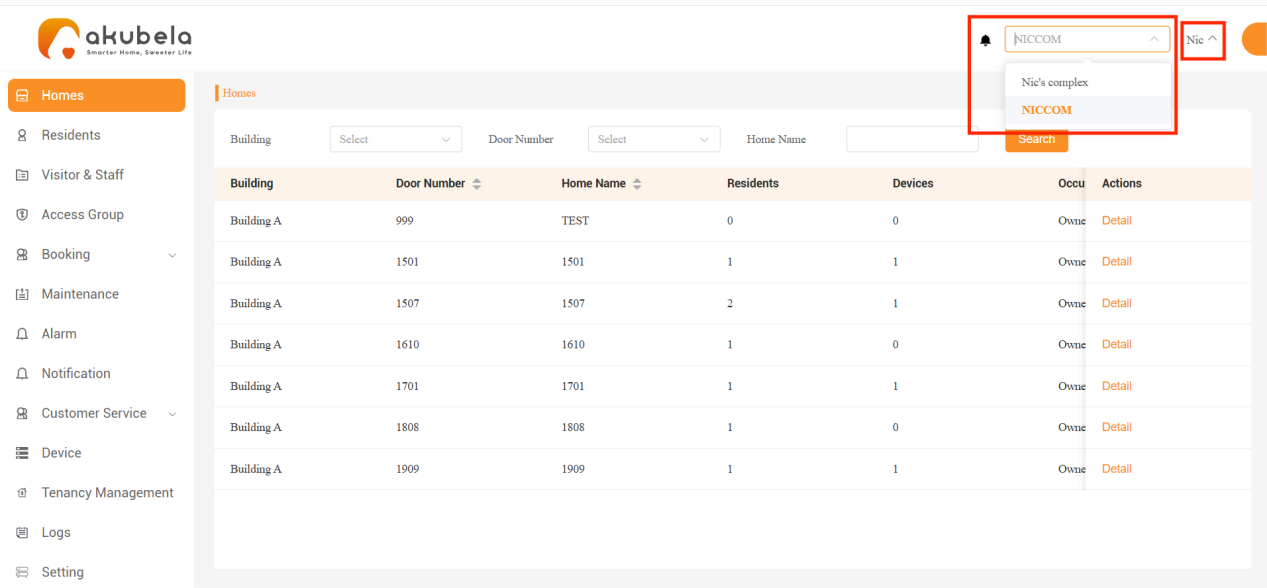
Bell Icon
 : Click to redirected to the Notification interface to view all device alerts.
Community Name: Click to switch projects if your account is linked to multiple communities.
Username: Click to change your password, view the akubela Privacy Policy or User Agreement, or log out of the platform.