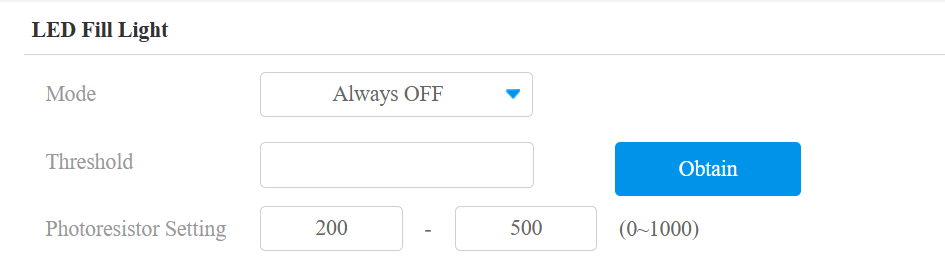
The IR LED on the R29 is controlled by the ambient light detection threshold. You can effectively disable the IR LED by adjusting the LED threshold values.
Configuration steps:
Log in to the R29 web interface.
Navigate to Device > Light > LED Fill Light.
Adjust the light sensor threshold values:
The right value defines when the IR LED turns on (when the environment becomes darker).
The left value defines when the IR LED turns off (when the environment becomes brighter).
How it works:
When the current light sensor value (RXX) is higher than the right threshold (for example, 500), the IR LED turns on.
When the current light sensor value becomes lower than the left threshold (for example, 200), the IR LED turns off.