1. Tap Me > Settings > Call Settings > Incoming Call Sound.
2. Select the desired option.
Follow System: Use your mobile phone's default sound.
Sound On: Use the SmartPlus default sound.
Mute: Mute the incoming call sound.
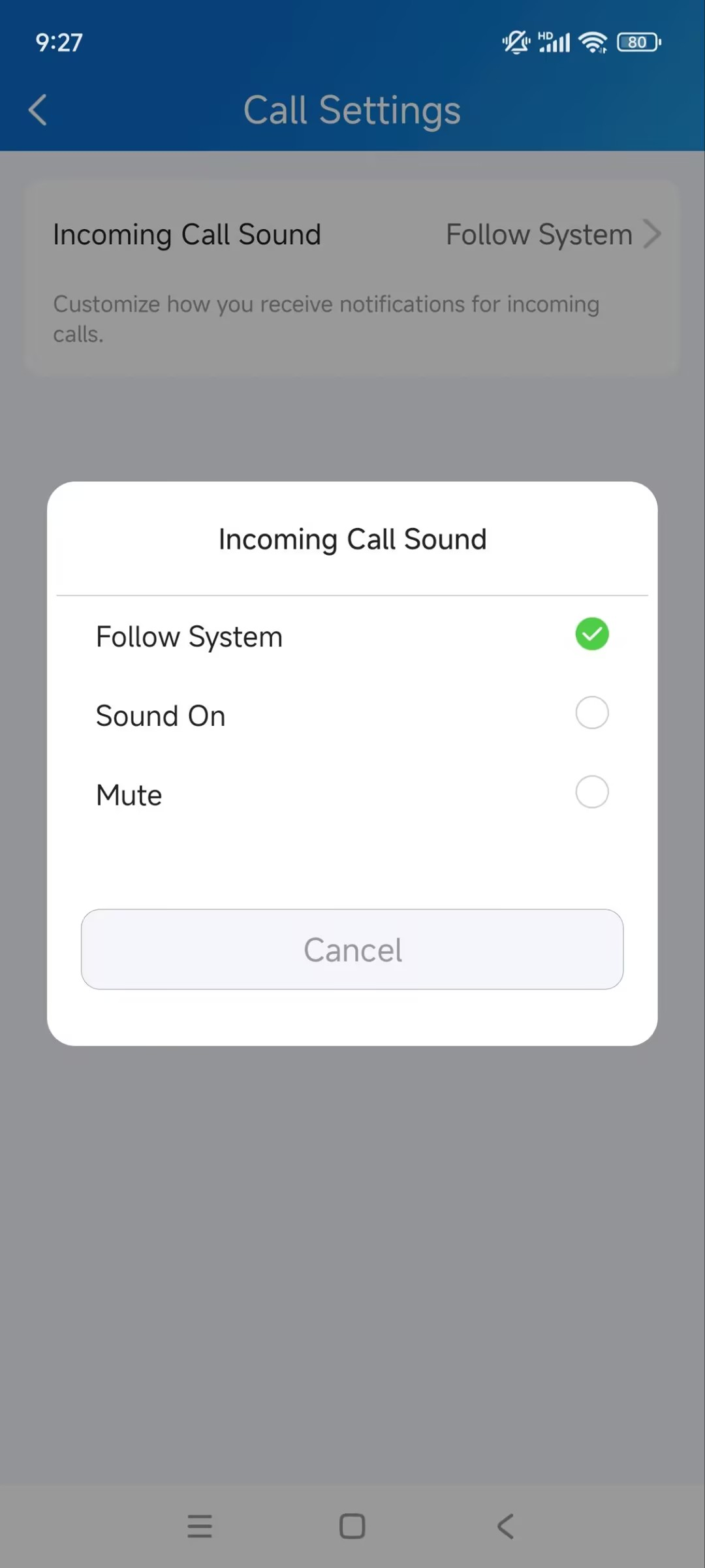
1. Tap Me > Settings > Call Settings > Incoming Call Sound.
2. Select the desired option.
Follow System: Use your mobile phone's default sound.
Sound On: Use the SmartPlus default sound.
Mute: Mute the incoming call sound.