akubela panels and BelaHome App allow you to open doors wherever you are. When someone rings the door phone, you can answer its call on akubela device. When you are away, you are able to use your phone to check who is at your front door and unlock the door.
Before getting started
The door phones must be added on the SmartPlus platform, and the relevant intercom project must be synced to the akubela cloud.
To ensure the family members can SIP call with door phones, make sure the following requirements are satisfied.
The member accounts must be added and activated on the SmartPlus cloud.
The added accounts must be synced to the akubela cloud.
The administrator within the family needs to log into the BelaHome app to create family member accounts and grant them the intercom permission in Family Management > Family Members >Authority.
3. The third-party smart lock is connected to the akubela panel and can function normally.
Unlock the door during a call
To answer the call from the door phone, do any of the following.
Tap  to release the door. You can choose from an available door list to unlock the desired door.
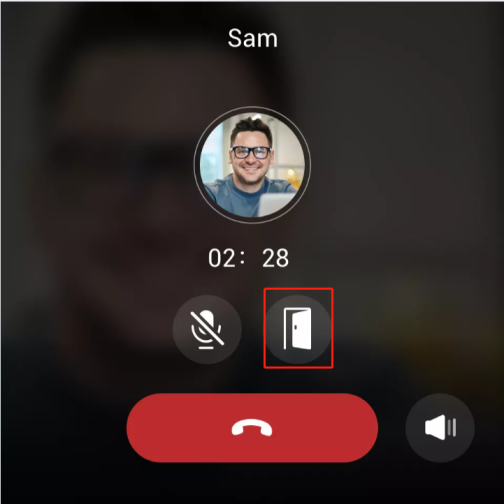
To unlock the door when receiving a call from the door phone, do any of the following.
Tap
 on the calling page.
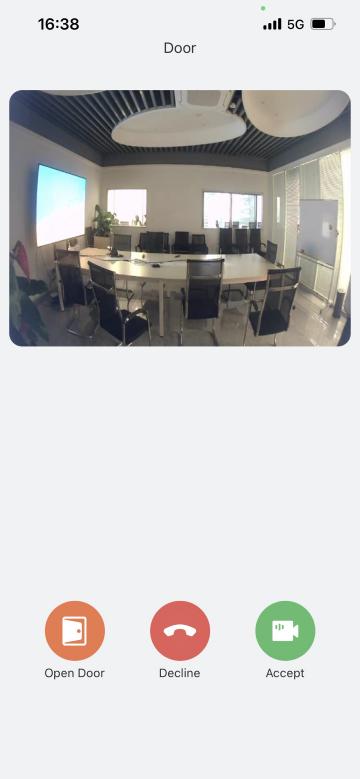
Tap
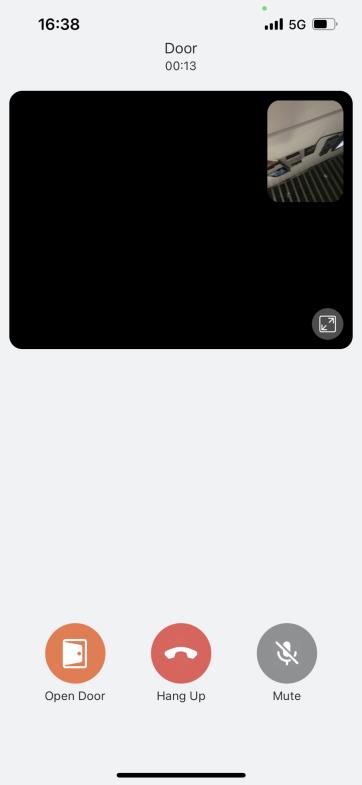
 to answer the call. On the followed talking page, tap
  , and then Yes.
Unlock the door remotely
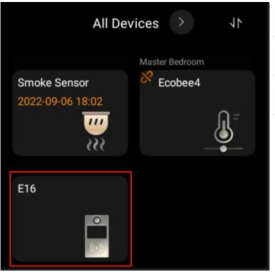
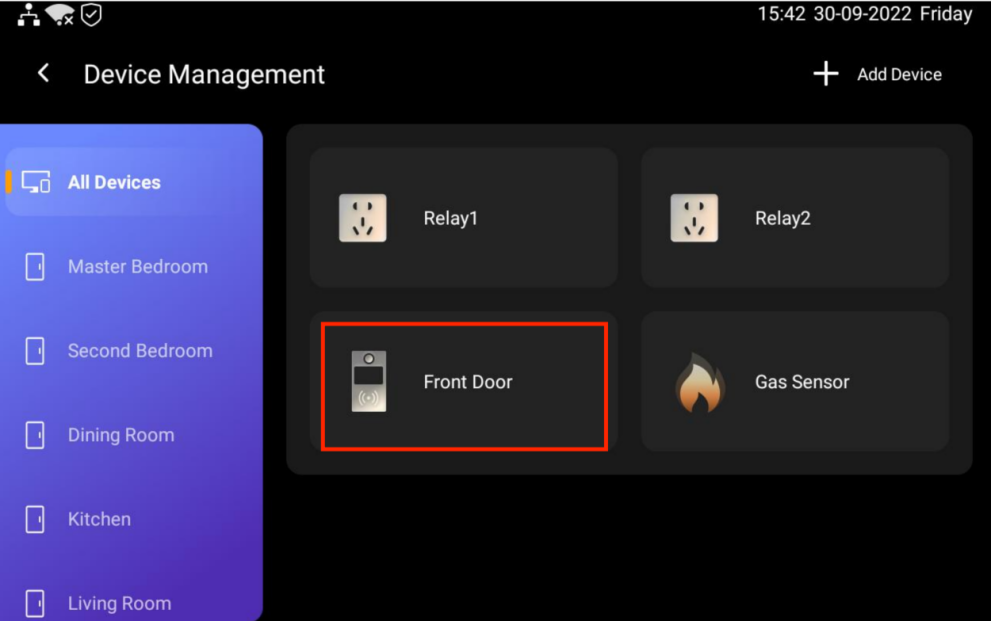
You can unlock the door directly by tapping its card on either the device or your phone.
Tap anywhere of the screen to wake the device up.
Swipe left or right to go to the All Devices screen.
Find the door phone you need to control, and tap its card.
The screen displays Door opened.
Via BelaHome App
1. Tap  at the bottom tab bar.
2. Find the door phone, and tap  .
.
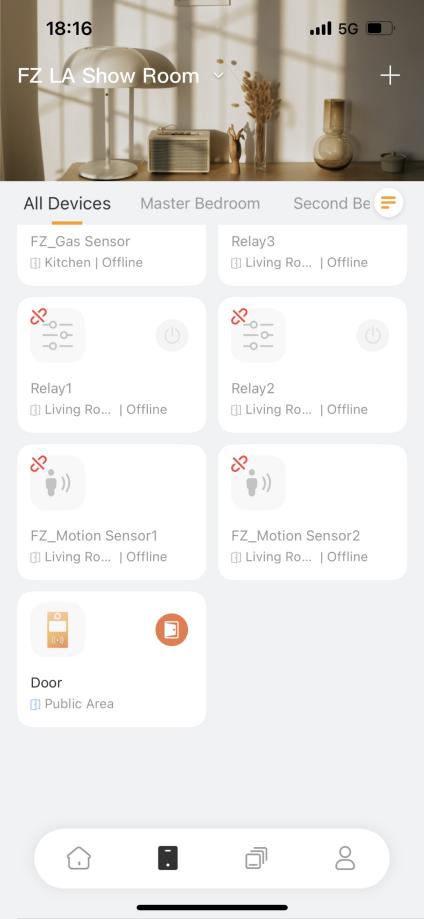
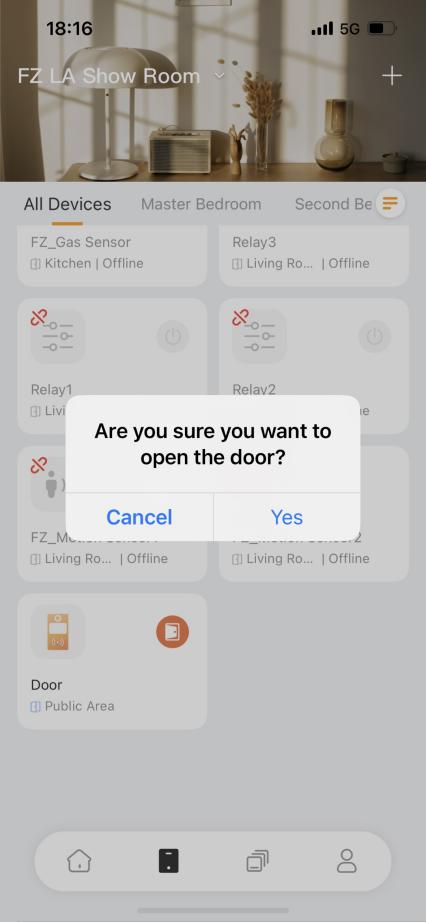
3. Tap Yes to confirm your choice.
4. The screen displays Open door successfully.
Open a third party smart lock
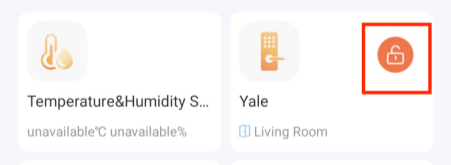
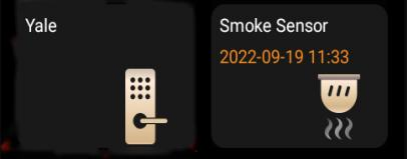
If you are using a Yale smart lock, you are able to directly unlock the connected third party lock from either the akubela panel or the App.
Wake the device up, and swipe left or right to go to the All Devices screen.
Tap the desired smart lock. The screen shows Open the door successfully.
Via BelaHome App
Tap
 at the bottom tab bar.
Find the third party smart lock, and tap
 .
.