akubela devices and the BelaHome App allow you to make one-to-one calls with any intercom-enabled devices. For example, you can call the HyPanel installed in your kid’s room to let him/her come to dinner, or call the door phone to see and hear who is knocking on your door.
Before getting started
1. The door phones must be added on the SmartPlus platform, and the relevant intercom project must be synced to the akubela cloud.
2. To ensure the family members can SIP call with door phones, make sure the following requirements are satisfied.
The member accounts must be added and activated on the SmartPlus cloud.
The added accounts must be synced to the akubela cloud.
The administrator within the family needs to log into the BelaHome app to create family member accounts and grant them the intercom permission in Family Management > Family Members >Authority.
3. The third-party smart lock is connected to the akubela panel and can function normally.
Make calls through devices
You can use akubela devices to make audio calls with any devices or family members within the family.
Through HyPanel/HyPanel Lite
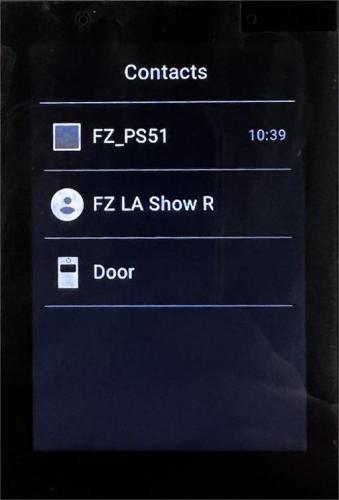
Wake up the device, and swipe left or right to go to the Contacts screen.
Select the family member or device you want to call.
3. On the conversation screen, tap  .
.
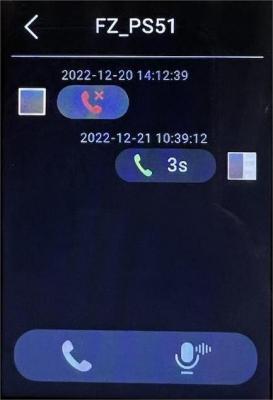
What else you can do on the audio call screen:
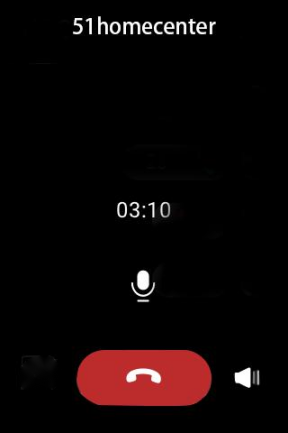
Tap  to silence your microphone, so the other party cannot hear your voice.
Tap  to adjust the volume.
Tap  to hang up the call.
Through SmartPanel/SmartPanel Pro
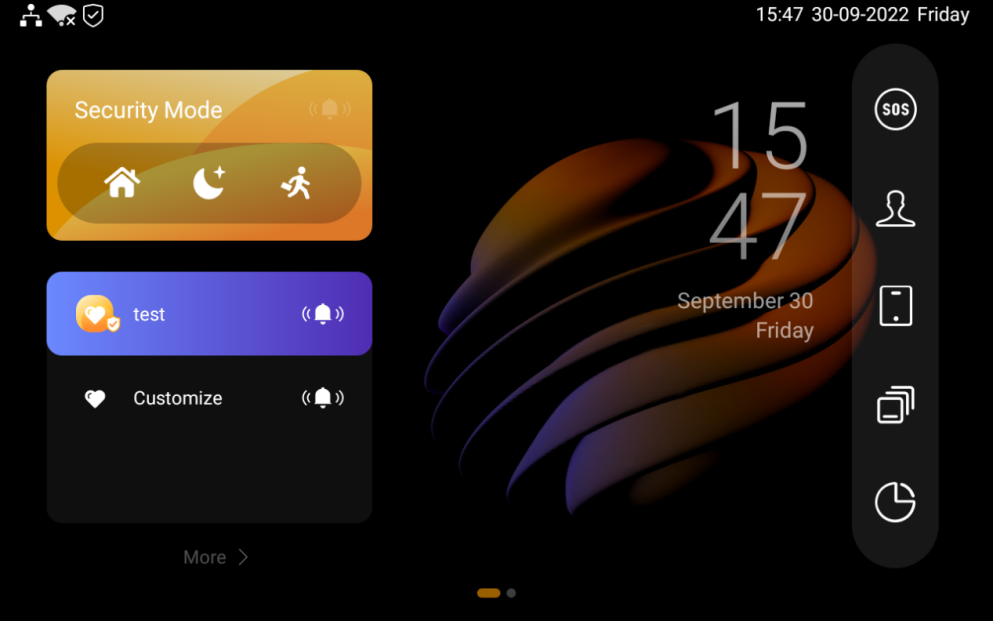
Tap
 on the Home screen to turn to the Emotional Bond screen.
2. Select the family member or device you want to call.
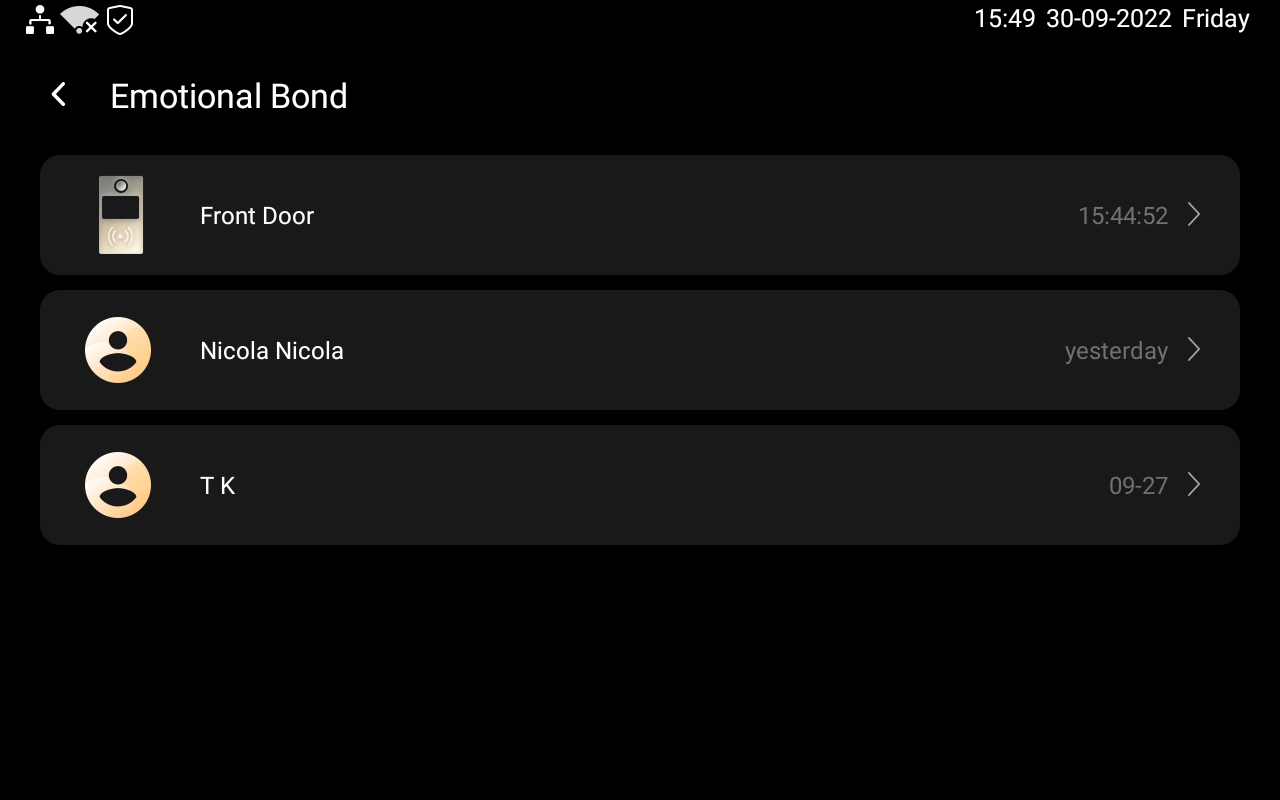
3. On the conversation screen, tap  .
.
What else you can do on the voice call screen:
Tap
 to adjust the volume.
Tap
 to hang up the call.
Make calls via BelaHome App
From BelaHome App, you can make voice calls with your family or akubela devices directly. You are also able to video call the door phones that are with cameras.
Tap
 , and the Messages box at the top.
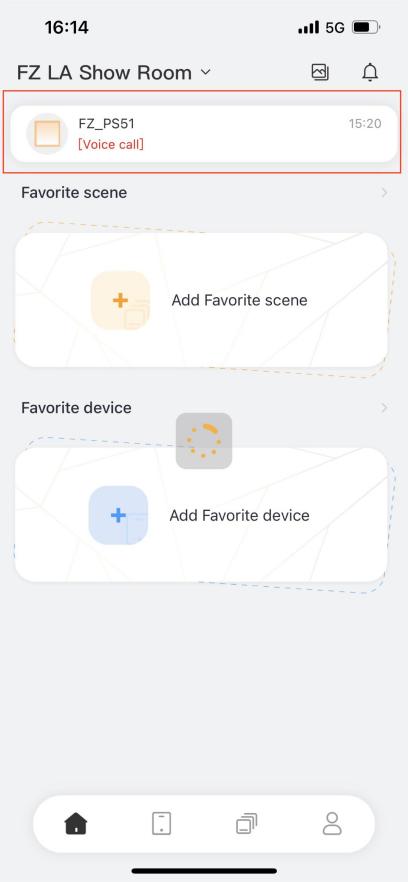
2. On the Messages screen, you can do any of the following.
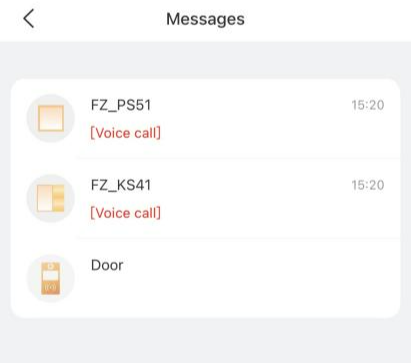
Select the member or akubela panels to make an audio call with.
In the conversation, tap
 at the upper right to start a call.
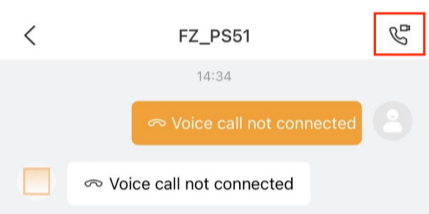
What else you can do on the voice call screen:
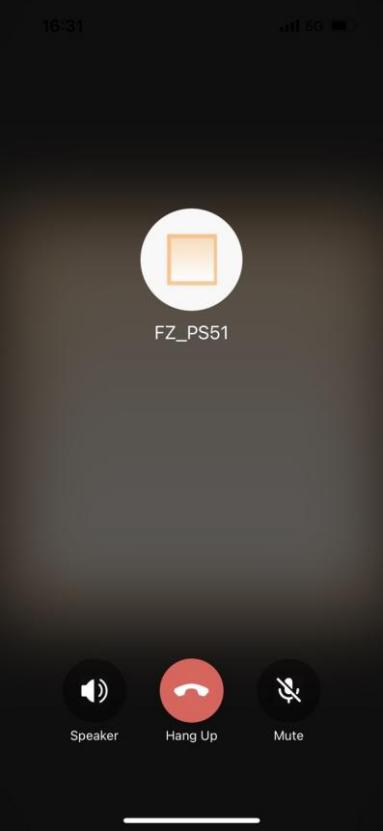
Tap  to turn on your phone’s speaker.
Tap  to silence your microphone. Doing so, the called will not hear your voice.
Tap  to end the call.
Select and video call the door phone.
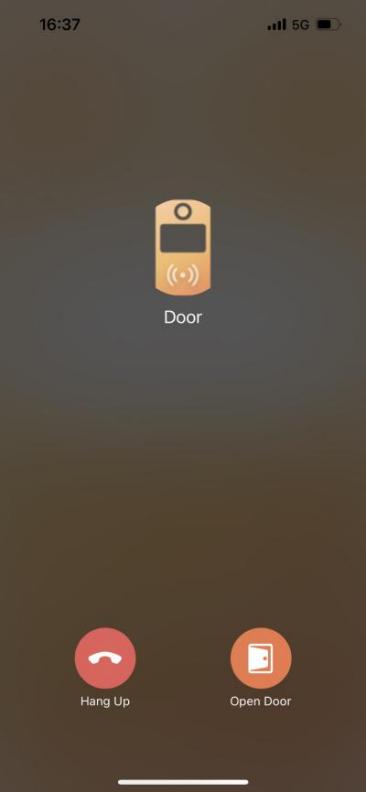
What else you can do on the voice call screen:
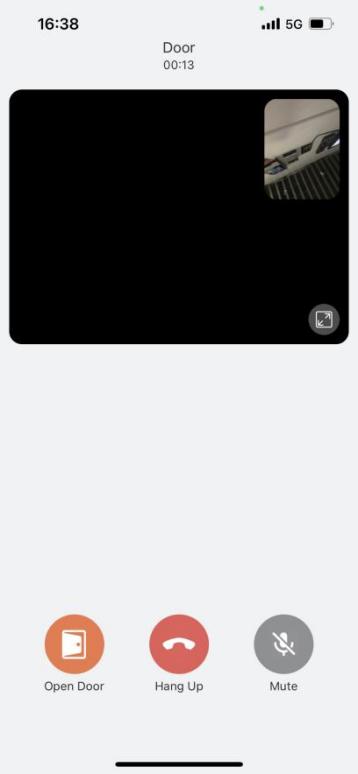
Tap  to enlarge the monitoring screen.
Tap  to open the door.
Tap  to silence your microphone. Doing so, the called will not hear your voice.
Tap  to end the call.