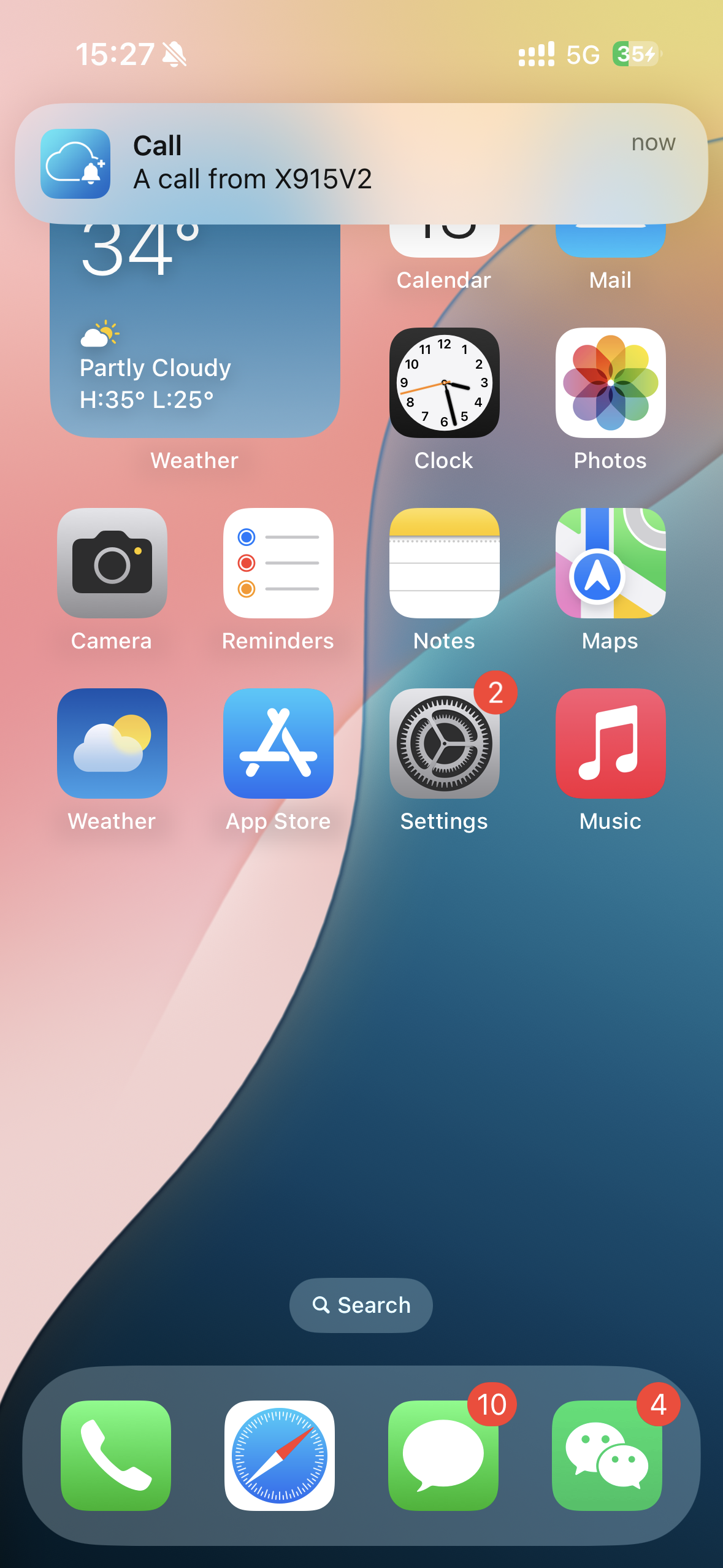
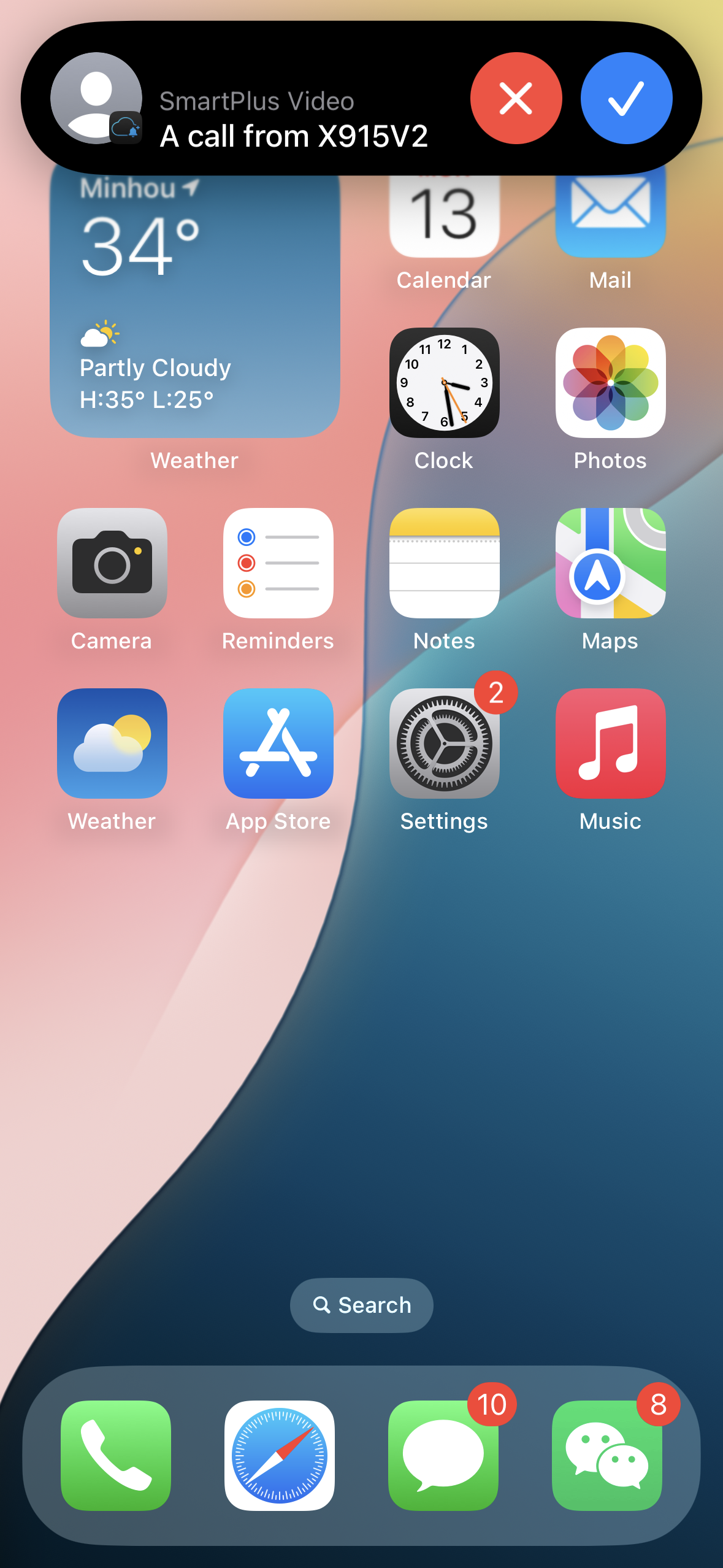
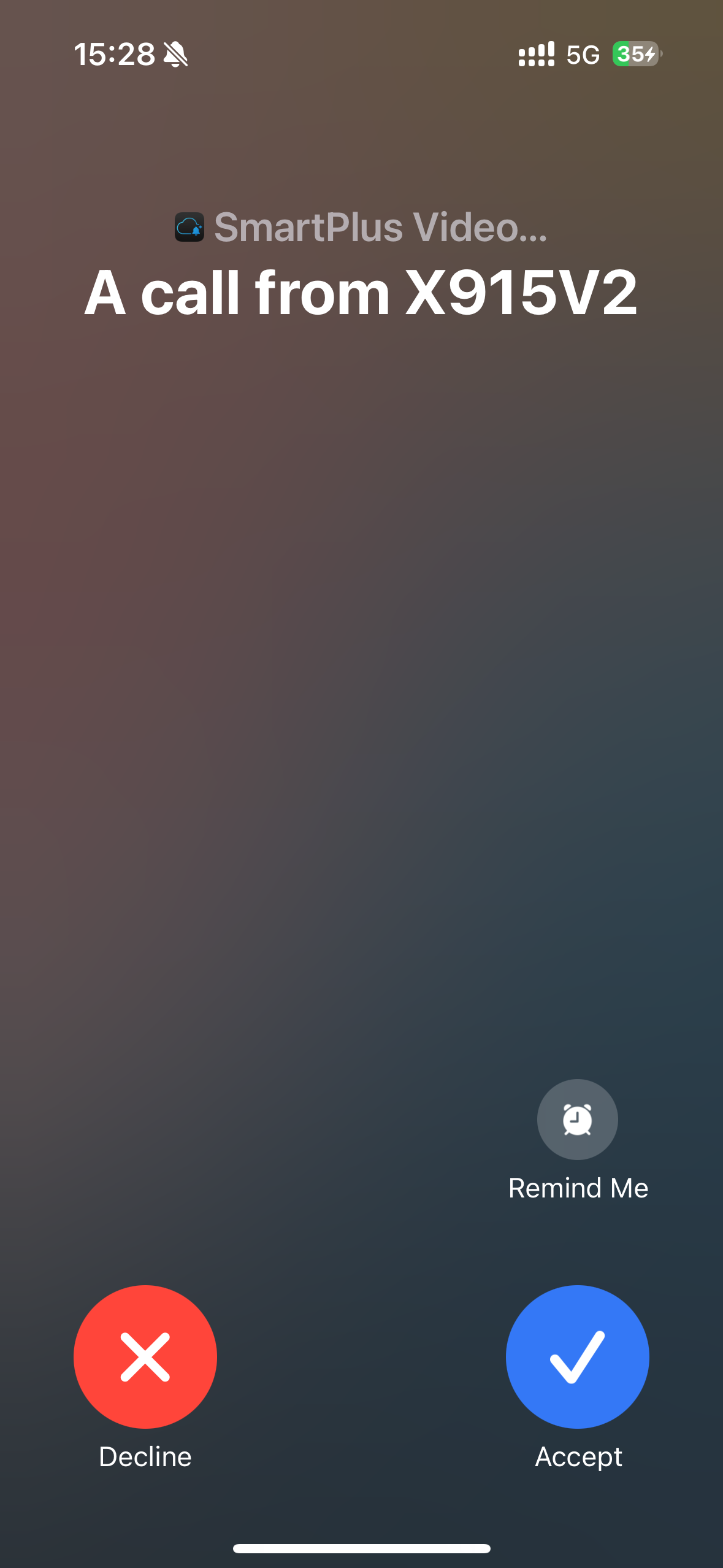
The call kit feature prevents you from missing incoming calls. The incoming call notification will be displayed on the full screen just as you receive a phone call.
Note
ONLY the iOS system supports this feature.
Tap Me > Settings > Call Settings > Display Incoming Calls.
Select the incoming call display mode.
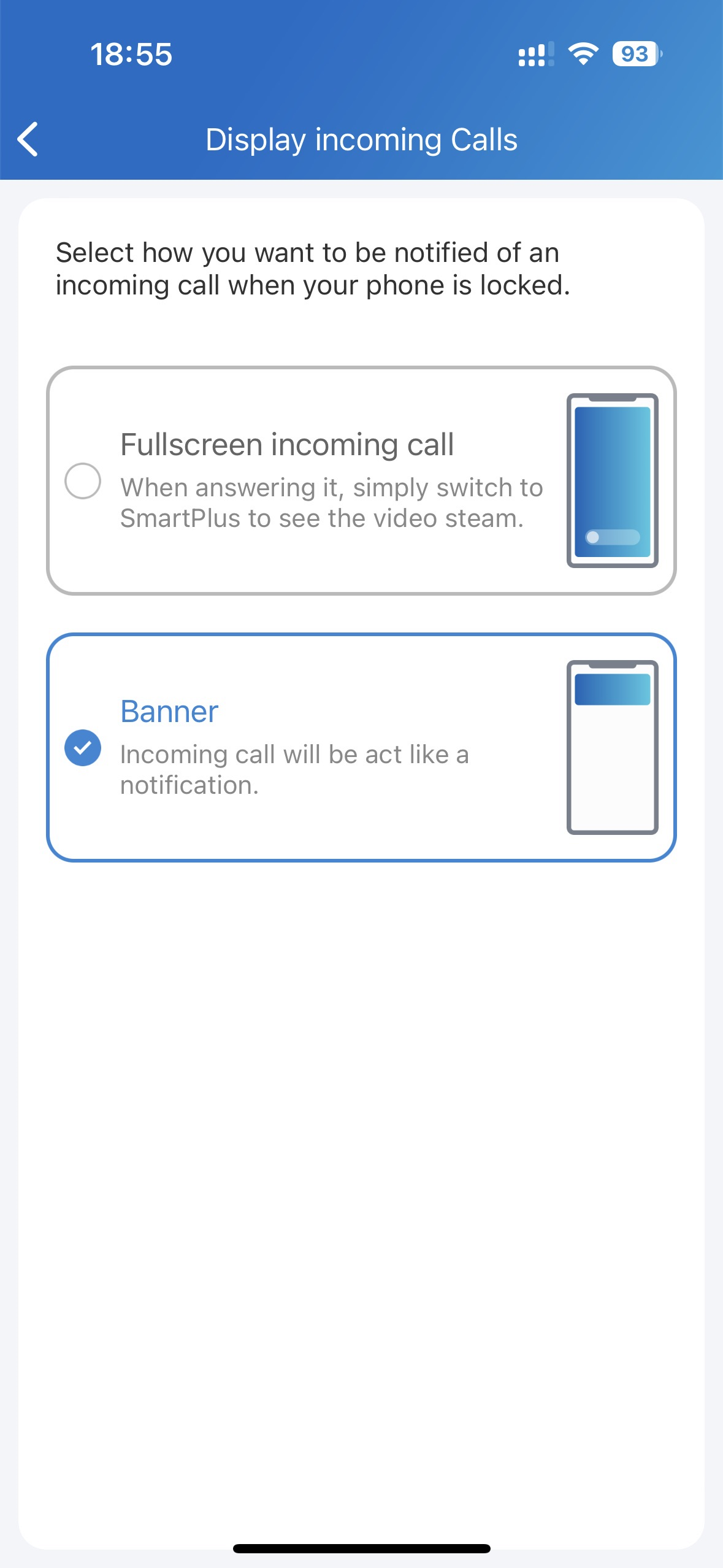
Banner Mode | Full Screen Display |
|---|---|
|
|