You can change your account password, billing information, delete your account, and manage sub-installer accounts.
Change Password
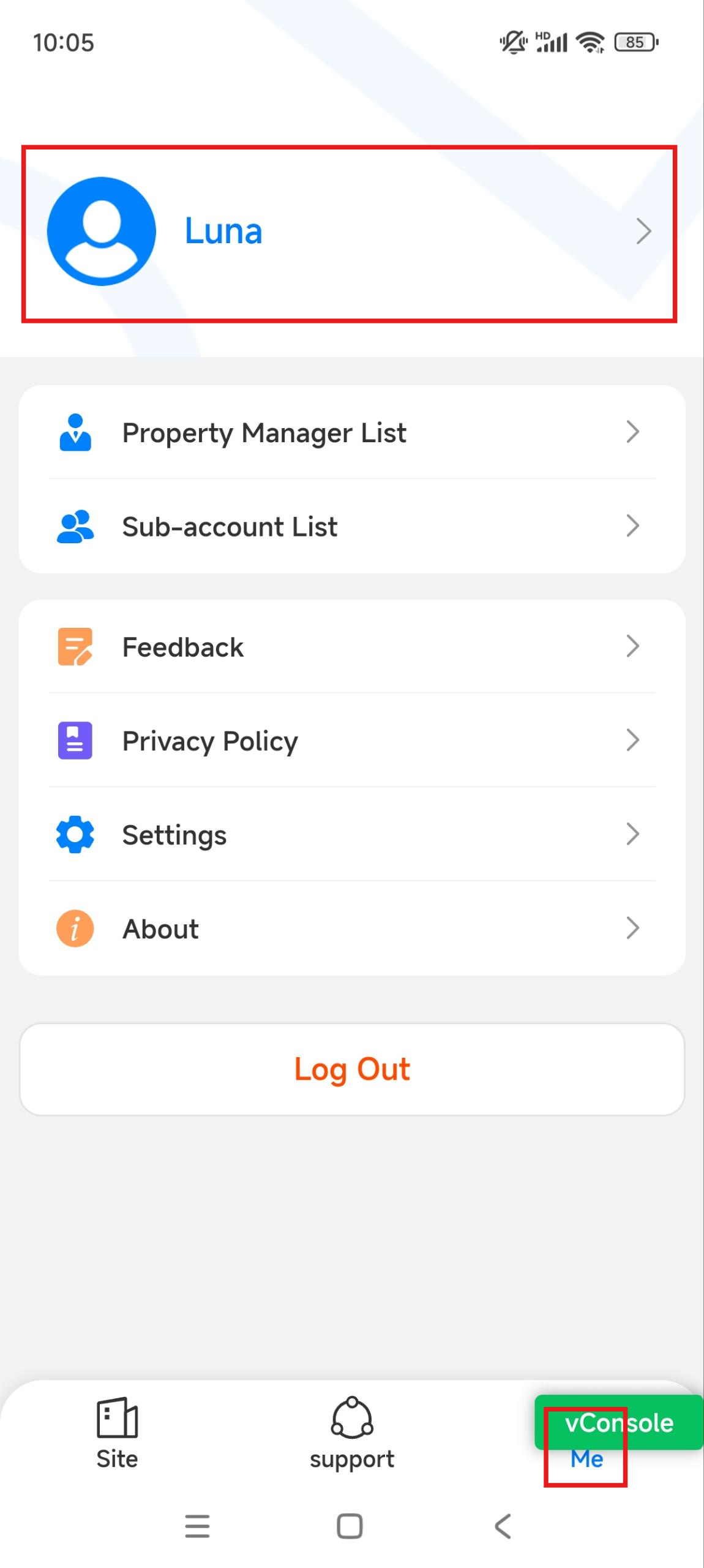
Tap Me on the bottom menu and tap [your name].
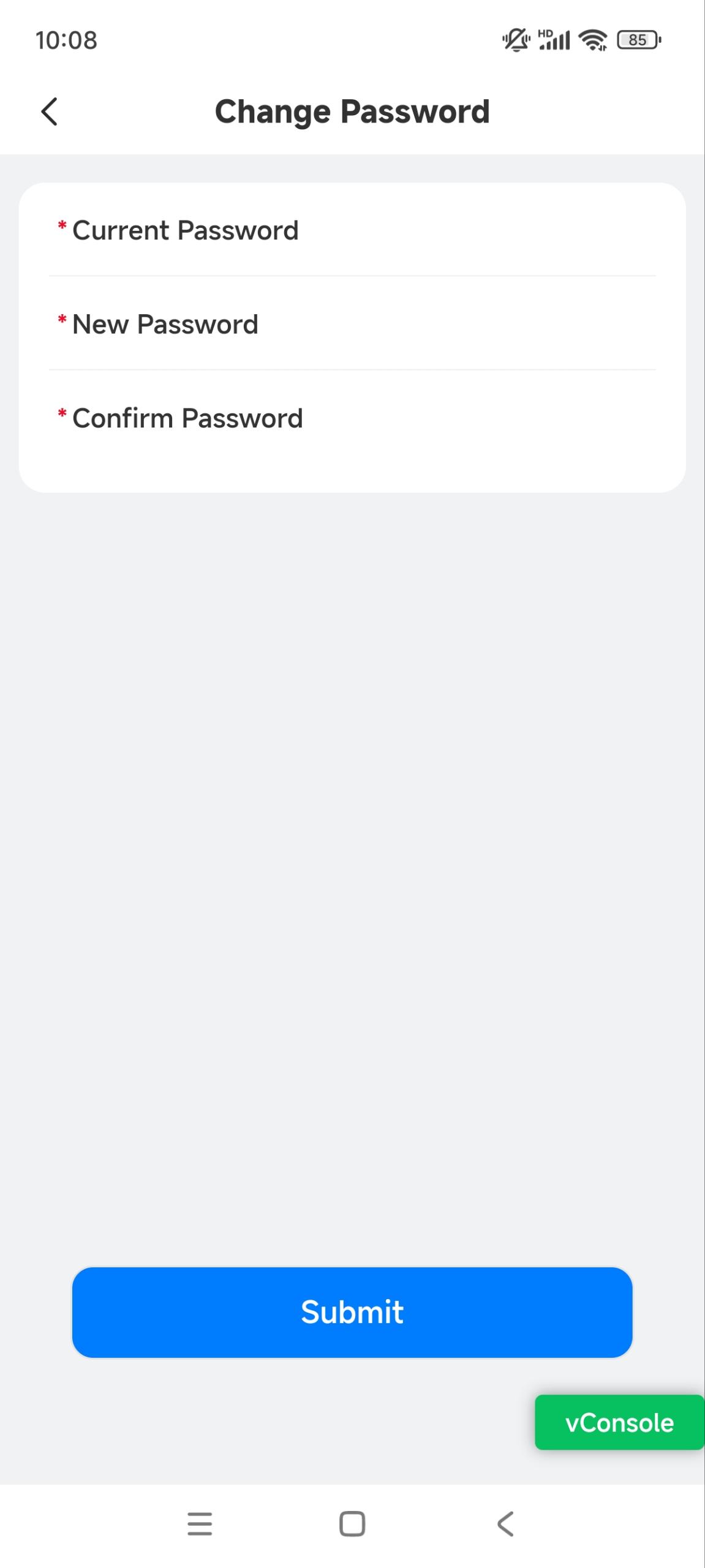
Tap Change Password to enter the setting page.
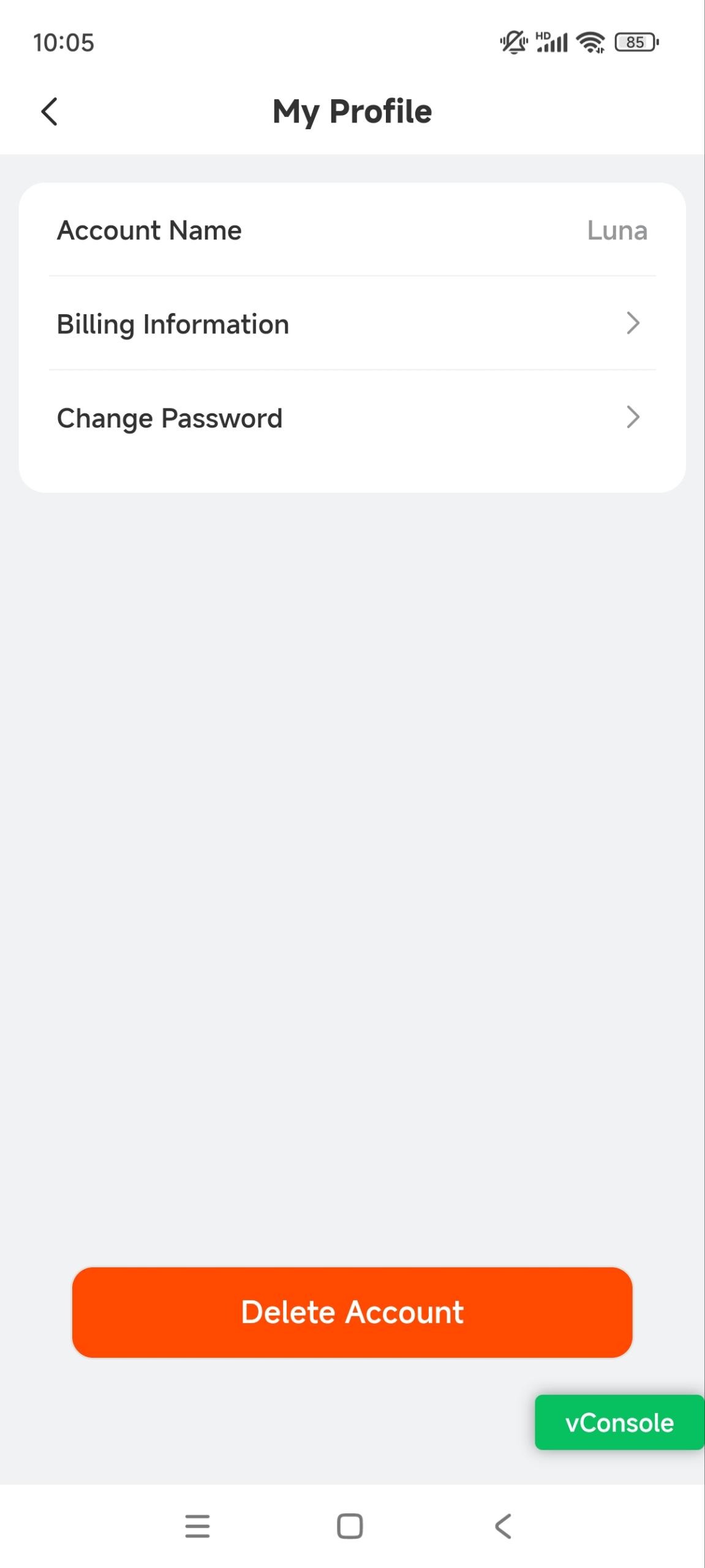
Enter the current password. Then, enter the new one and confirm it.
Billing Information
Tap Me on the bottom menu and tap [your name].
Tap Billing Information. Fill in or edit the information.
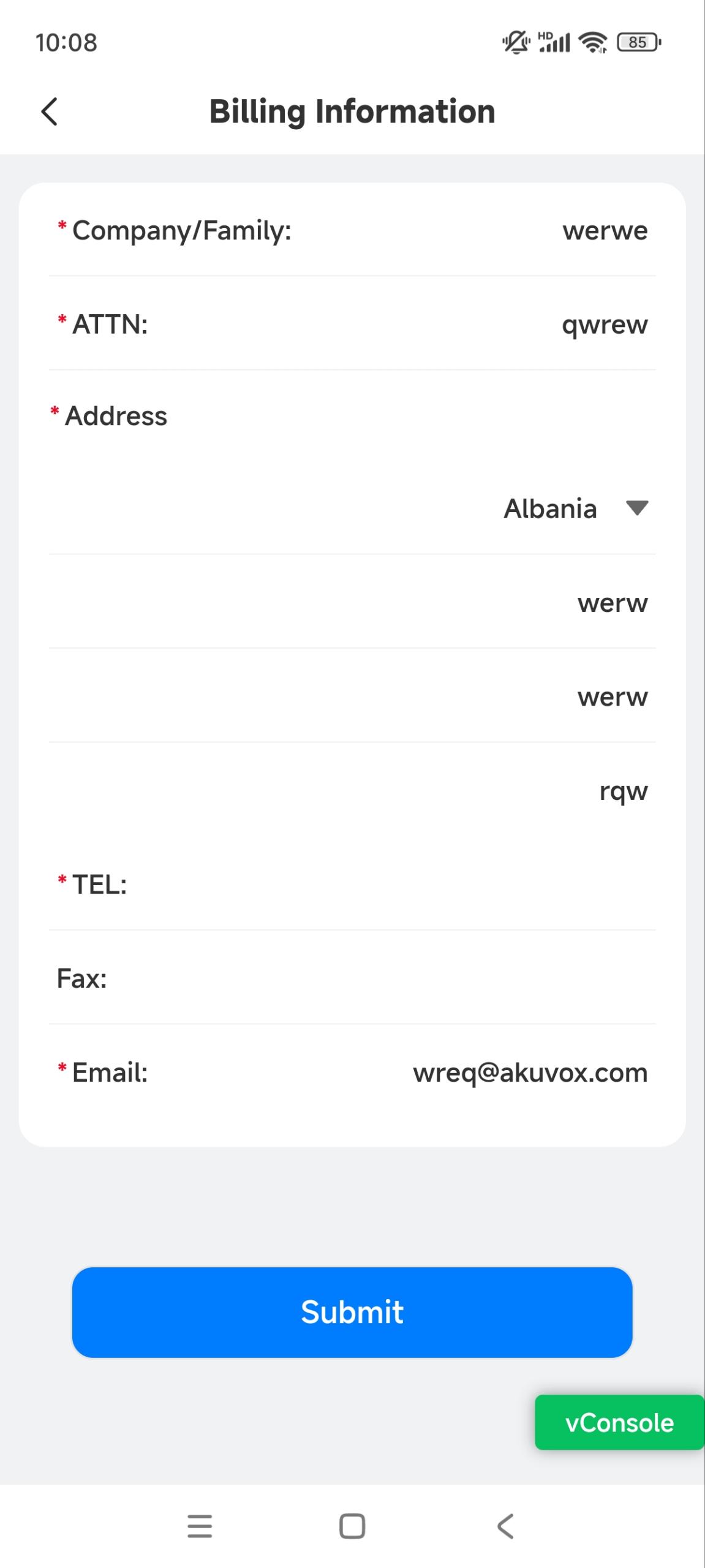
Tap Submit to save the settings.
Delete Account
Tap Me on the bottom menu and tap [your name].
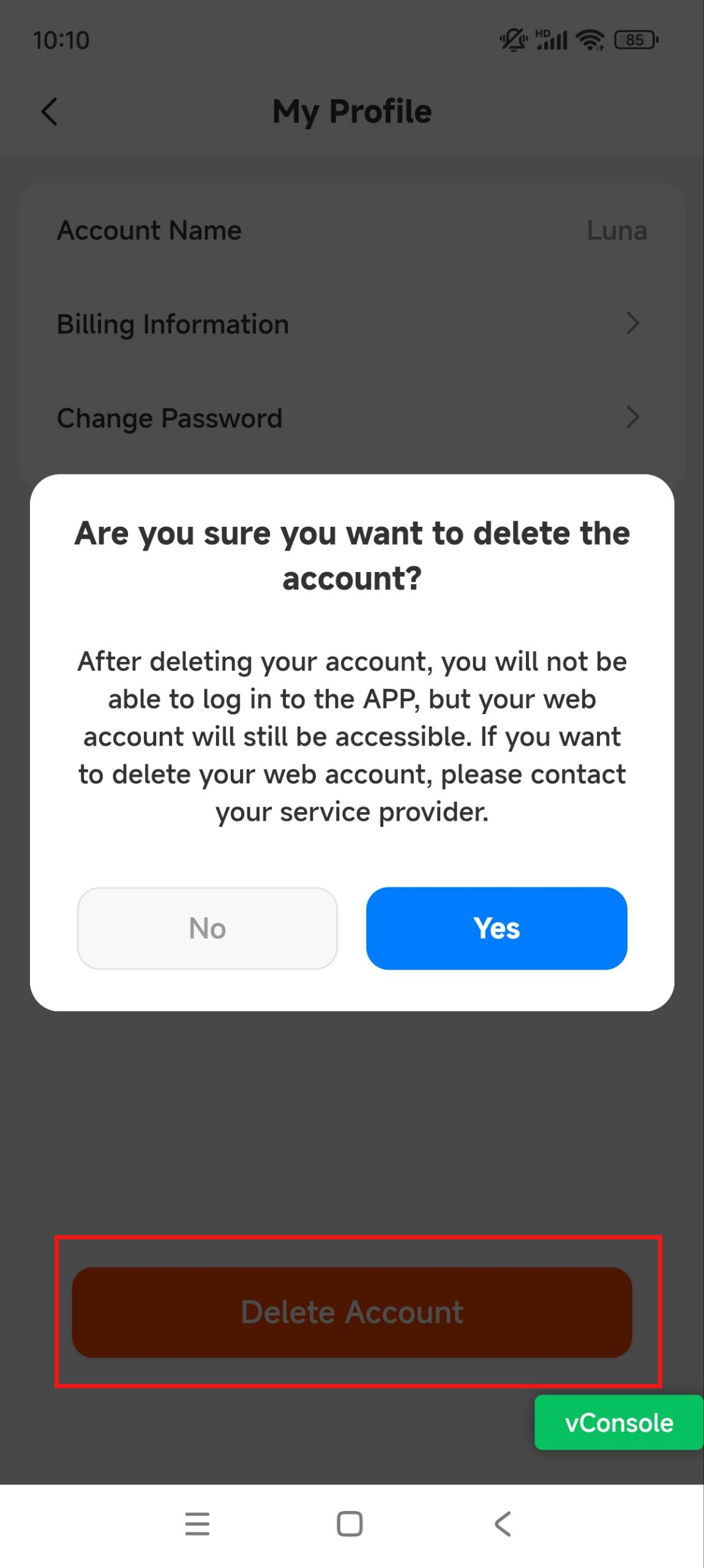
Tap Delete Account and Yes for confirmation. The deletion of the App account will not affect the use of your web account.
Sub-installer Account Management
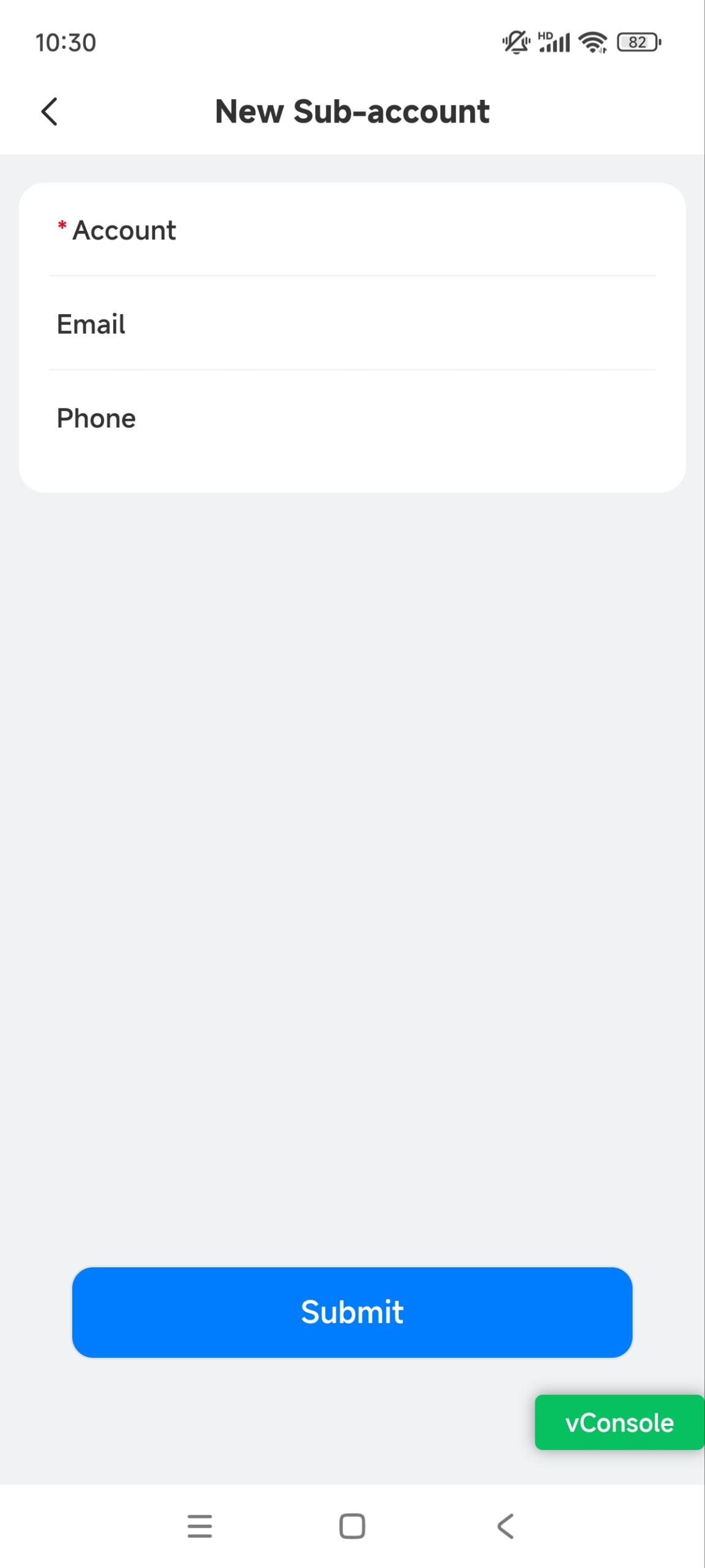
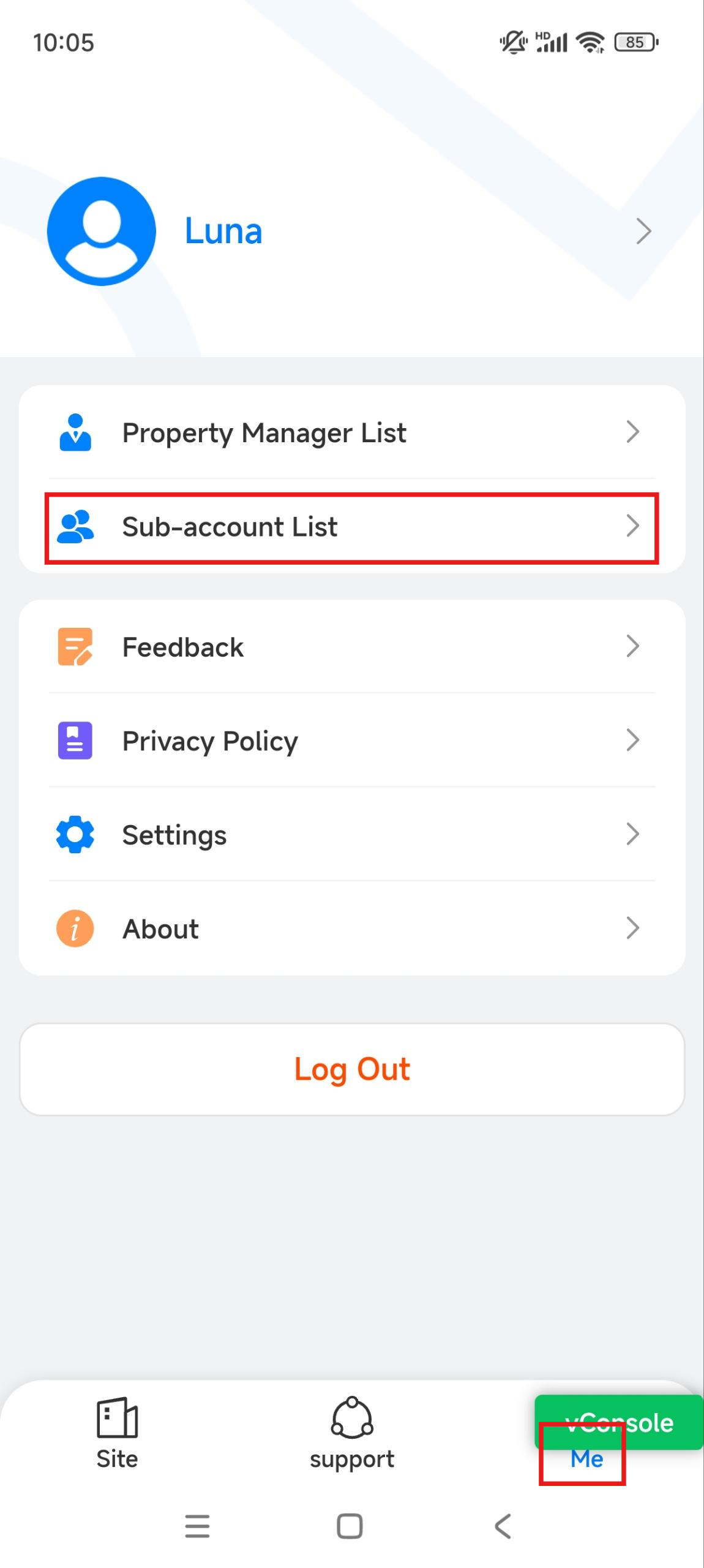
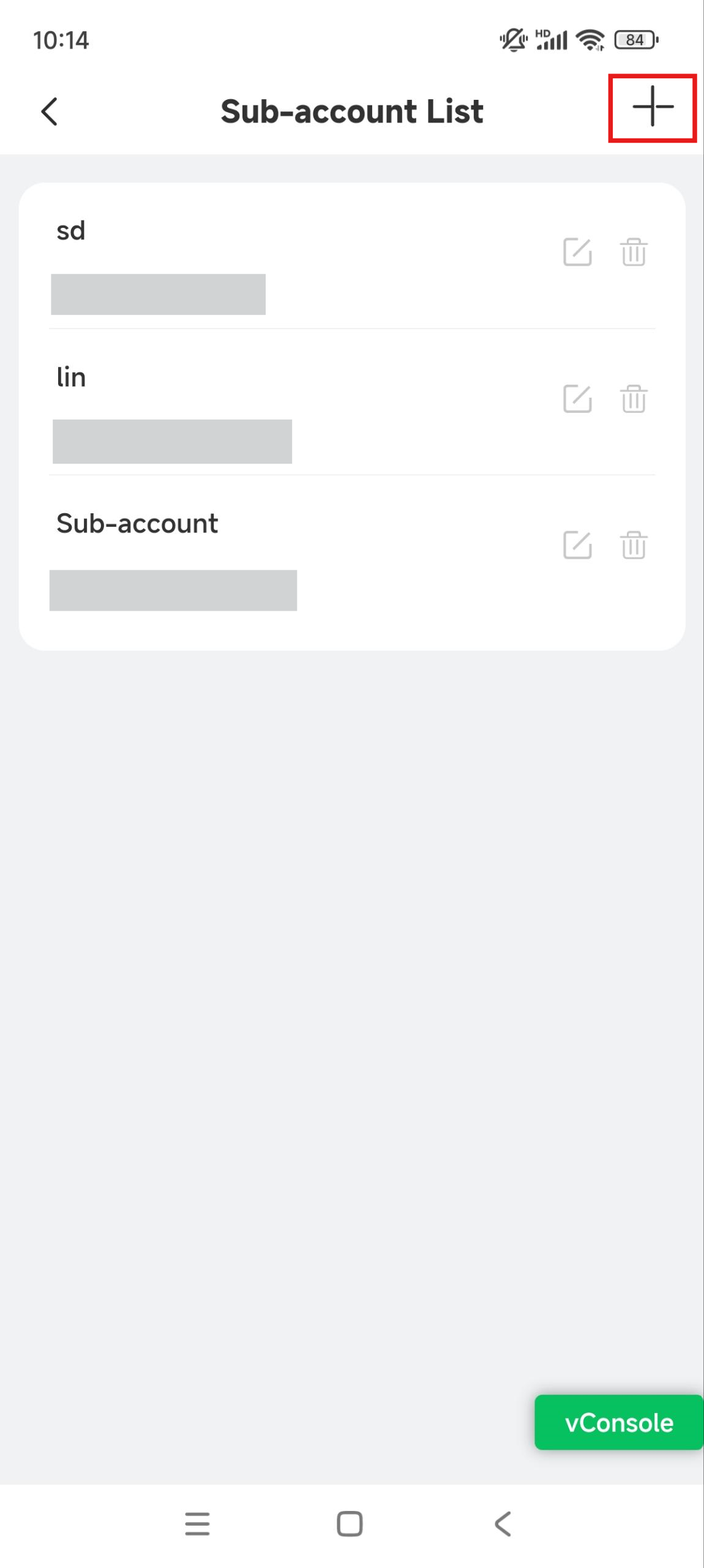
Tap Me on the bottom menu and Sub-account List.
Tap
 to add a sub-installer account; tap
  to edit the account information and
  to delete the account.
Enter the account information. Email address and phone number are optional.
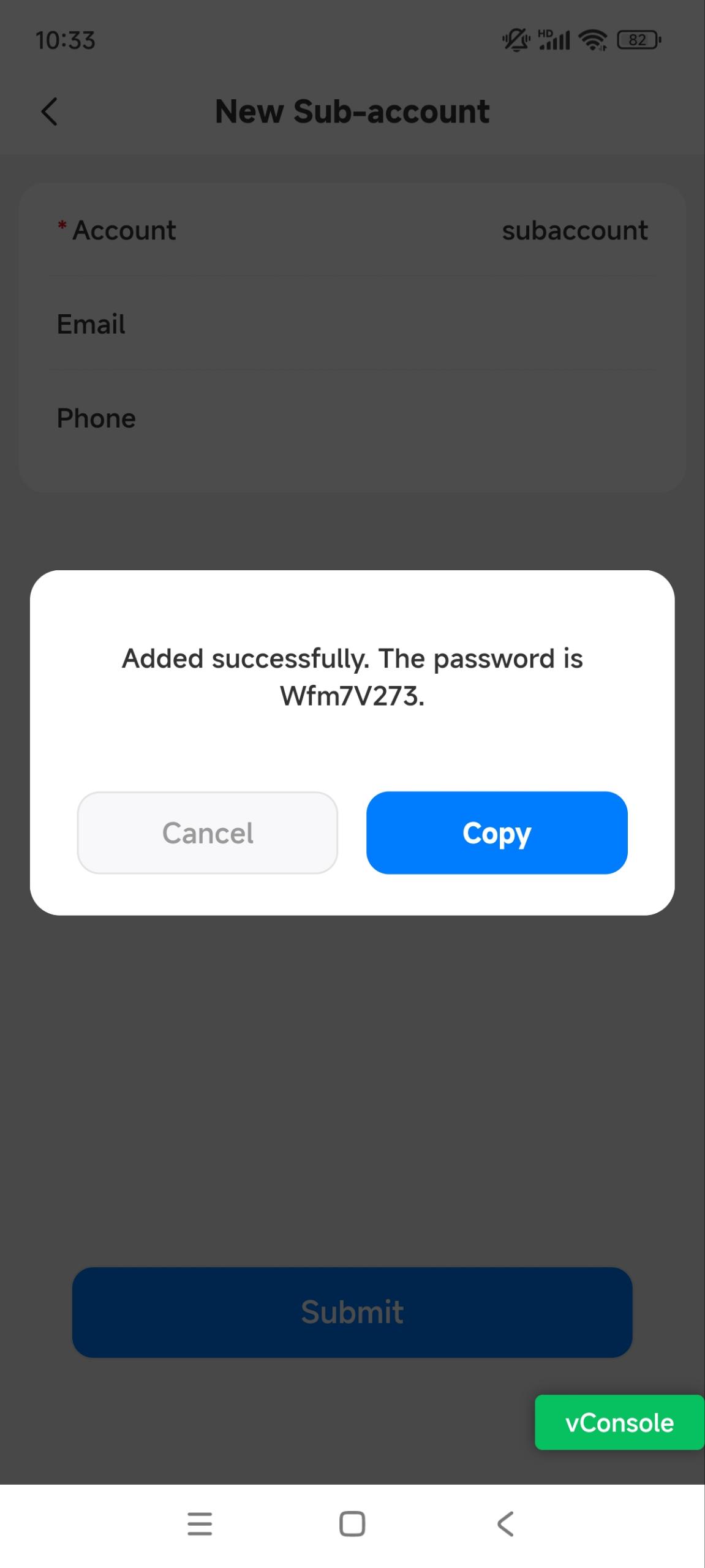
After adding the account, you can copy the password and send it to the sub-installer.