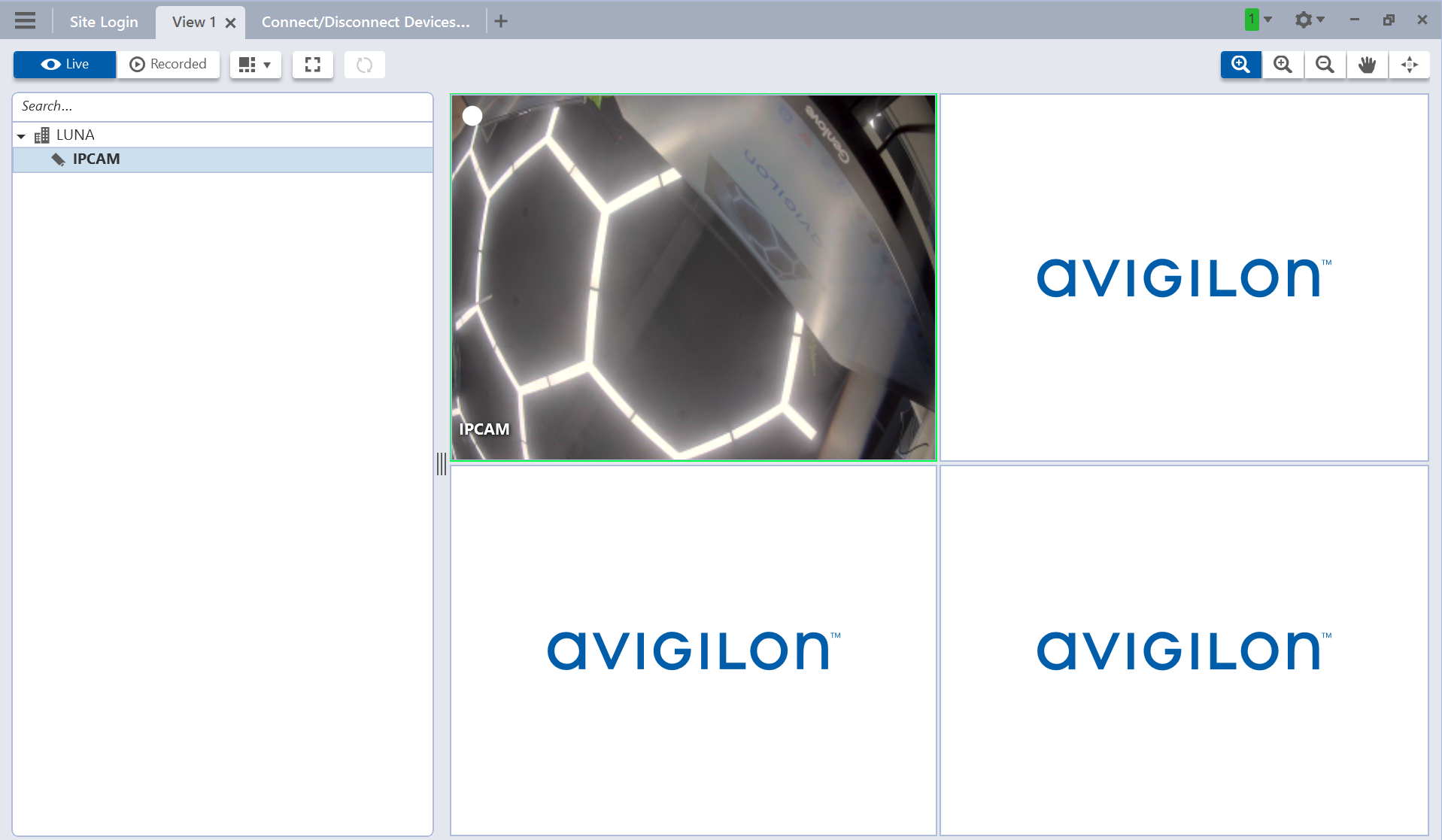
Akuvox door phone X915 integrates with Avigilon VMS, allowing users to view the live stream from the door phone.
Note
ONLY X915 supports the integration, its firmware version should be 2915.30.10.9~2915.30.10.405.
The tested compatible software: Avigilon Control Center Server-7.4.4.14.
Before You Start
Make sure:
You have installed and initialized the ACC server.
Your computer is on the same LAN as the Akuvox door phone.
Set up the Door Phone
Use the device IP(scanned by the IP scanner tool) to log in to its web interface. The initial username and password are admin.
Go to the Surveillance > ONVIF interface.
Ensure Discoverable is checked. You can customize the username and password.
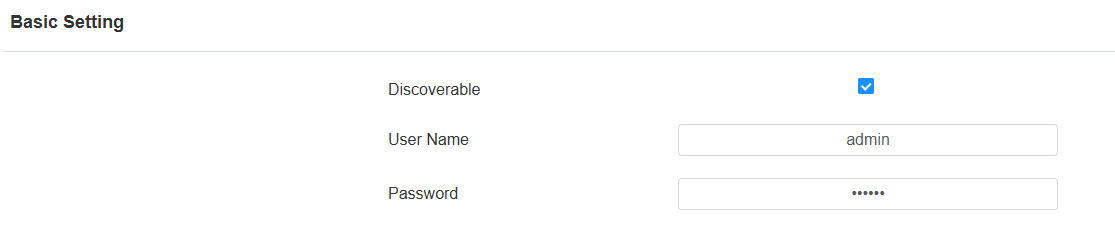
Click Submit.
Set up Avigilon Server
Log in to the server with your site username and password.
Click Site Setup on the menu.
Click Connect/Disconnect Devices.
.png)
The Akuvox door phone will automatically display in the list.
Select the device and click Connect.
Enter the username and password set in the door phone.
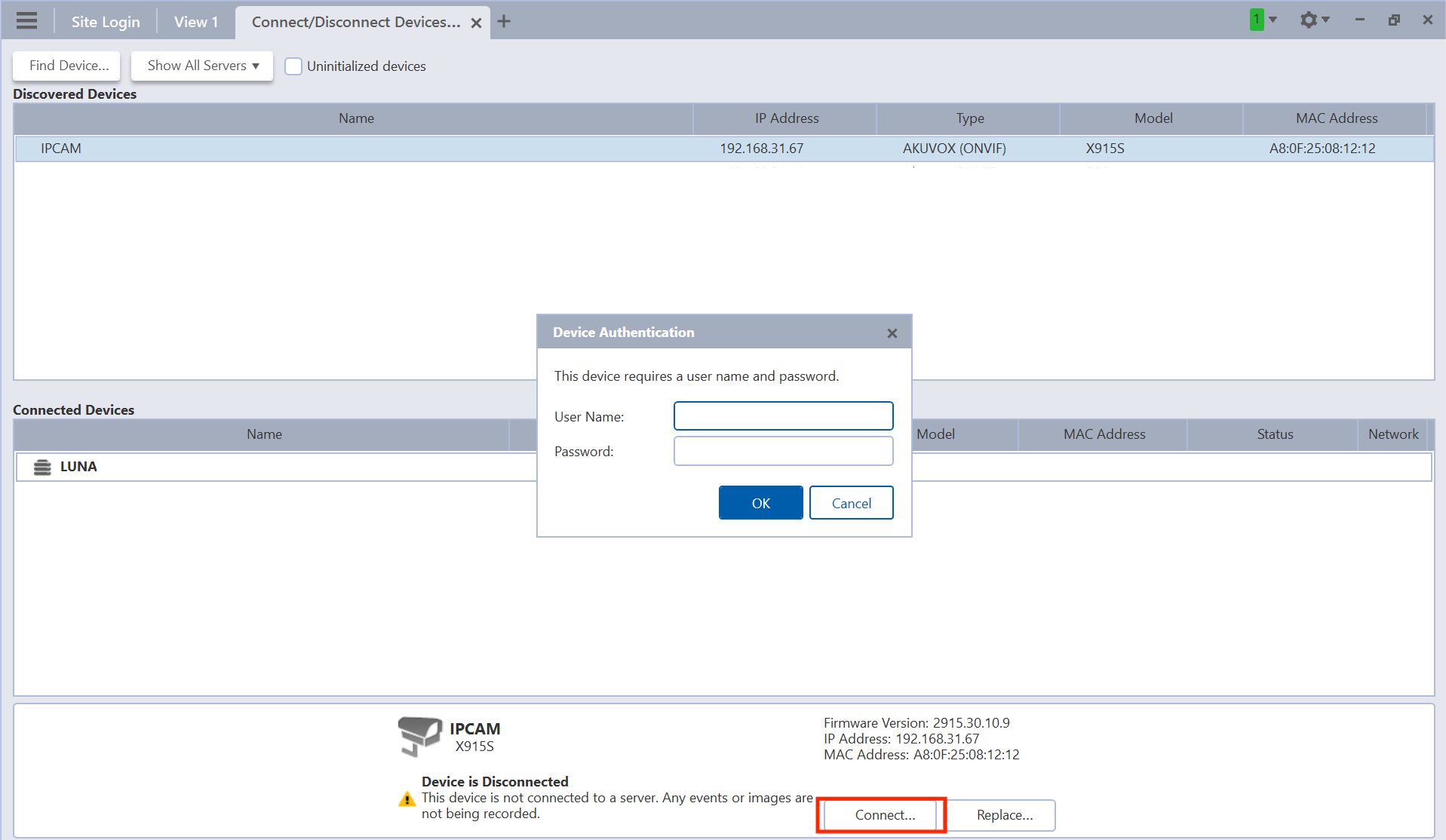
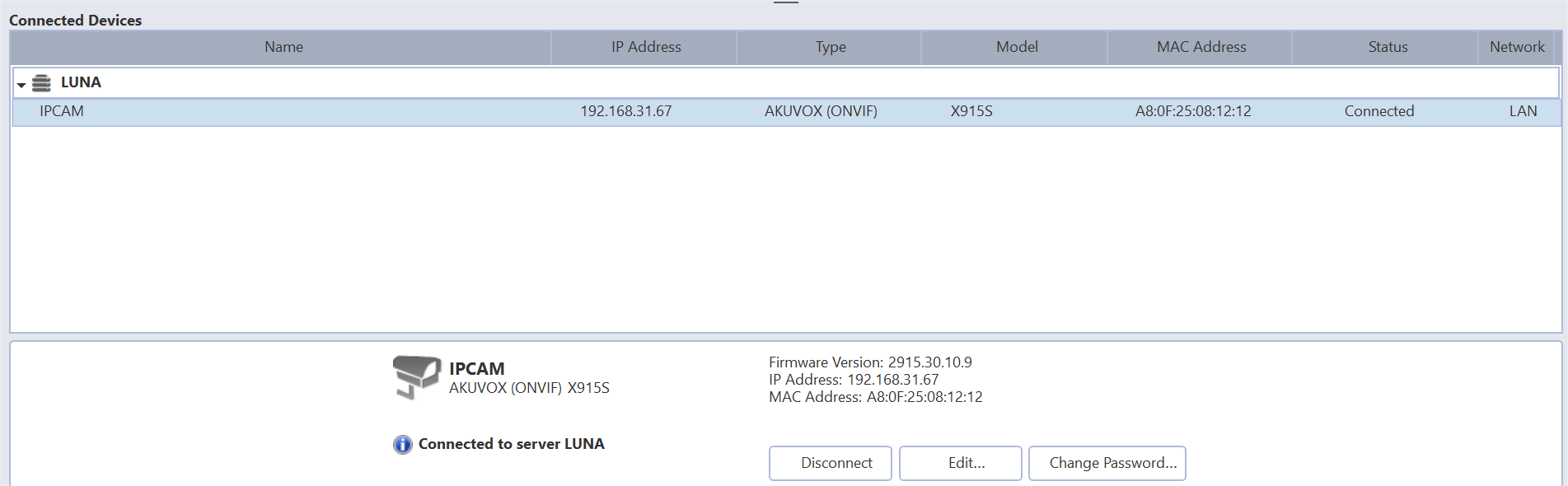
The device will display in the Connected Devices list.
Click View 1 and click the device to view its live stream.