Smart Living Setting
You can control the home sensor through an HTTP command.
To set it up, go to the web Device > Smart Living interface.
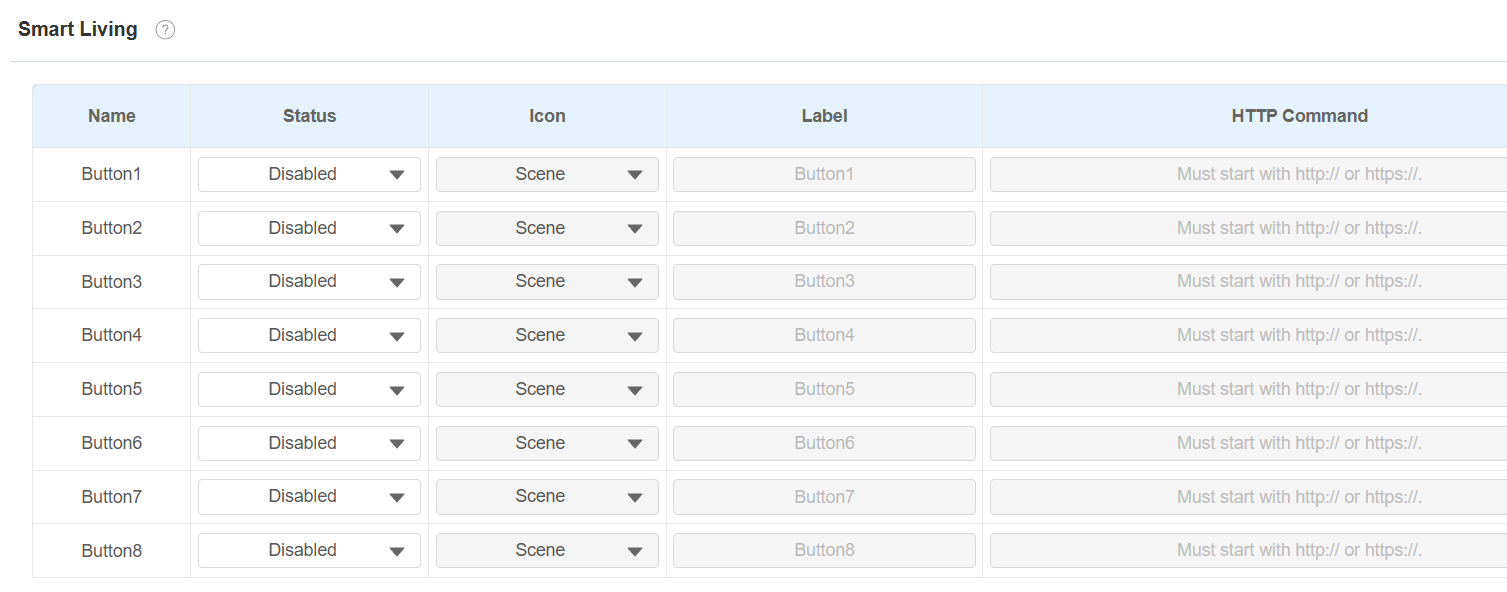
Status: Enable or disable this button. If disabled, the button won't appear on the home control screen.
Icon: Select the icon display type.
Label: Customize the button display name.
HTTP command: Set the HTTP command to trigger the sensor.
Note
To display the smart living button on the home screen, go to the Device > Display Settings interface.