Manage Messages
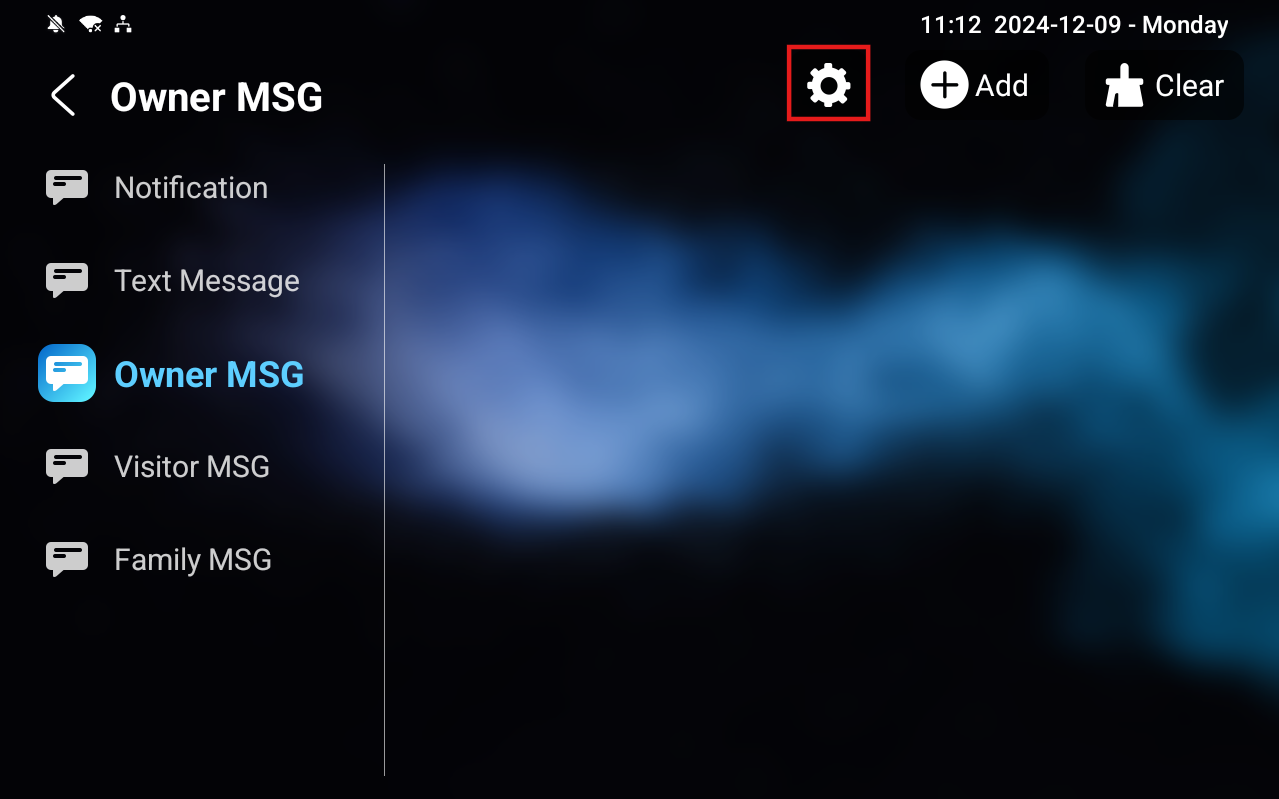
You can check, create and clear messages as needed on the device Messages screen.
Tap +Add to create a message and tap Clear to delete messages. The device can store up to 1,000 messages.
(1).png "screenshots (15)(1).png")
Notification: The message from the property manager. This feature is only available when using SDMC or Akuvox SmartPlus.
Text Message: Send, receive, or manage the text message here.
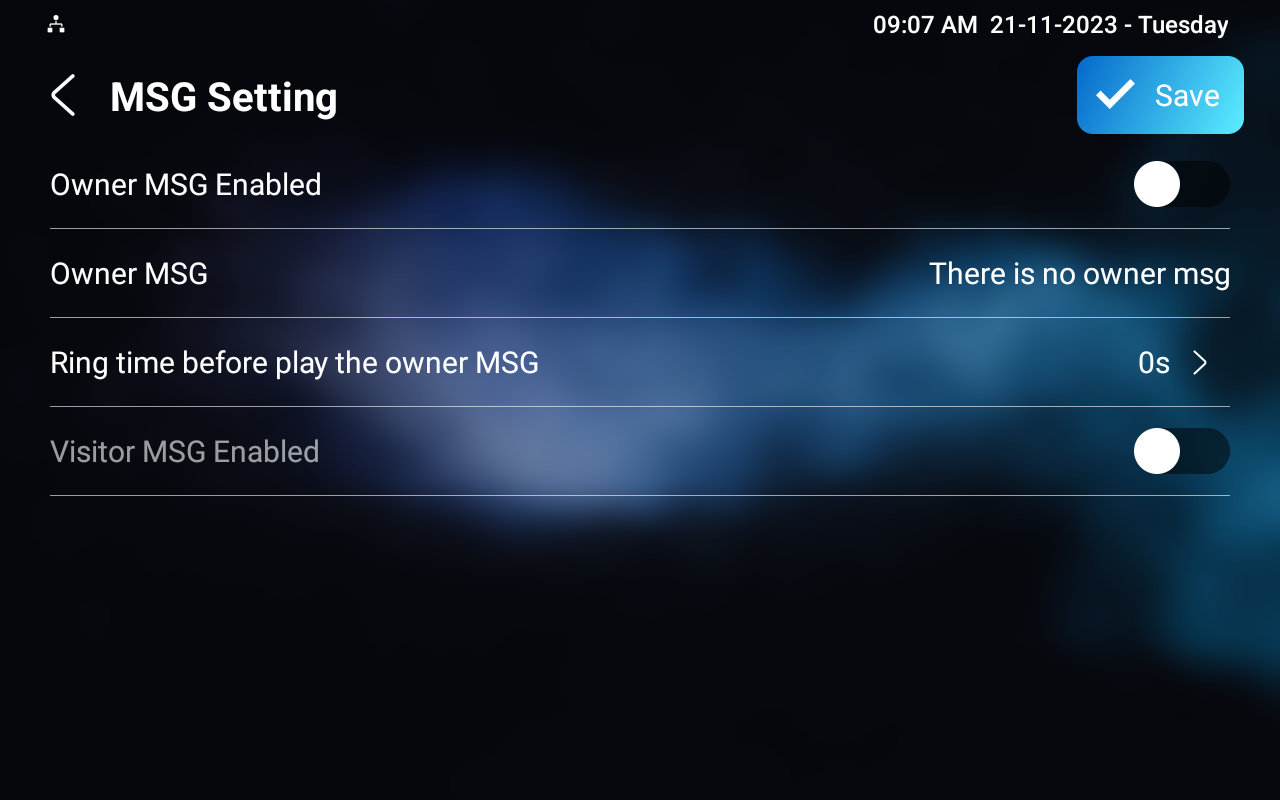
Owner MSG: When nobody answers the incoming call within the pre-configured ring time, the visitor will hear the owner's audio message.
Visitor MSG: When nobody answers the incoming call within the pre-set ring time, it will save the visitor record.
Family MSG: Audio messages recorded for family members.
To configure ring time, press the Settings icon on the screen.