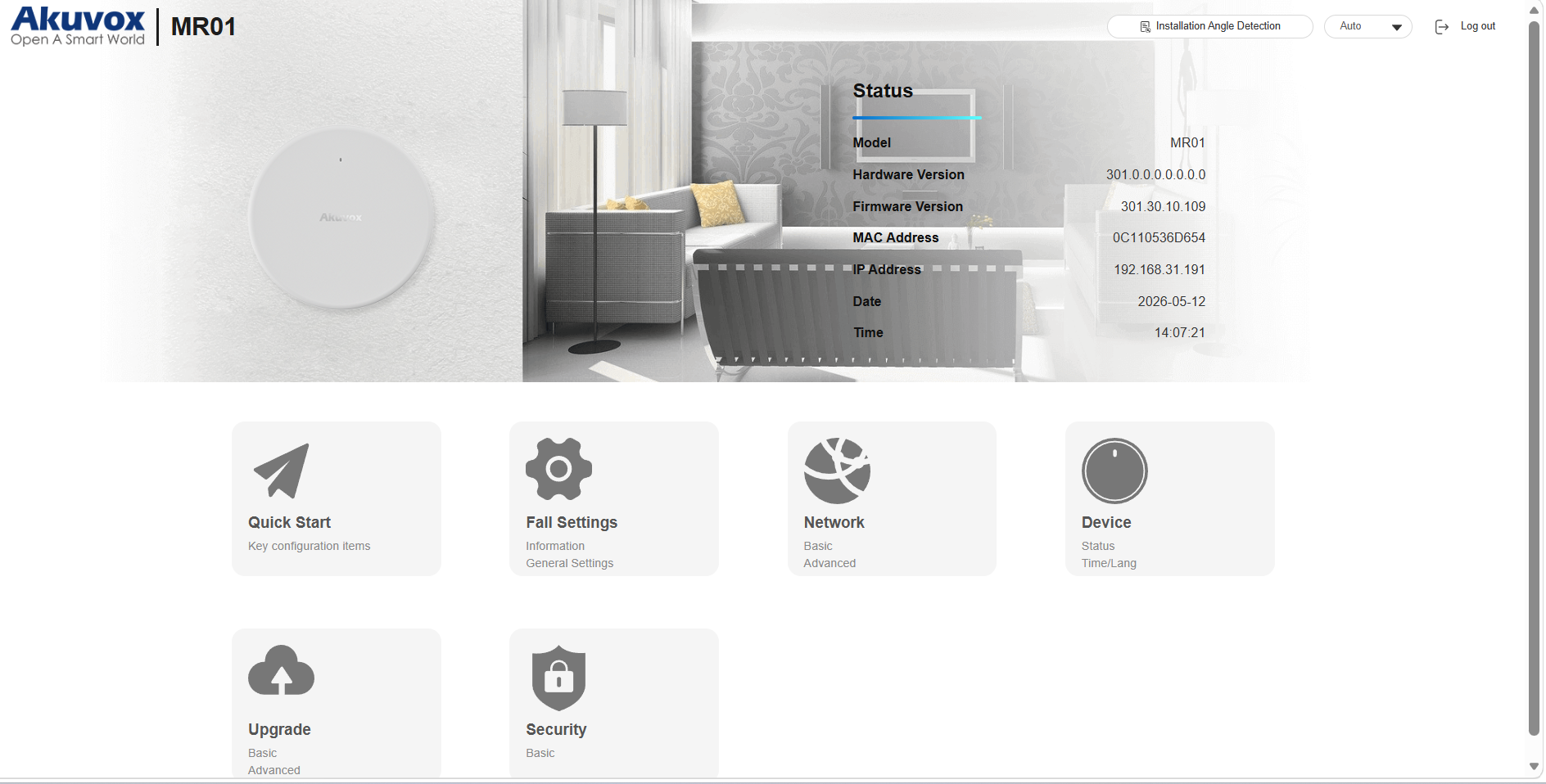
Quick Start: This section guides you to quickly configure the device through setting up the time zone, network connection method, installation method, installation angle detection, detection range, and sub-regions.
Fall Settings: This section is for configuring how the device detects falls and how fall alarms are triggered and reported.
Network: This section mainly deals with DHCP & static IP settings, AP settings, device deployment, etc.
Device: This section includes product and network information, and language and time settings.
Upgrade: This section covers firmware upgrade, device reset & reboot, screenshots, configuration file auto-provisioning, PCAP, etc.
Security: This section is for password modification, account status & session time-out configuration, and high-security mode.