The LED indicator shows the device status as described in the table below:
Status | LED Behavior |
|---|---|
Normal operation (Ethernet connected, Wi-Fi connected, or hotspot enabled) | Green solid |
Device resetting | Red flashing for 3 seconds, then the device reboots |
Device starting up | Red solid (status updates after startup) |
Device upgrading | Red solid (status updates after upgrade completes) |
Network error | Green fast flashing |
Fall detection verification | Red slow flashing |
Fall alarm | Red fast flashing |
Fall alarm triggered but not cleared (person not standing up, not returning to bed, and alarm not cleared manually) | Red fast flashing |
Installation tilt warning (horizontal deviation greater than 15°) | Red fast flashing |
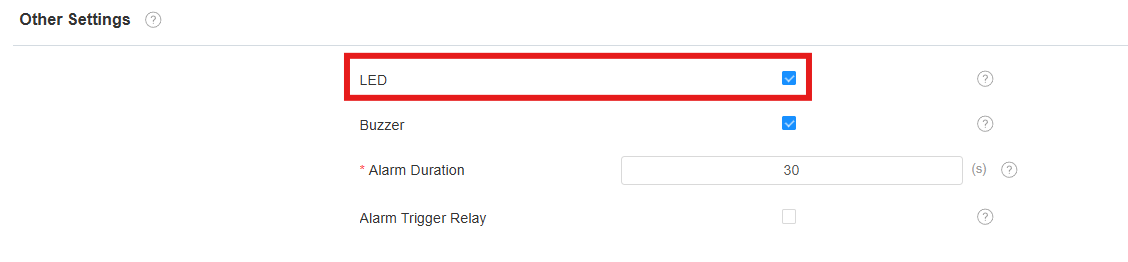
Turn on/off the LED
You can turn on/off the LED on the Fall Settings > General Settings > Other Settings interface.