Function Sections
The distributor platform includes five main sections to help you efficiently manage users, devices, and projects:
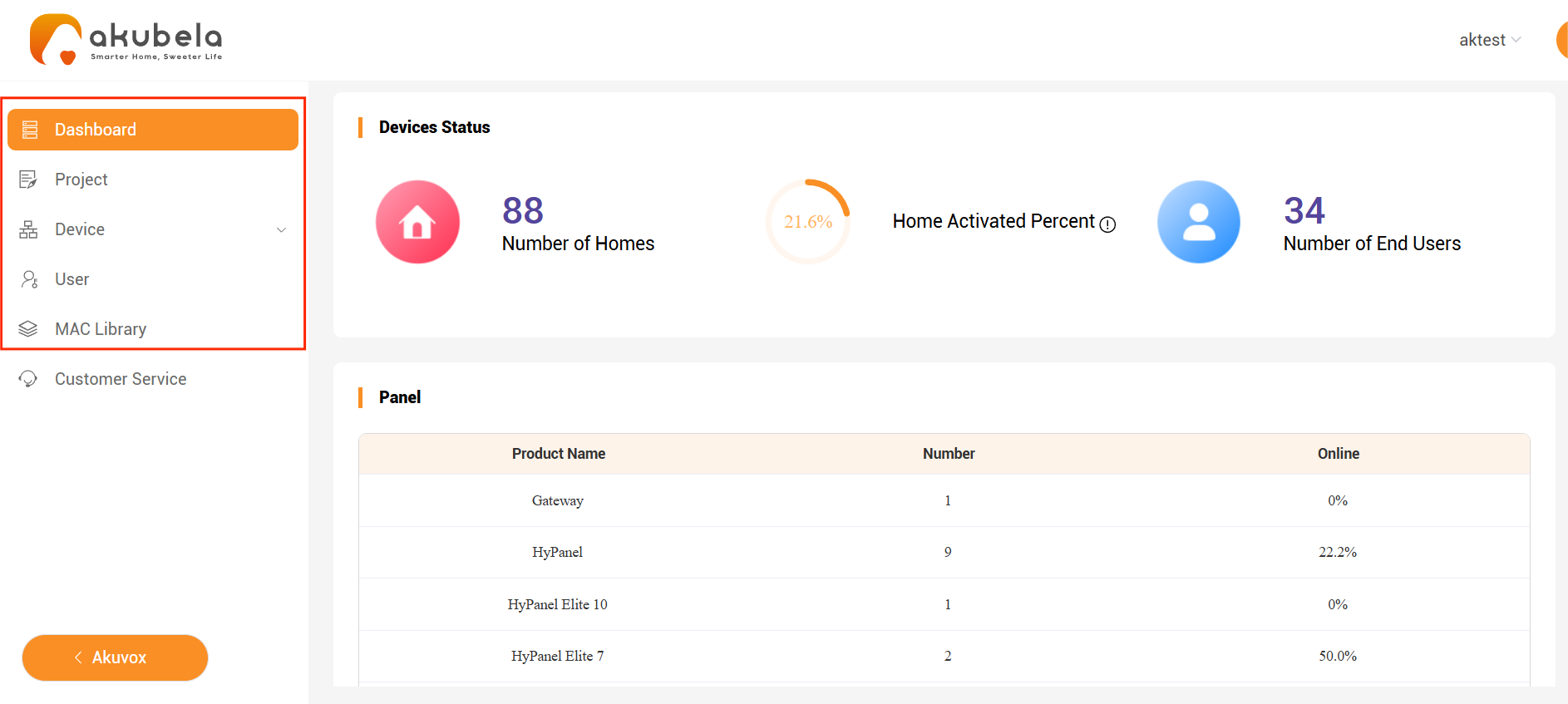
Dashboard
Get an overview of your account, including the number of homes, panels, end users, and the activation rate.
Device
View all devices linked to your account. You can check device details, authorize firmware upgrades for installers, and run remote updates.
User
See and manage all installers and end users under your account.
Additional Administrative Actions
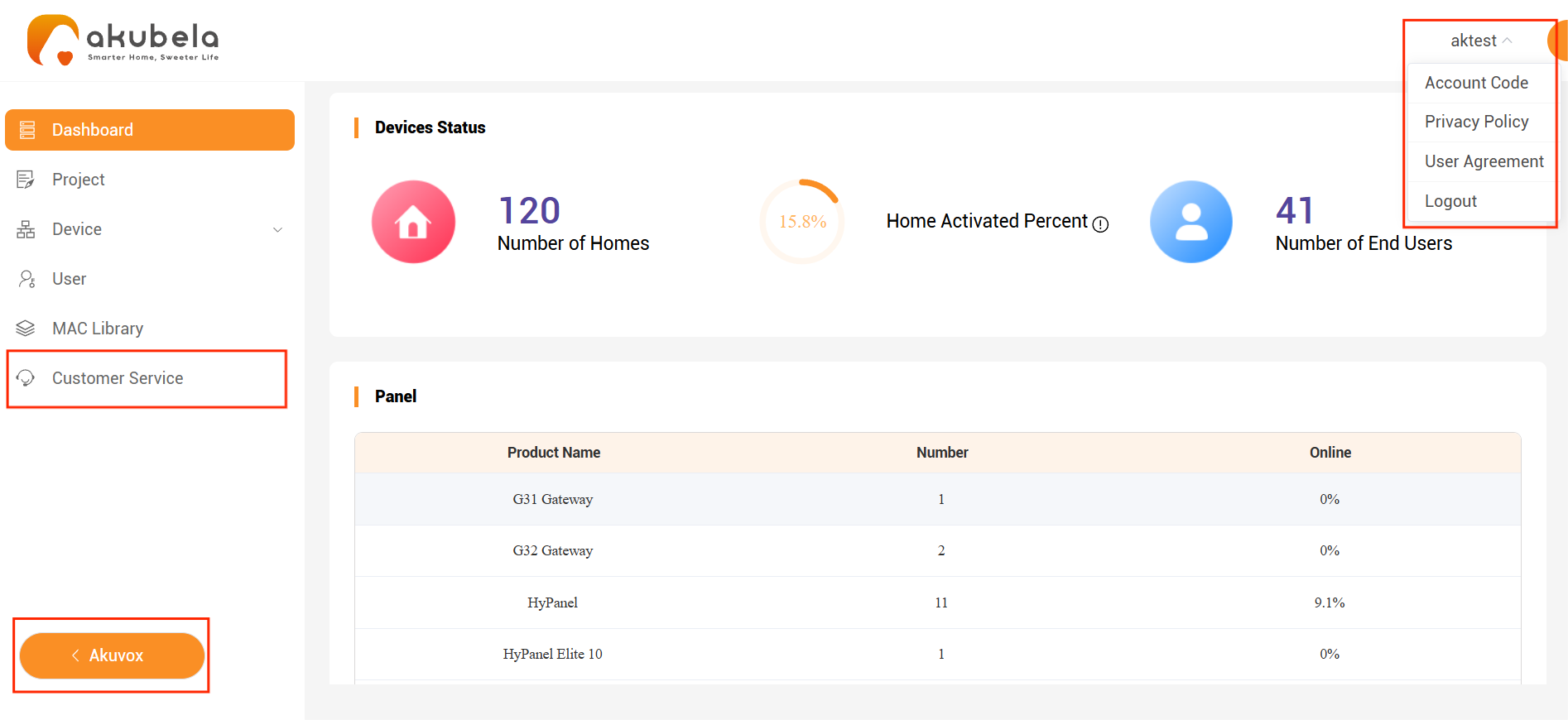
Customer Service Section
Add the service provider’s contact information.
Switch to the platform selection interface to access the Akuvox SmartPlus Platform for managing intercom-related projects, devices, and users.
Click your username to:
Copy your account code to share with end users, allowing them to link their family to your account.
View the Privacy Policy and User Agreement.
Log out of the platform.