Language
Set up the language during initial device setup or later through the device or web interface according to your preference.
On the Web
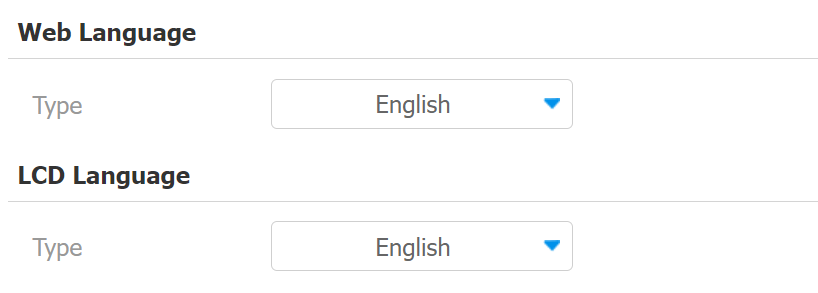
Select the LCD language on the Phone >Time/Lang > Web/LCD Language interface.
The device LCD supports the following languages:
English, Traditional Chinese, Spanish, Danish, French, Czech, Traditional Chinese, Turkish, German, Japanese, Ukrainian, Korean, Dutch, and Hungarian.
Select the device web language on the Phone > Time/Lang > Web Language interface.
The device web supports the following languages:
Simplified Chinese, Traditional Chinese, English, Spanish, Dutch, French, German, and Japanese.
On the Device
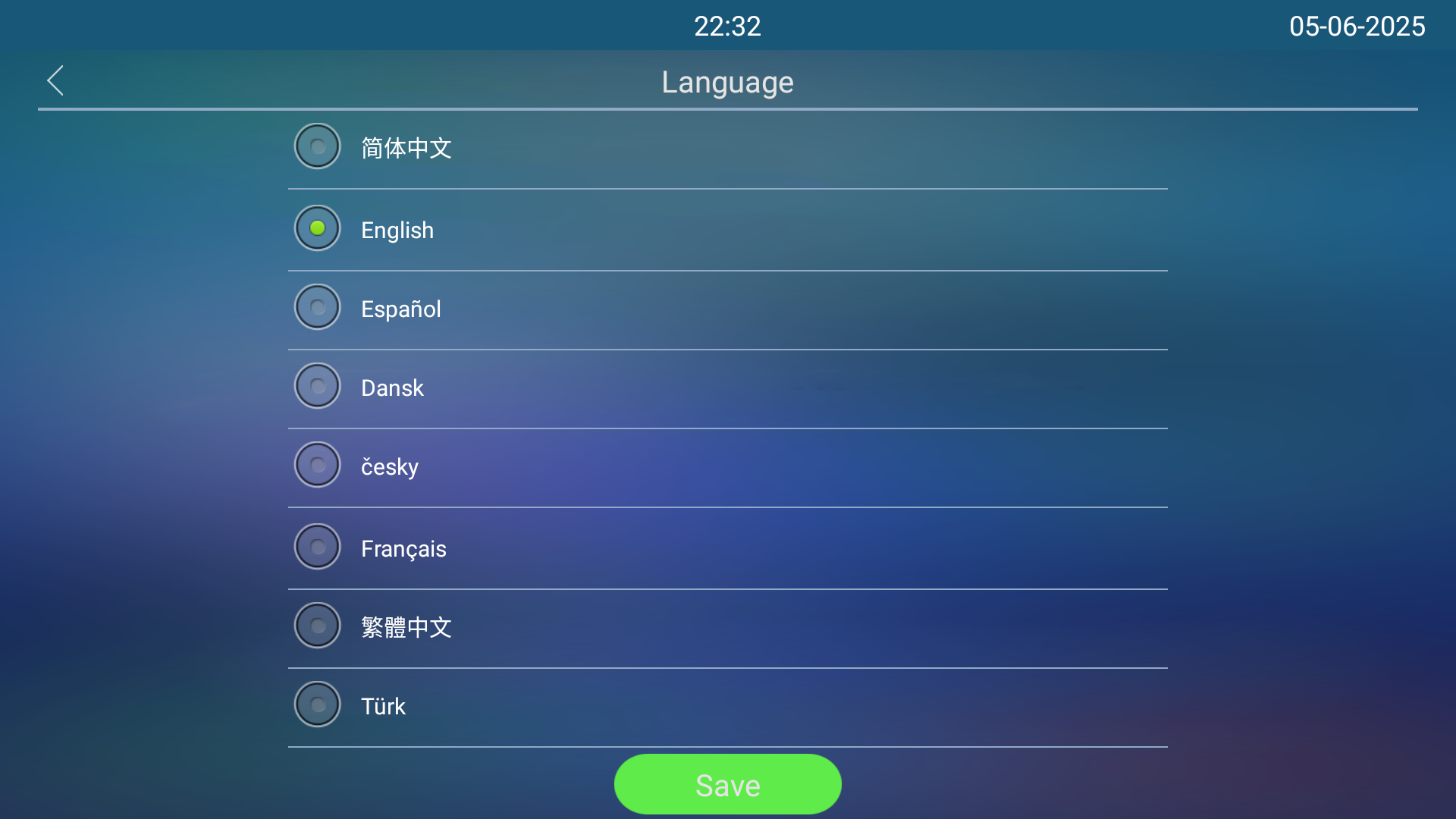
Select the LCD language on the Setting > Language screen.
Time
Time settings, including time zone, date and time format, and more, can be configured either on the device or the web interface.
On the Web
The time settings on the web interface allow you to configure the NTP server address for automatic time and date synchronization. Once a time zone is selected, the device will notify the NTP server of the chosen time zone, enabling it to synchronize the time zone settings on your device.
Set up time on the Phone >Time/Lang >Time interface.
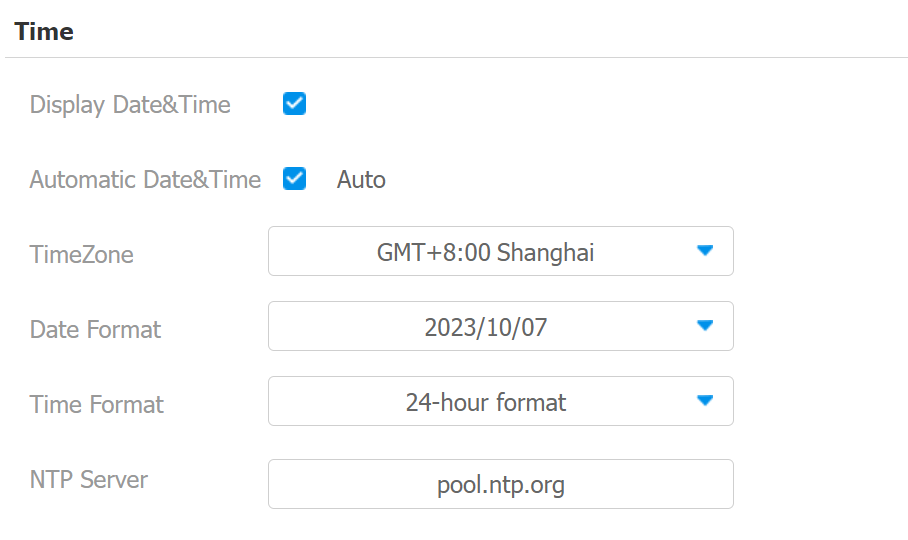
Automatic Date & Time: When enabled, the device’s date and time are automatically set up and synchronized with the default time zone and the NTP server (Network Time Protocol).
NTP Server: The NTP server address.
On the Device
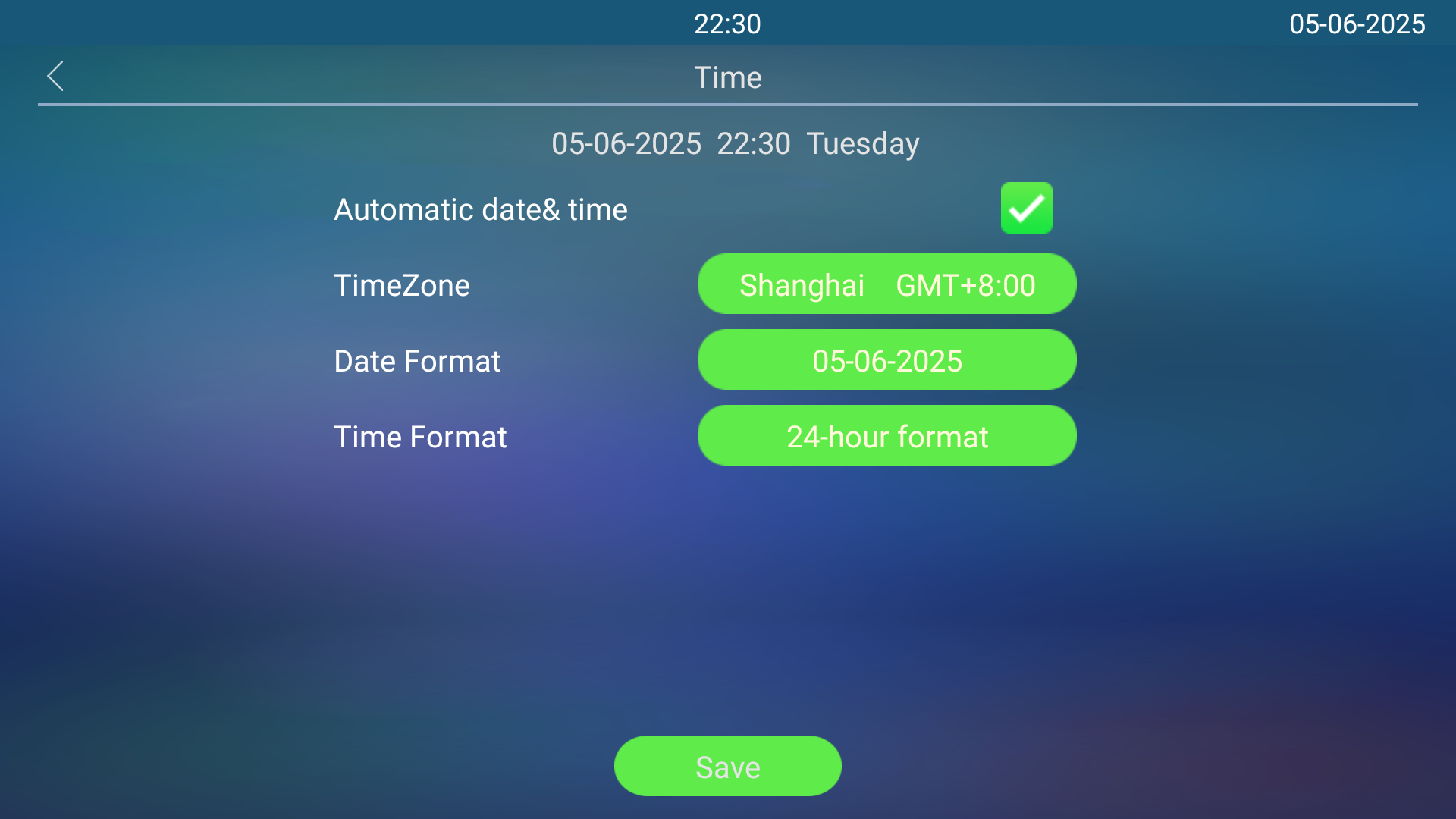
Set up time on the Settings> Time screen.