Each home center device(Except HyPanel Lite) has a user web portal, providing a one-stop platform for managing all devices and accessing advanced settings.
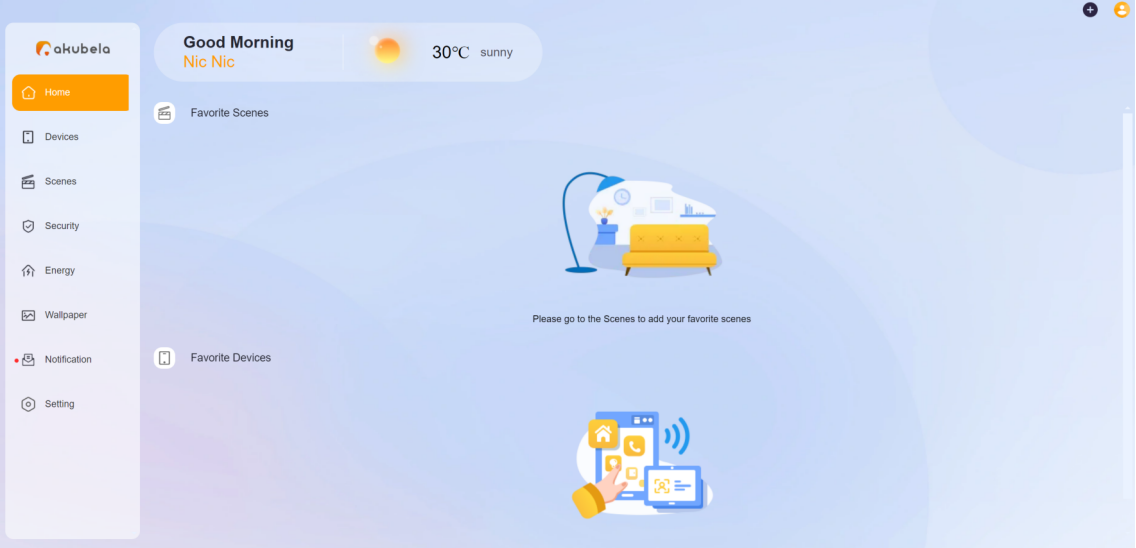
Before getting started
Login methods may vary depending on the home center device’s firmware version and the cloud connectivity status. To make the login process more smooth, please have the following available:
Find the home center device.
(1) Swipe down from the top edge of any screen of the device.
(2) Go to
 > System Settings > About > Family > Home Center MAC.
Confirm the home center device’s IP address and firmware version by accessing its System Settings > About screen.
Check device cloud connectivity. The weather forecast on the panels’ screen confirms cloud connection.
Ensure the home center device is powered on and functions properly.
When Connected to the Cloud
Select one of the access methods:
Connect your computer and the home center device to the same network, then enter the home center device’s IP address in your browser.
Visit https://my.akubela.com.
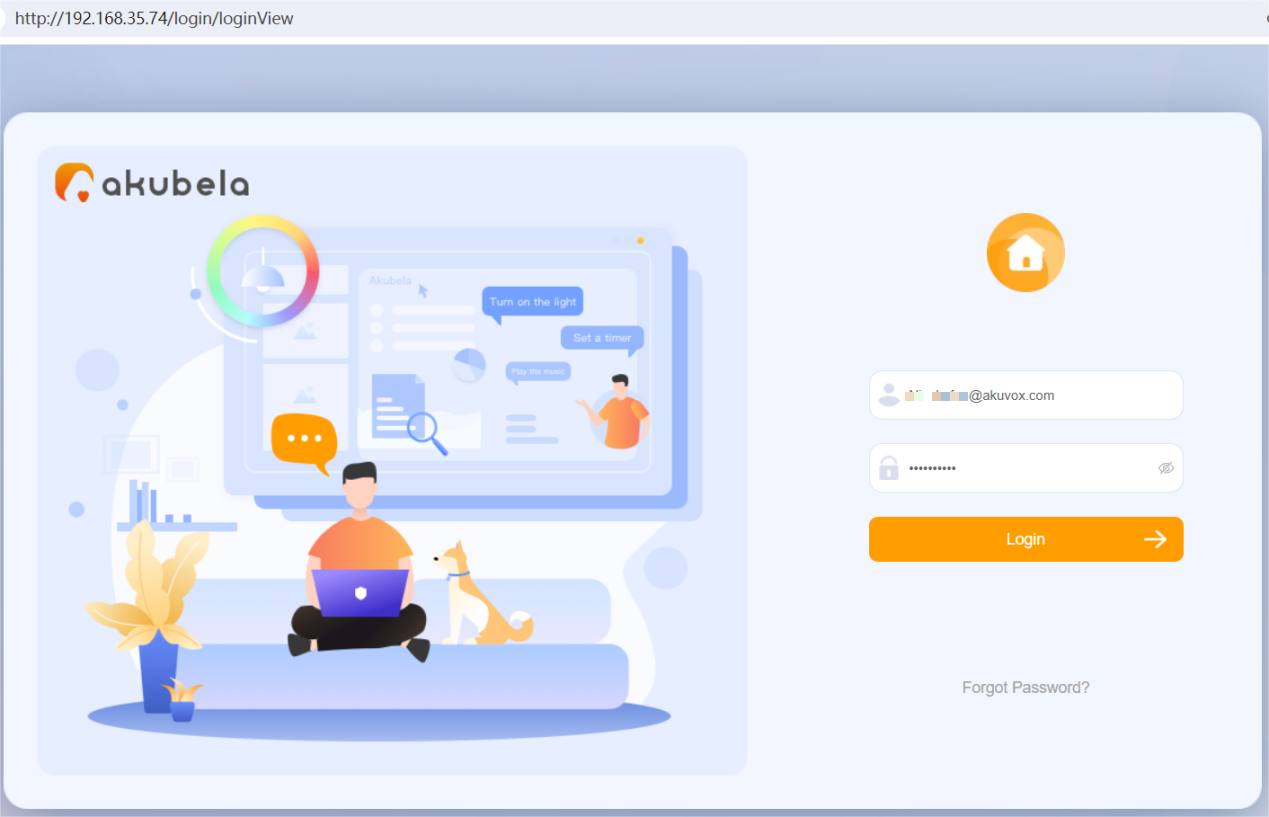
Log in with the administrator account credentials provided in the welcome email sent from akubela.
Tip
You can contact your service provider to register the administrator account for you, or self-register on the login page of the BelaHome app.
When Never Connected With the Cloud
Connect your computer to the same network as the devices.
Type in the home center device’s IP address into the browser.
Log in with the administrator account whose default username and password are both Admin888.