Access Logs
You can search and check door logs on the device web Status > Access Log interface.
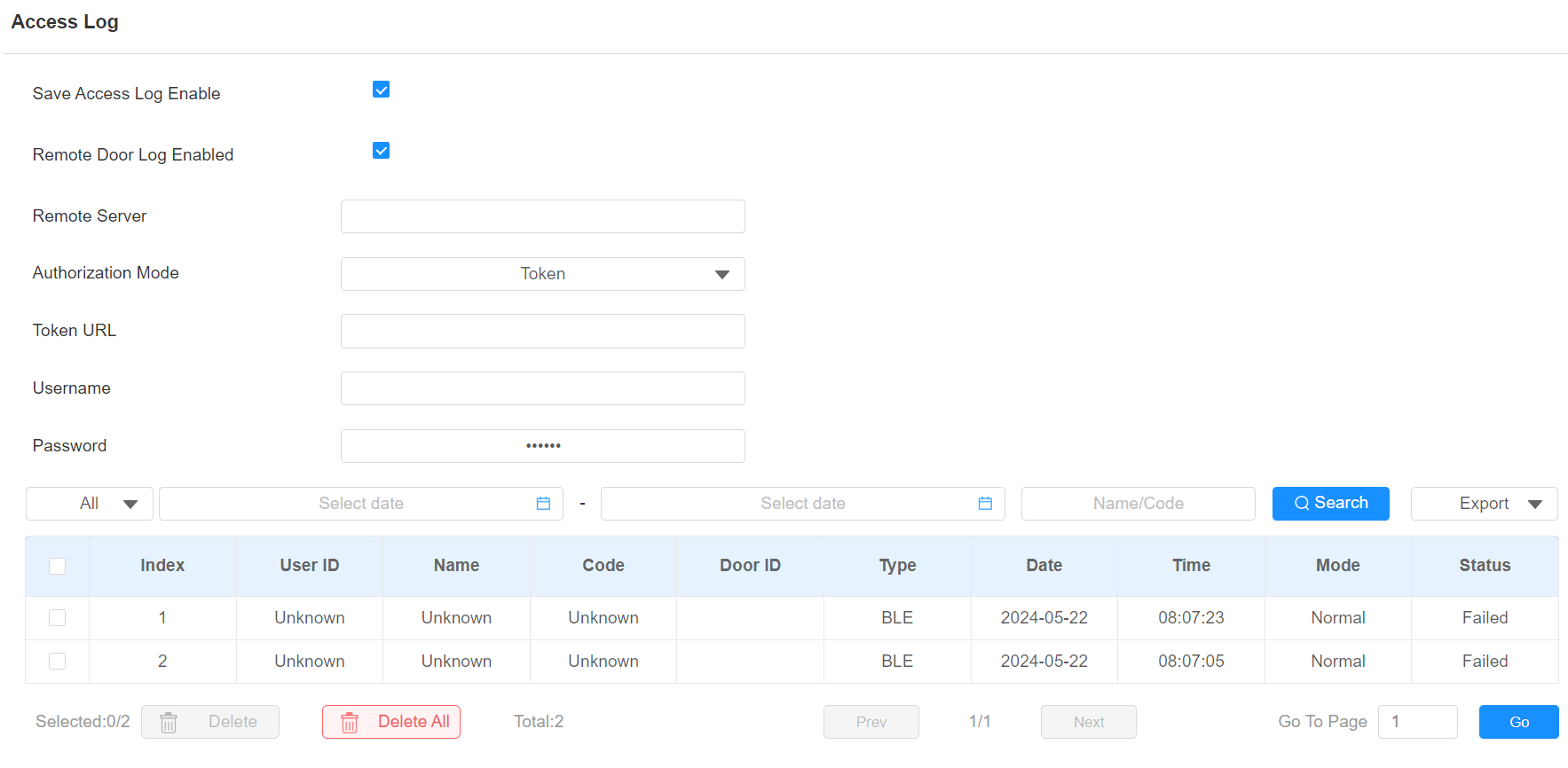
Save Access Log Enable: Decide whether to save the door-opening records.
Remote Door Log Enabled: Decide whether to send the door log to a third-party server.
Remote Server: Enter the remote server address.
Authorization Mode: Select from the None, Basic, Digest, and Token.
Basic: You are required to enter the username and password for authentication.
Token: You are required to enter the token URL, username, and password for authentication.
Status: Success and Failed options represent successful door accesses and failed door accesses respectively.
Time: Select the specific period of the door logs you want to search, check, or export.
Name/Code: Search the log by the username or the PIN code.
Door ID: Display the door name.
Type: Display the access type such as Card.
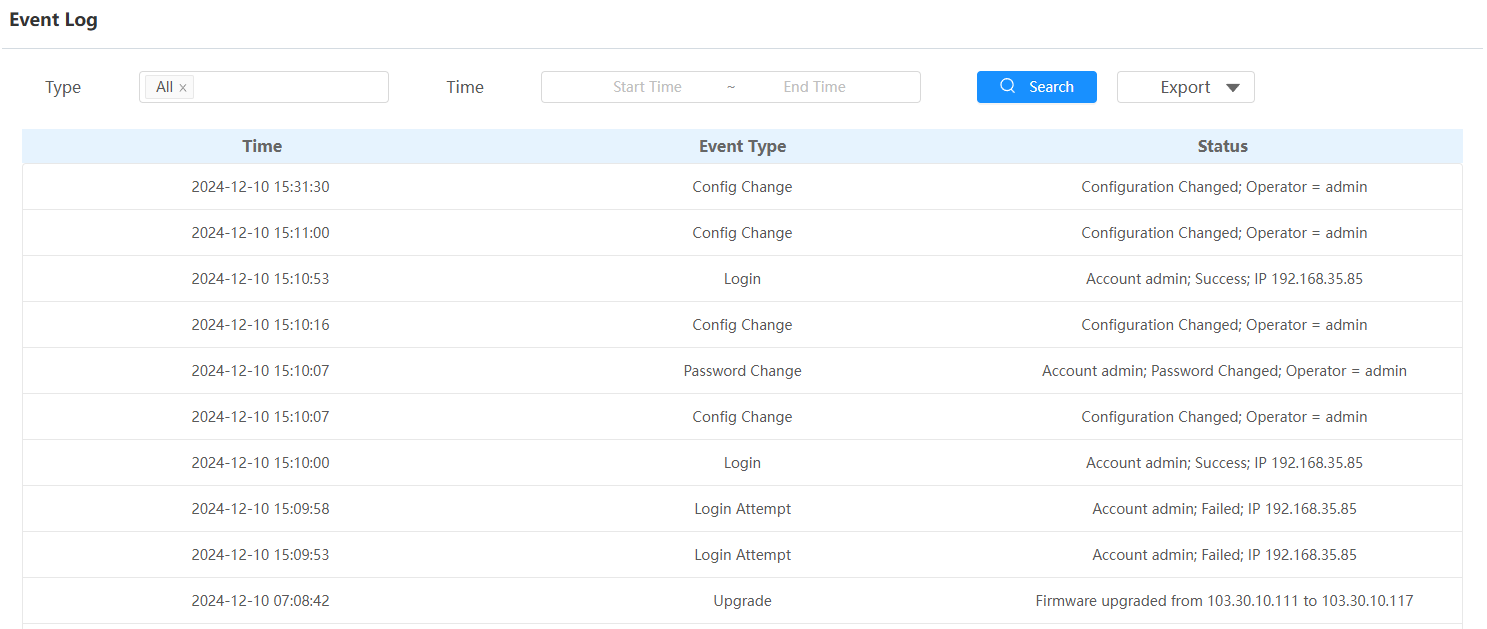
Event Logs
The event logs record the key events such as the status change of input, relay, tamper alarm, etc. This helps track the status and changes of the device.
Check event logs on the Status > Event Log interface. You can export the log in CSV format.