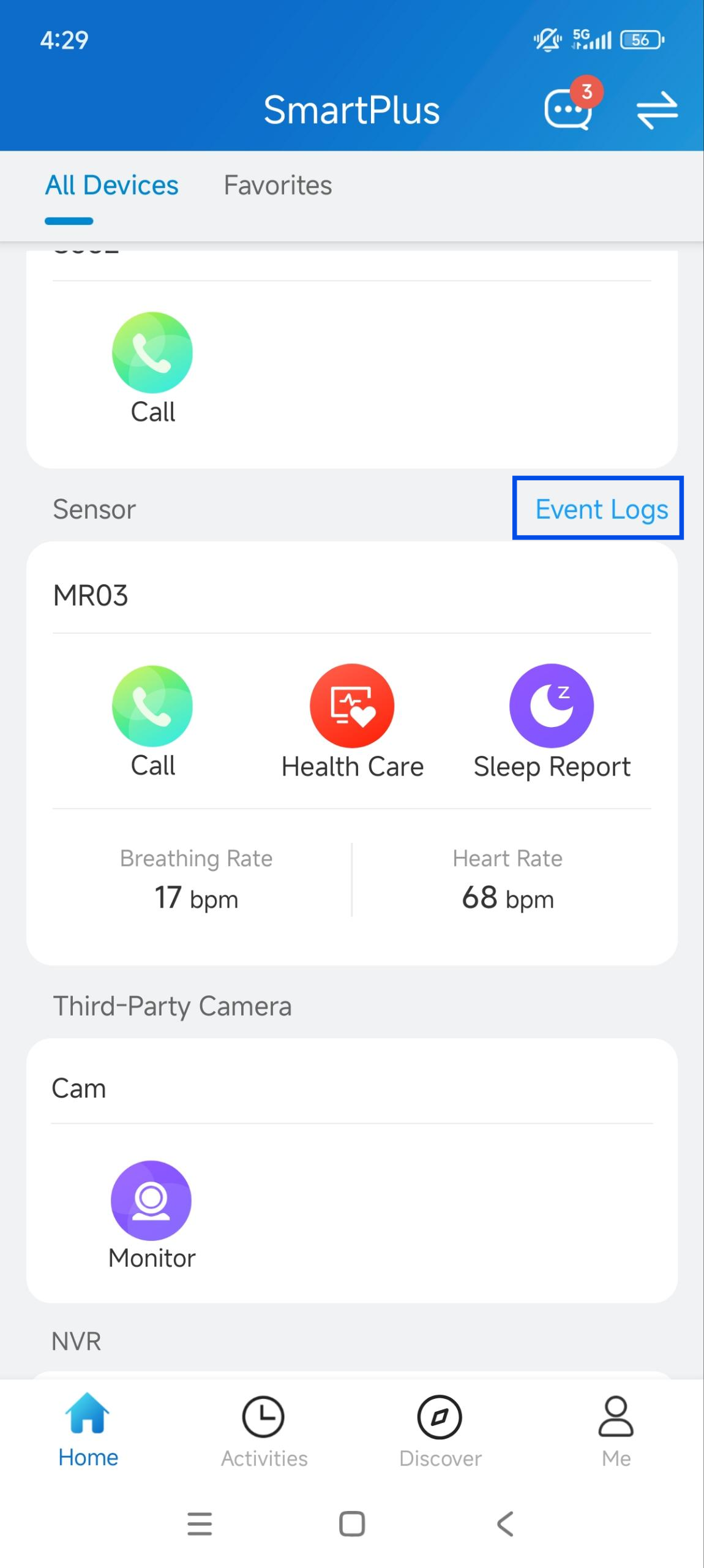
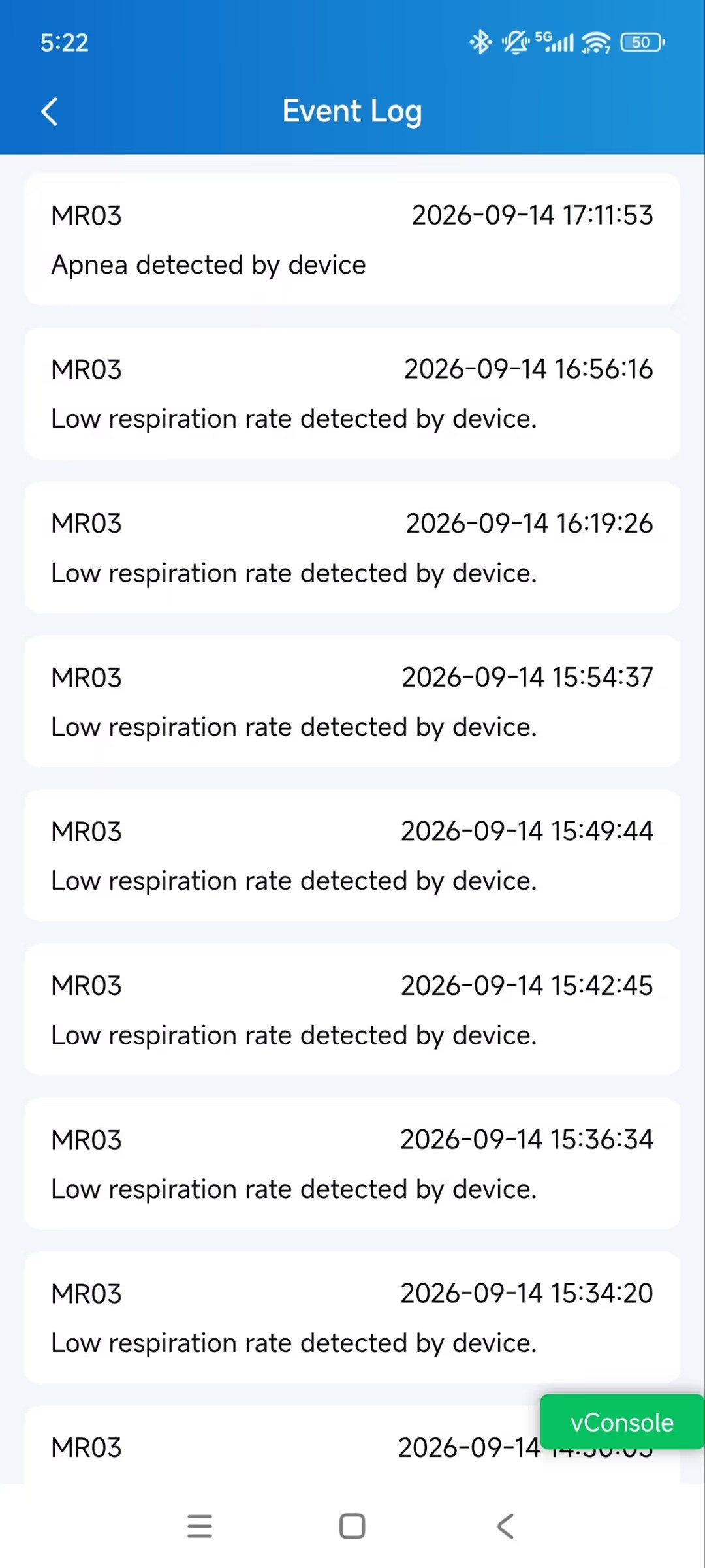
The MR03 provides non-contact healthcare monitoring for scenarios such as elderly care and assisted living. It monitors heart rate and respiratory rate, generates sleep reports, and records events to support monitoring and follow-up.
The SmartPlus App also provides a Zone Map to display posture and zone status. You can initiate an audio call to the Sensor when it is online.
Compatible Minimum SmartPlus App Version
7.52.0004(Android)/7.52.4(iOS)
Supported MR03 Version
303.30.10.29 or later
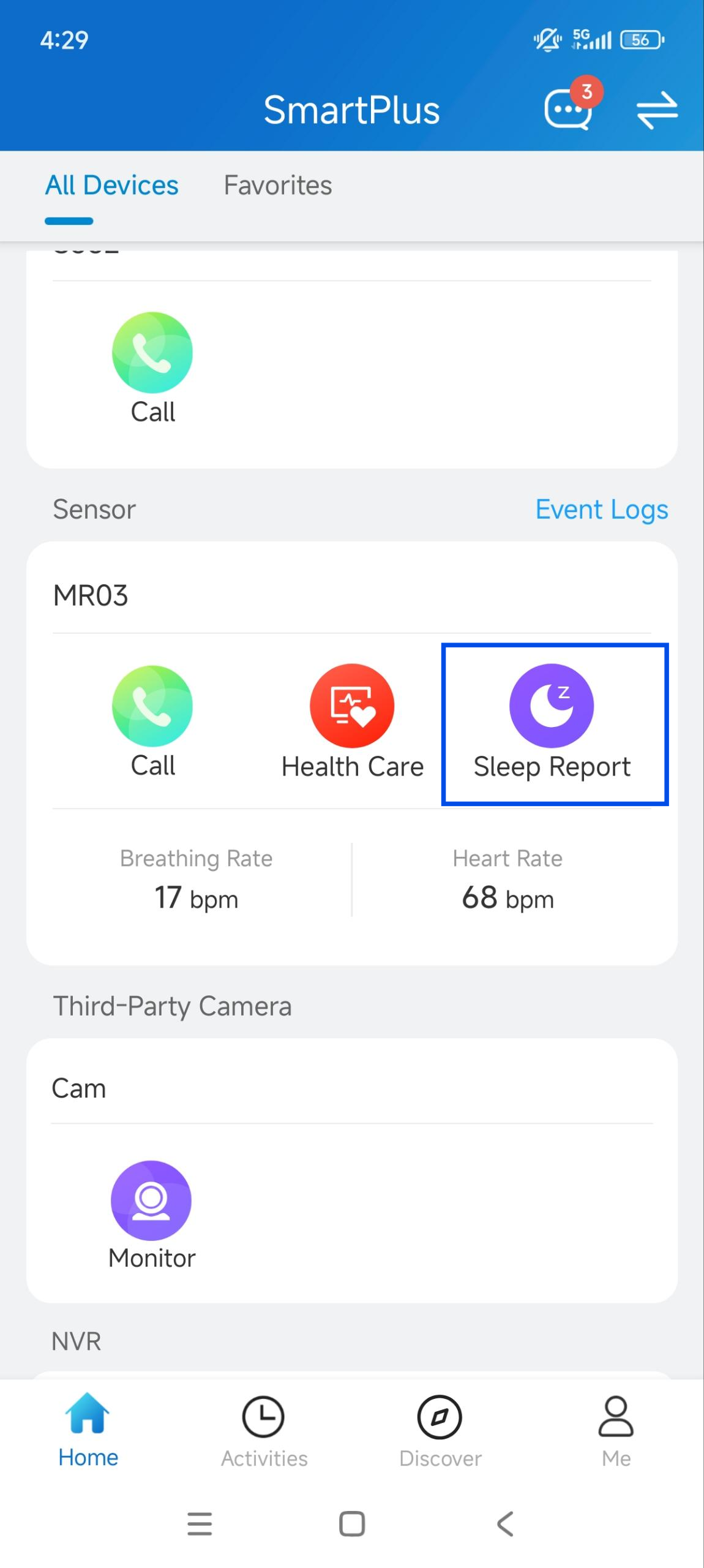
The Sensor is displayed on the homepage, supporting Call, Health Care, or Sleep Report.
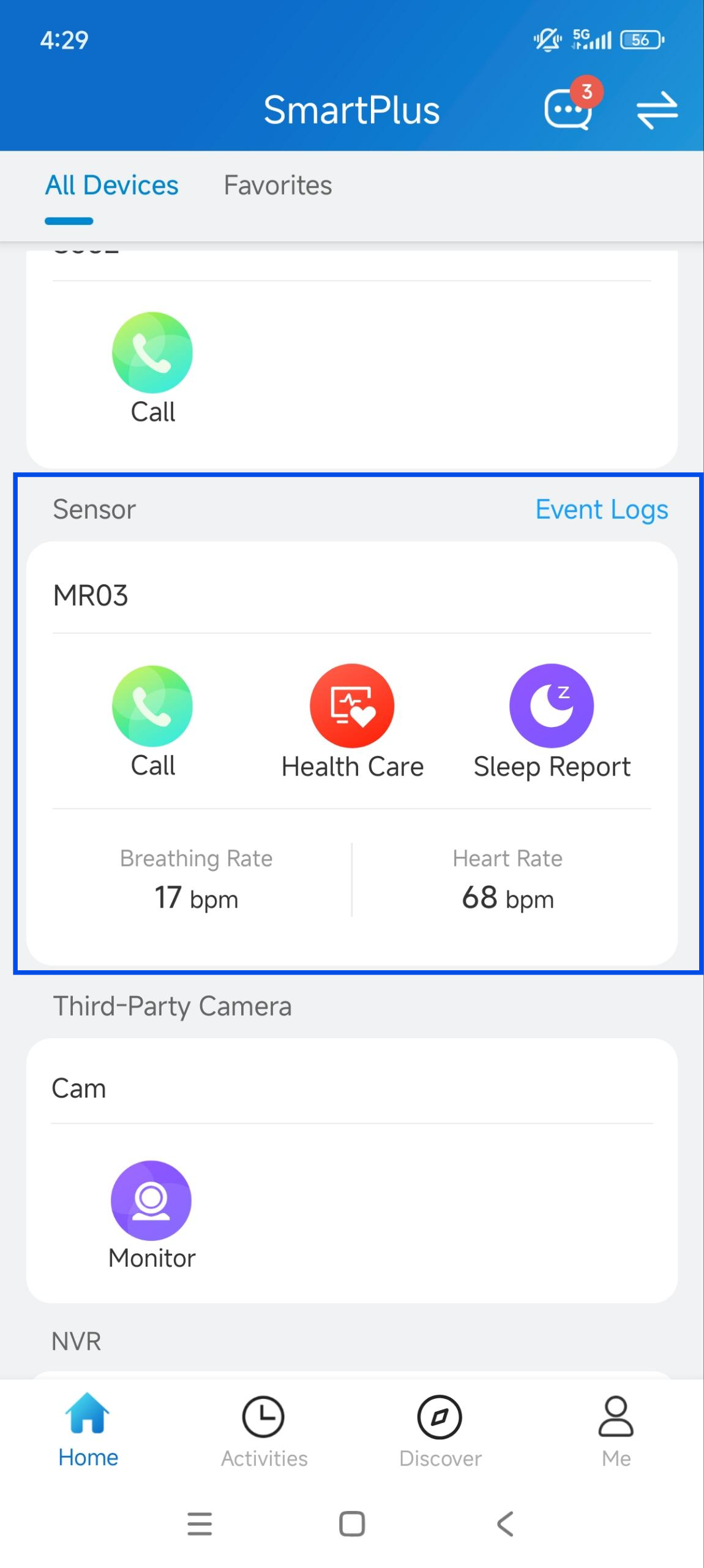
Feature | Description |
|---|---|
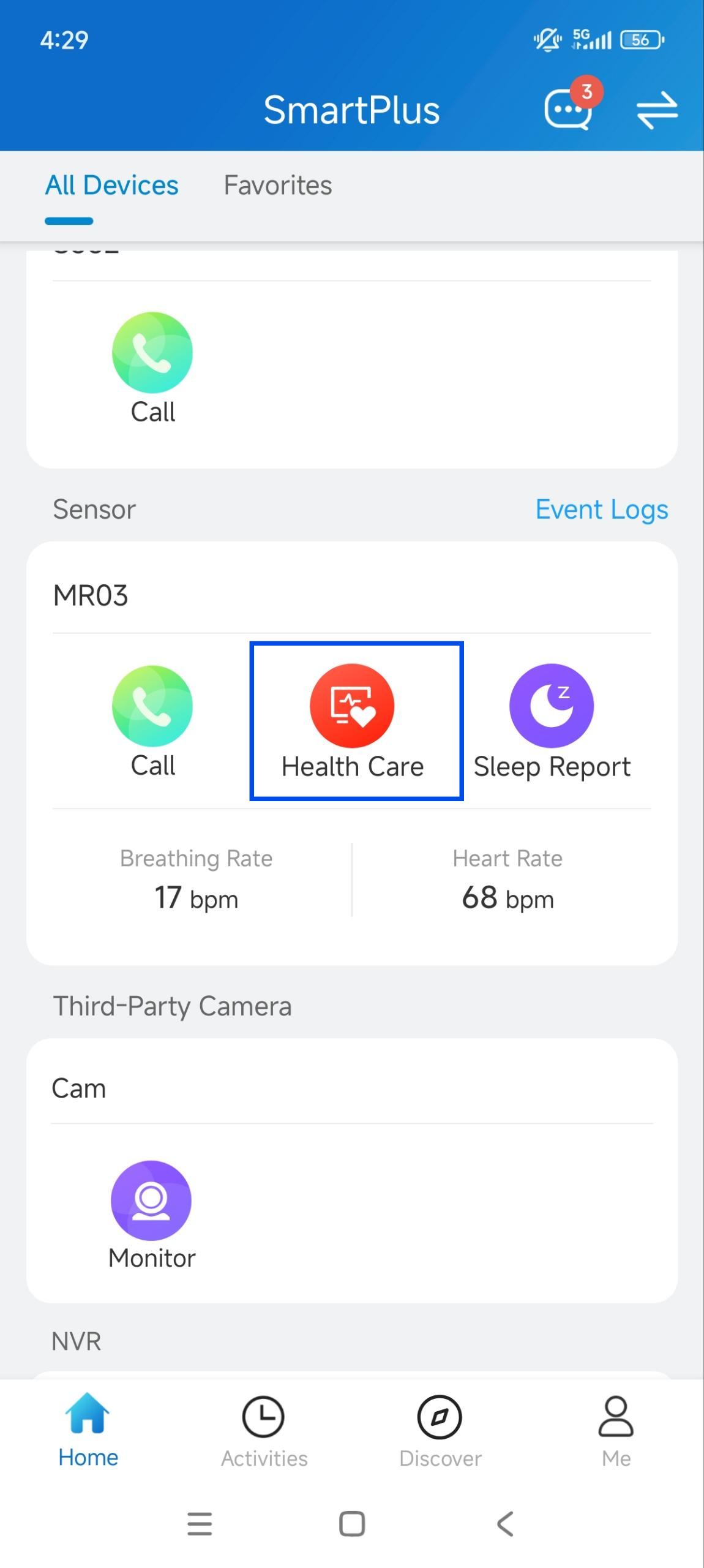
Health Care | View the latest heart rate and respiratory rate detected by the Sensor. |
Zone Map | View the posture and zone status detected by the Sensor. Access by Property Managers is subject to your authorization. |
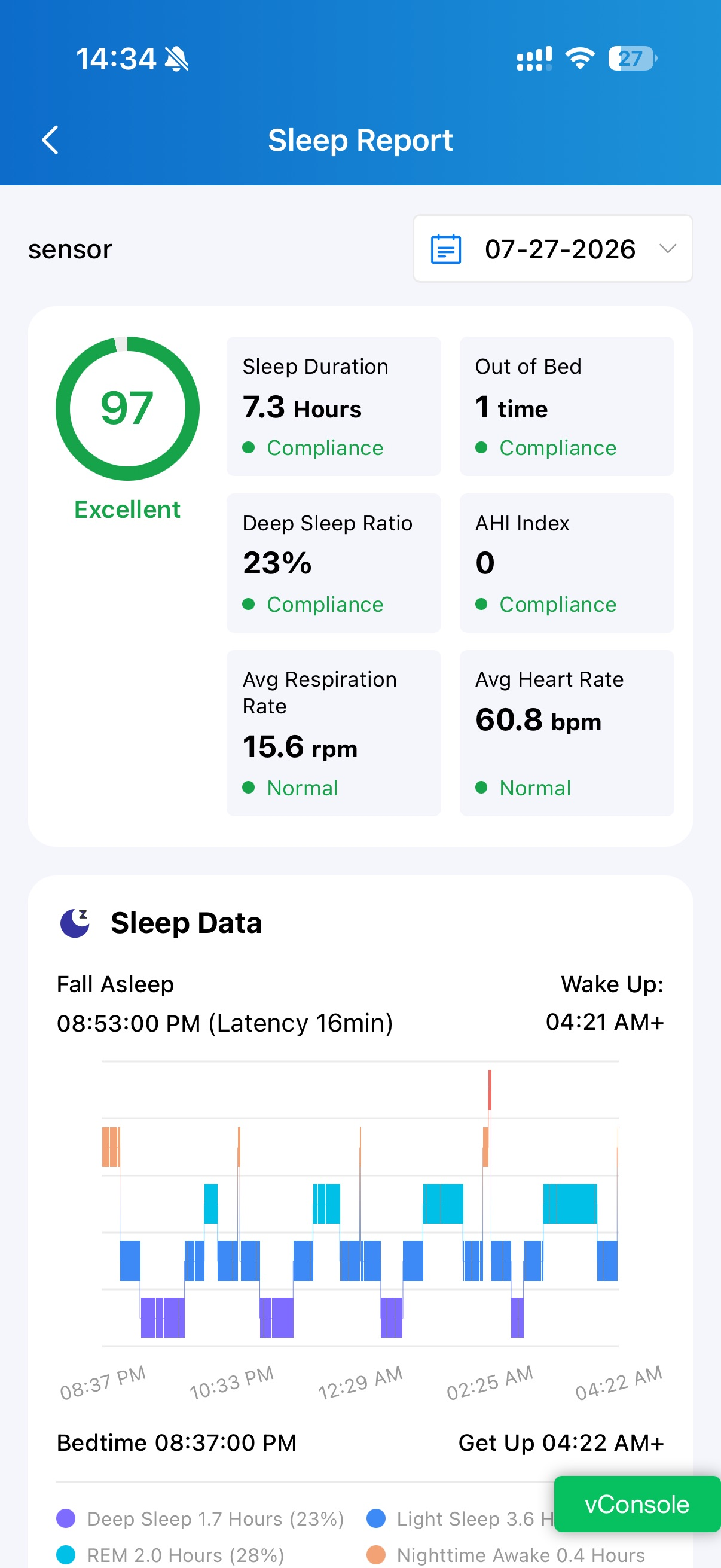
Sleep Report | View sleep reports generated by the Sensor. Up to 30 recent reports are retained. |
Call | Initiate an audio call to the Sensor when it is online. |
Event Log | View events reported by Sensors, including the device name, event details, and occurrence time. |
View the Zone Map
The zone map displays the posture and zone status detected by MR03, helping you understand the monitored person's current posture and location within the monitored area.
Tap Health Care to open the zone map.
.jpg)
Manage Property Manager Access to the Zone Map
You can control whether Property Managers (PMs) can view your MR03 posture data through the PM cloud portal. This setting is available for community residents.
Enable or Disable PM Access
Tap Health Care of the target MR03 sensor.
Turn Allow Property Manager to Monitor Zone Map on or off to enable or disable PM access to the Zone Map.
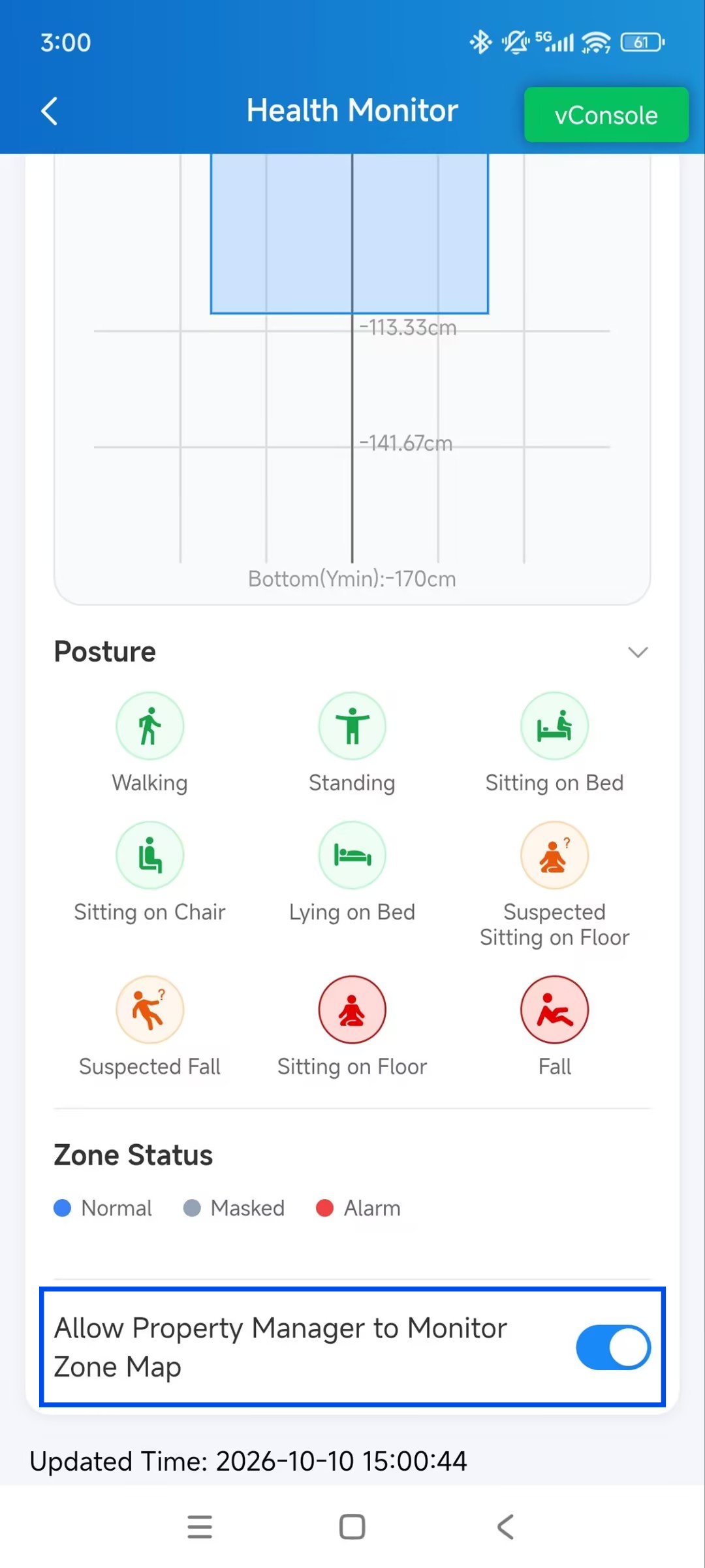
Respond to a PM Access Request
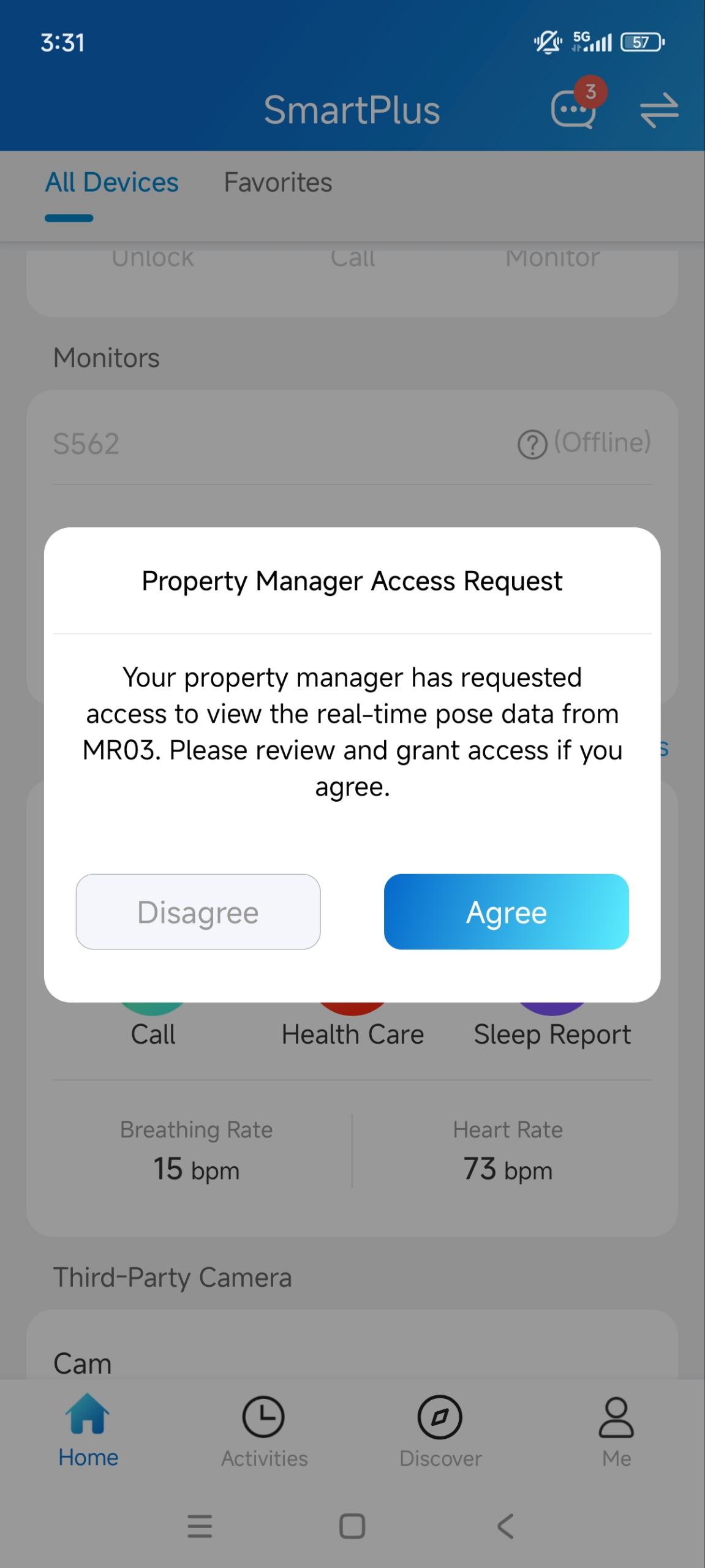
When a PM requests access to the posture data of an MR03 in your room, you will receive a pop-up.
Agree: Authorizes all PMs in the project to access the posture data for the requested MR03.
Disagree: Rejects the access request.
The authorization decision is synchronized between the family master and member accounts in the same room.
View Health Care Data
The Health Care page displays the latest heart rate and respiratory rate detected by the Sensor.
.jpg)
View Sleep Reports
The Sleep Report provides sleep data collected during the monitoring period from 20:00 on the selected day to 08:00 on the following day.
View Event Logs
Event Log records events reported by the Sensors, including the device name, event details, and occurrence time.