The door phone can send notifications or open doors when its auxiliary camera(at the device's bottom) detects packages.
Set this feature on the Surveillance > Package interface. It is disabled by default.
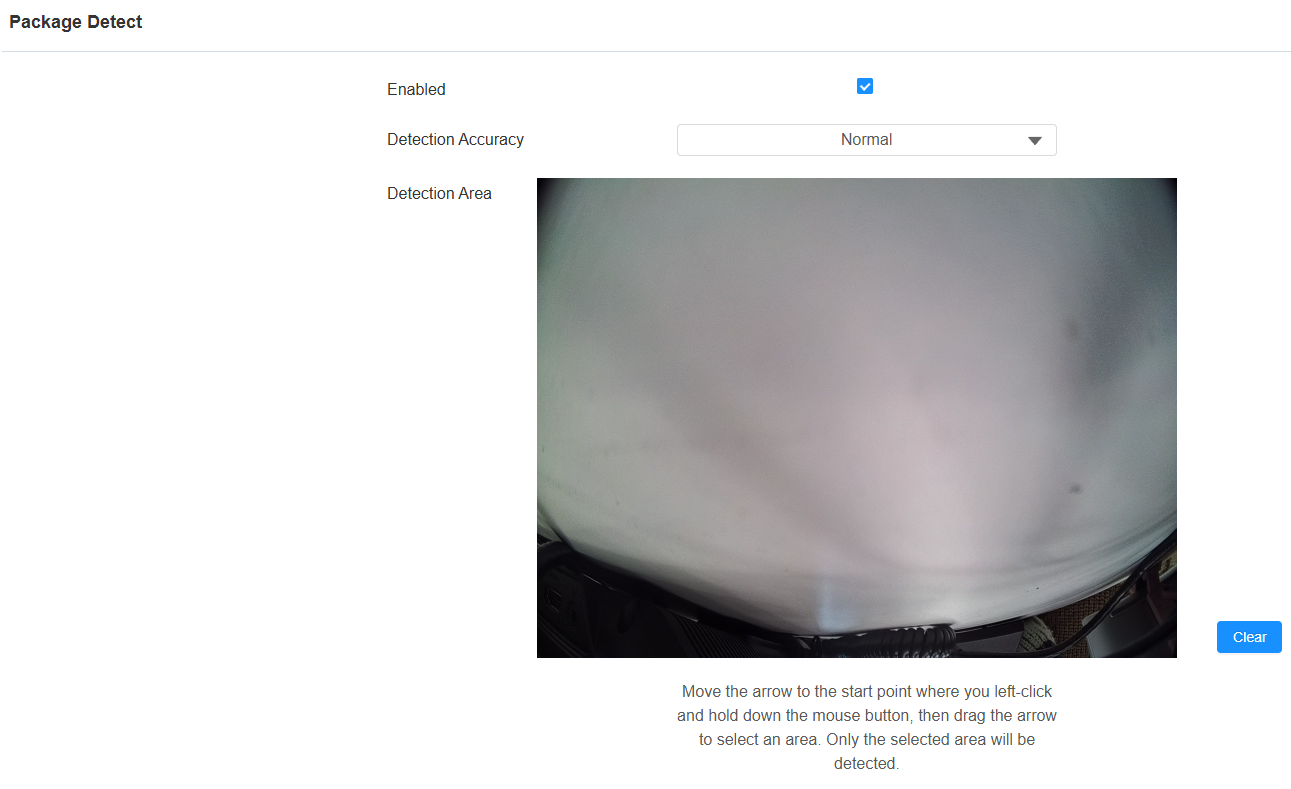

Detection Area: You can click and hold the mouse button to select up to three detection areas. When packages are detected within these three areas, the preset actions will be carried out.
Detection Accuracy: Select the accuracy option between Normal and High. High indicates stricter detection sensitivity and reduces missed detections. The default option is Normal.
Action to Execute: Set the desired actions that occur when package detection is triggered.
FTP: Send a screenshot to the preconfigured FTP server.
Email: Send a screenshot to the preconfigured Email address.
SIP Call: Call the preset number upon the trigger.
HTTP: When triggered, the HTTP message can be captured and displayed in the corresponding packets. To utilize this feature, enable the HTTP and enter the URL.
HTTP URL: Enter the HTTP message if selecting HTTP as the action to execute. The format is http://HTTP server’s IP/Message content.
Execute Relay: Specify the relay to be triggered.
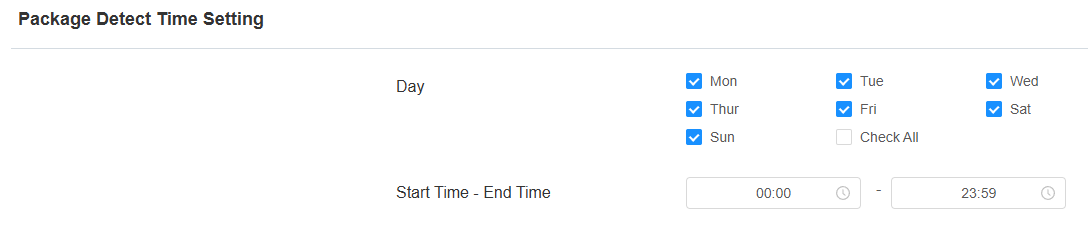
You can set the schedule that determines when the feature is effective on the Package Detect Time Setting part.