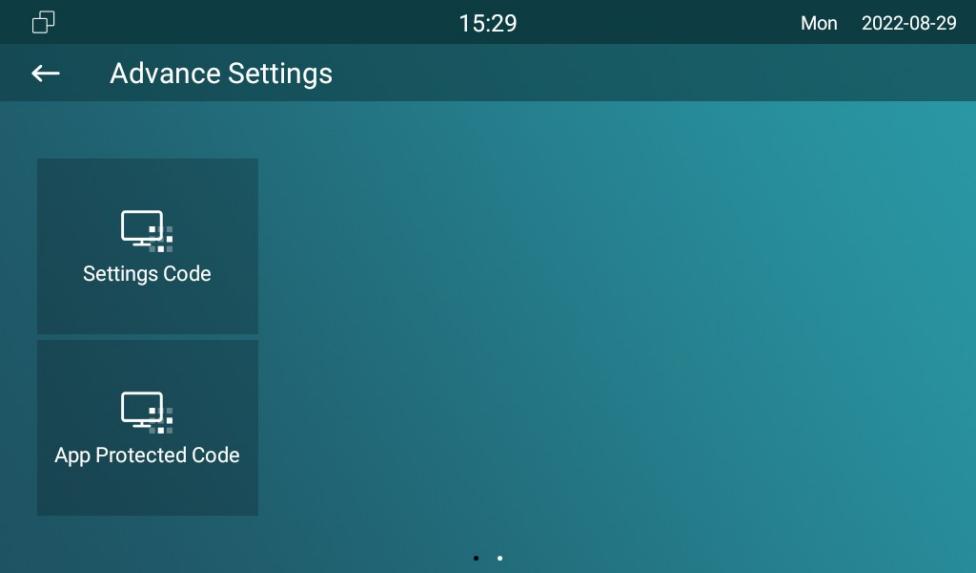
Modify Device Basic Settings Password
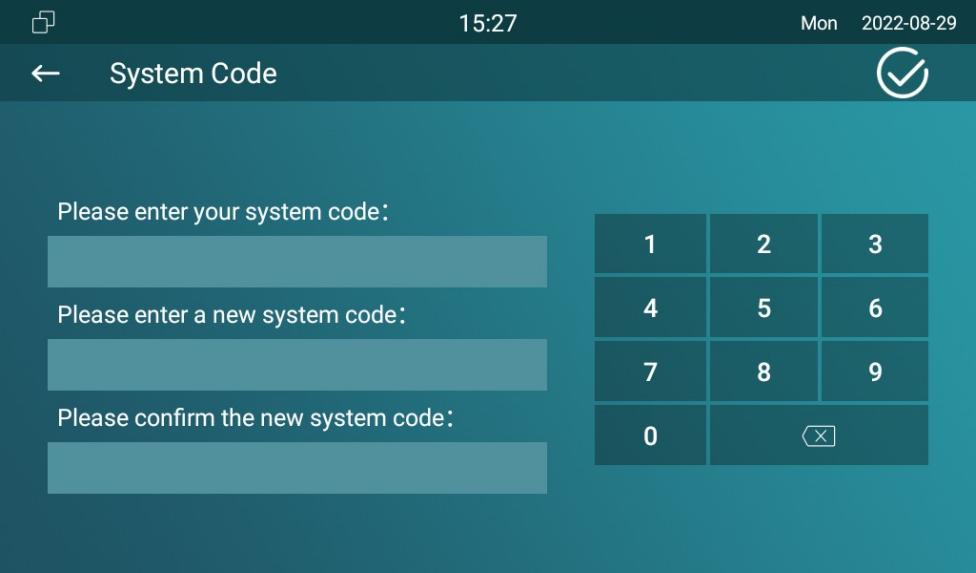
To do the configuration on the device Advance Settings > System Code screen to change a new password. The default password is 123456.
Modify Device Advance Settings Password
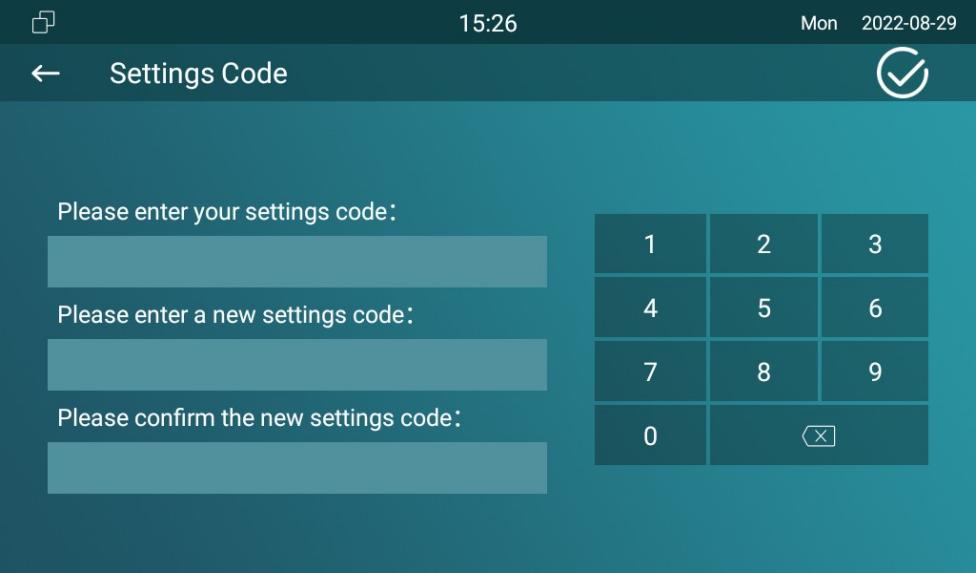
This password is used to enter the advance settings of the device, including password settings, account numbers, SOS numbers, network settings, etc. To modify the advanced setting password on the device Advanced Settings > Setting Code screen. The default password is 123456.
Modify Device Web Interface Password
To modify web interface password, you can do it on device web Security > Basic > Web Password Modify interface. Select Admin for the administrator account and User for the user account. Click the Change Password tab to change the password.

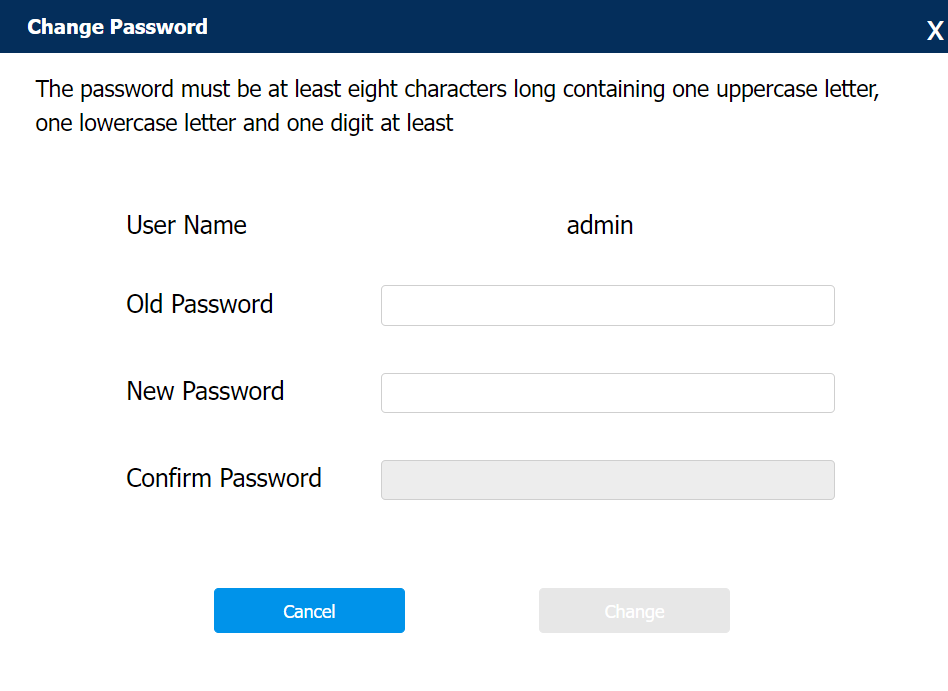
- There are two accounts, one is admin, its password is admin, the other is user, its password is user.
Modify Browser Password
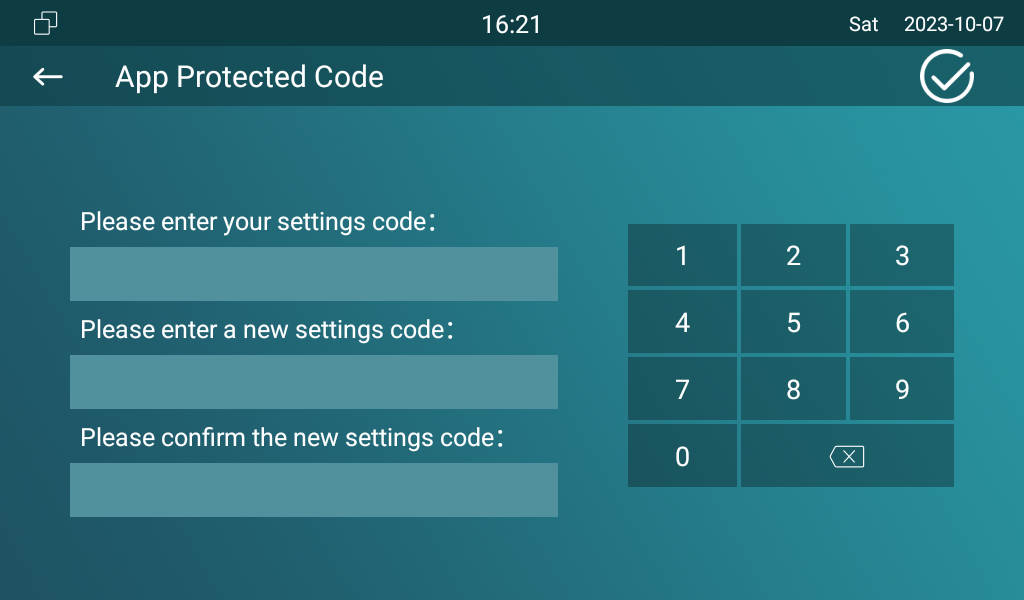
This password is used to lock the browser on the device in case someone abuses the browser for any unwanted application. You can do this configuration on the device screen. The default password is 123456.
Go to Advance Settings > App Protected Code screen.