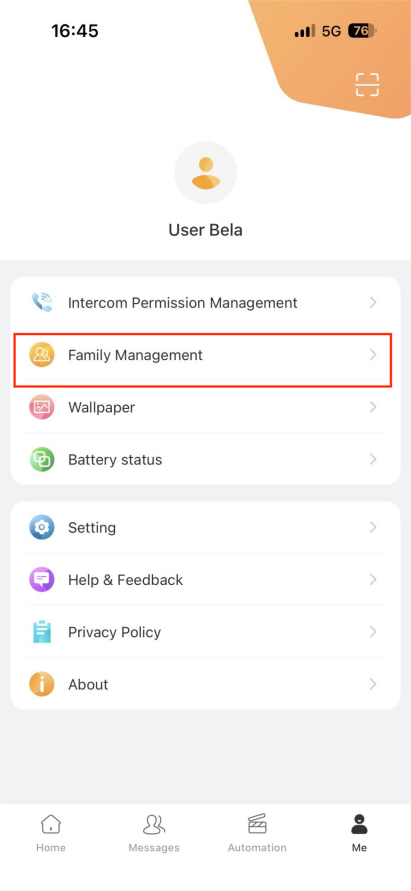
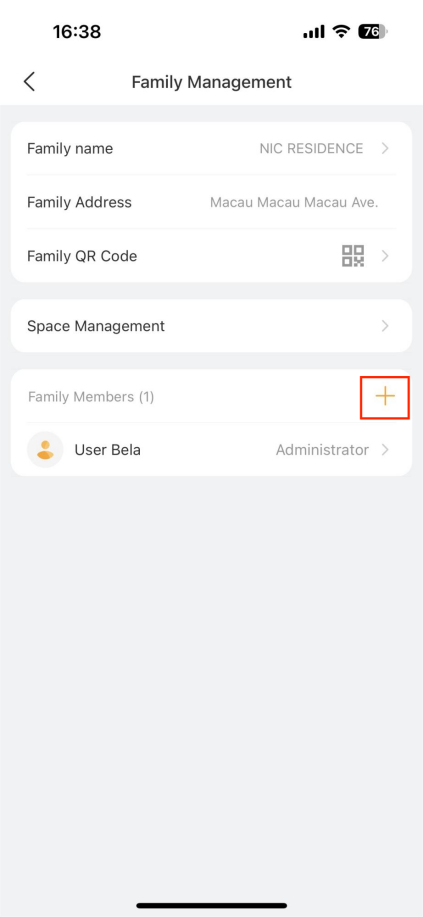
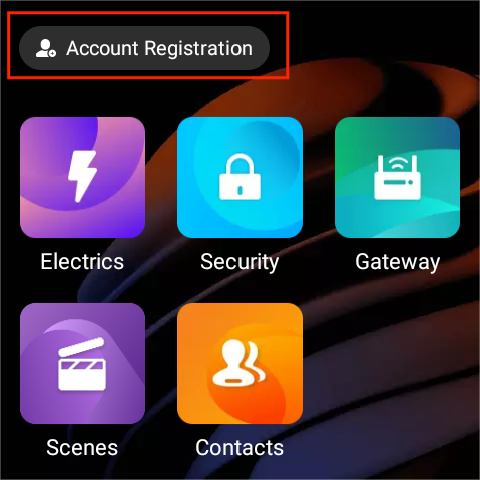
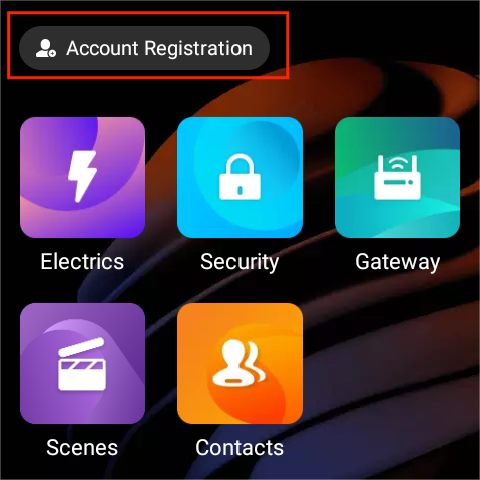
Once the devices are connected to the Cloud, an Account Registration button will appear on all panels within the home. This button allows both new and existing users to quickly and easily register an administrator account for their new home project.
Before getting started, make sure to download and install the BelaHome app on your phone.
If you do not have an akubela account
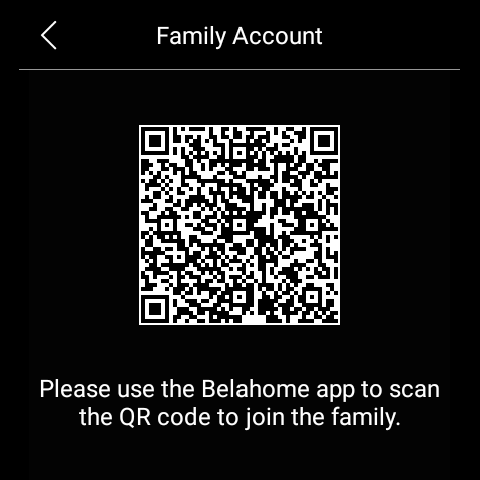
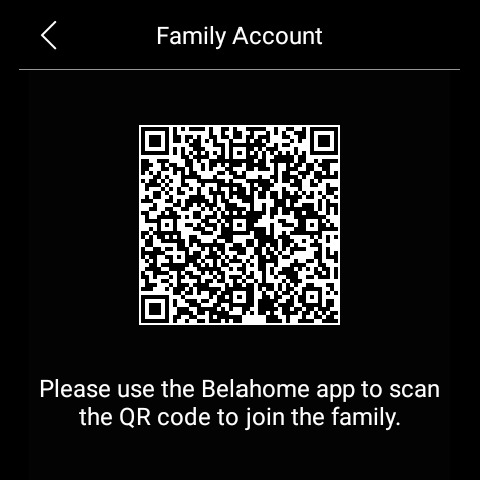
Tap the Account Registration button on the panel. An QR code will be displayed.
2. Open BelaHome app.
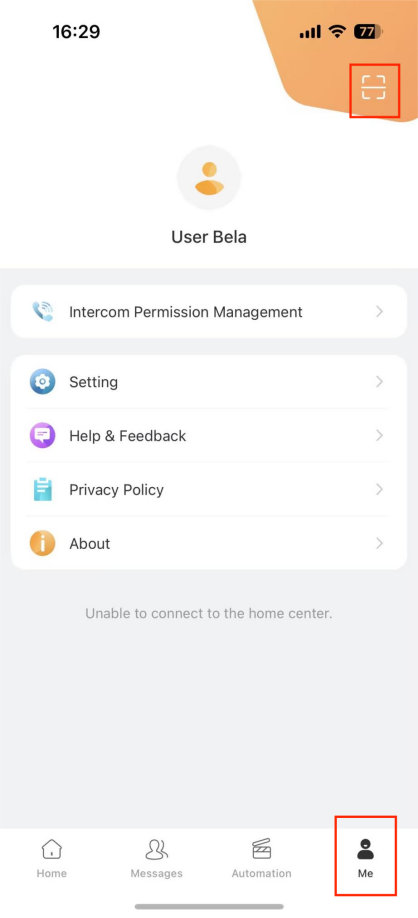
3. Tap the scan icon at the upper left to scan the QR code.
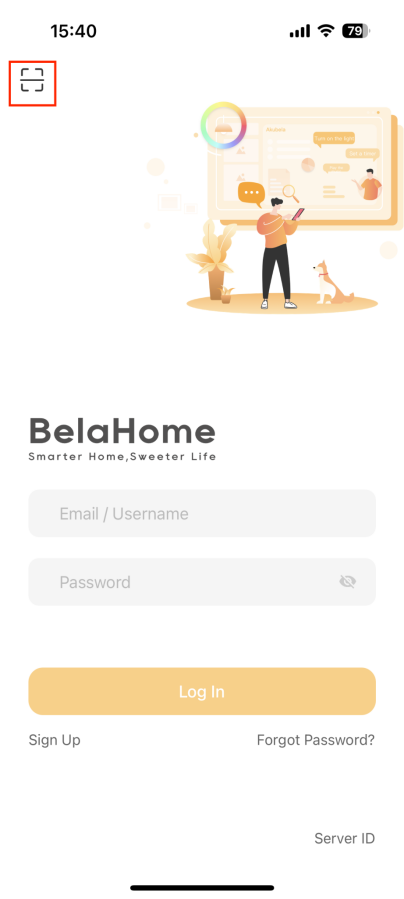
4. Enter a valid email address and confirm. You will soon receive a welcome email with login credentials.
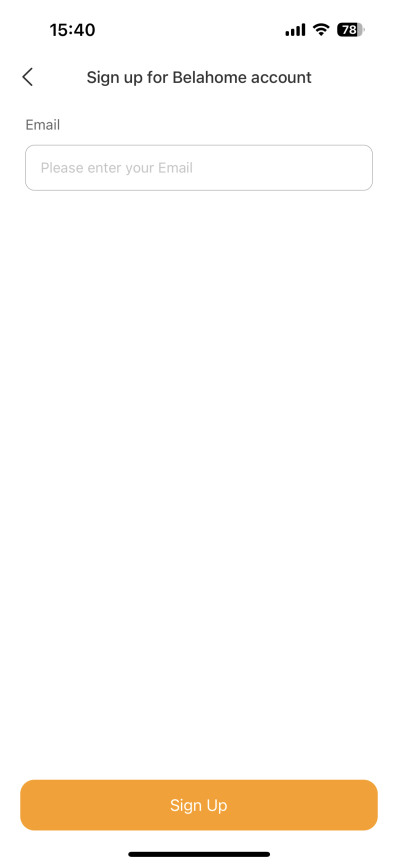
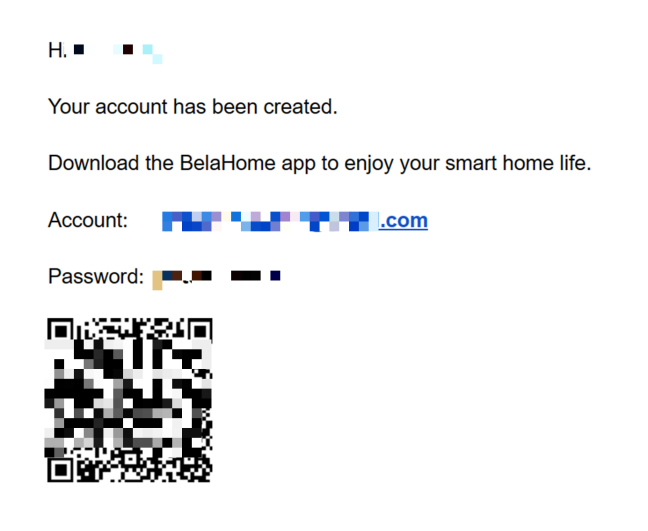
5. Open the app again, scan the QR code, or enter the username and password to log in.
If you already have an account
You can use an existing account, whether it's already associated with a home or not, and whether it's an administrator or general account, to join and manage this new home.
Tap the Account Registration button on the panel. A QR code will be displayed.
2. Open BelaHome app, and log in to your account.
3. Go to Me screen, and tap the scan icon to scan the QR code.
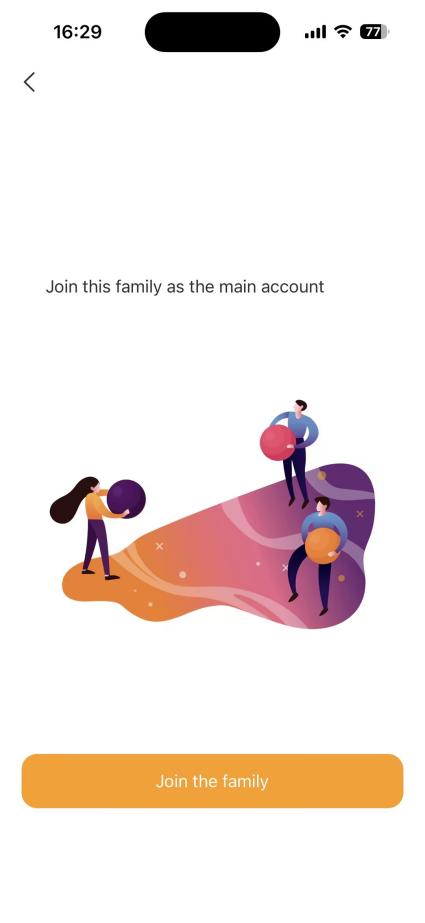
4. Tap Join the family to confirm.
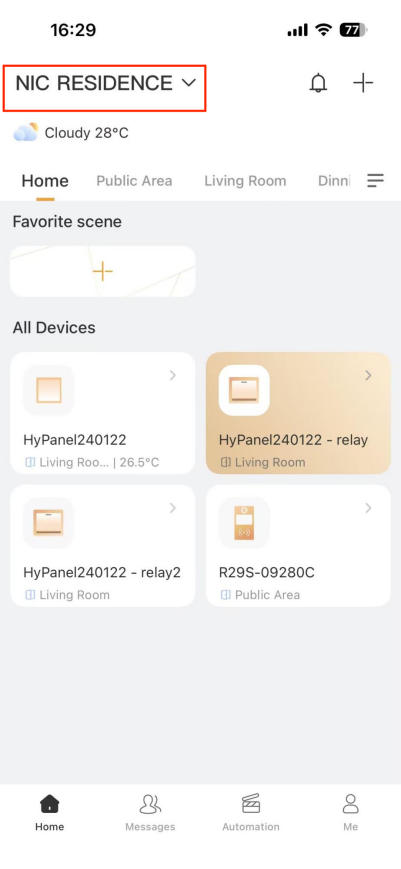
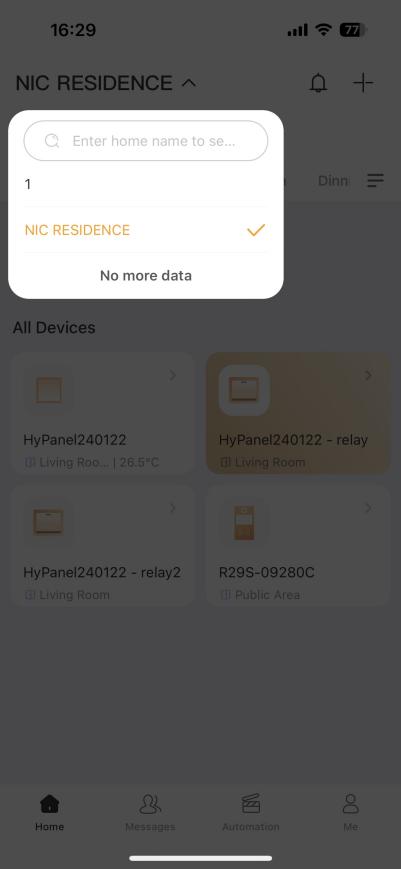
5. To switch the associated homes, go to the Home screen and tap the home name.
Tip
As an administrator, you can create family member accounts by tapping Me > Family Management >
, and entering the required information.