The device can scan other intercom devices on the same LAN. You can redirect to their web interfaces for configuration.
Set it up on the Device > Remote Control interface.
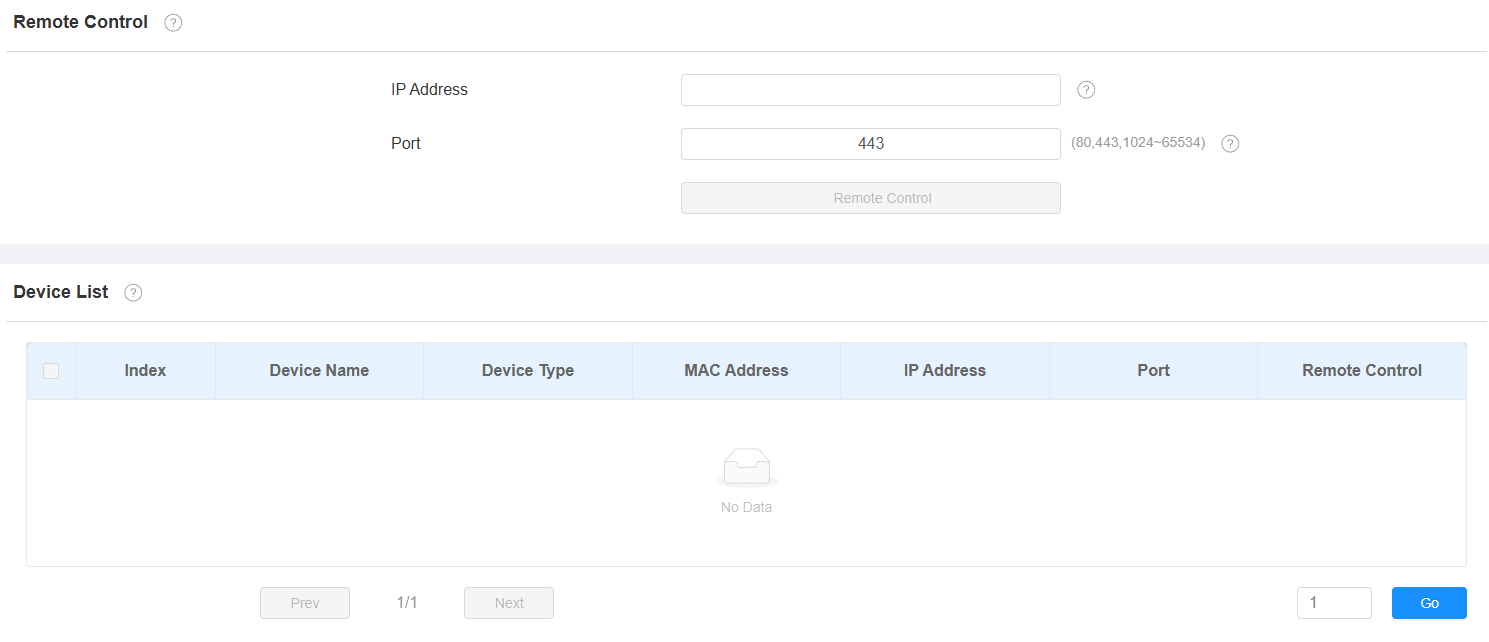
IP Address: The IP address of the device to be accessed remotely.
Port: The port of the device to be accessed remotely. If the port is not filled in, the device will use 80 or 443 by default for access.
Remote Control: Click to redirect to the device’s web interface.