Note
Power up the devices before resetting them through the physical buttons.
The reset button does not work when devices are in engineering mode.
A05 does not support reset through physical buttons.
A01 ~ 03 and A08
A01 ~ 03: Hold the reset button on the back of the device for about 15 seconds. The blue indicator light will turn on for a second. Then, the device will go into a factory reset and reboot.
A08: Hold the reset button on the back of the device for more than 10 seconds until the device shines the blue indicator light. Then, it will go into a factory reset and reboot.


A095
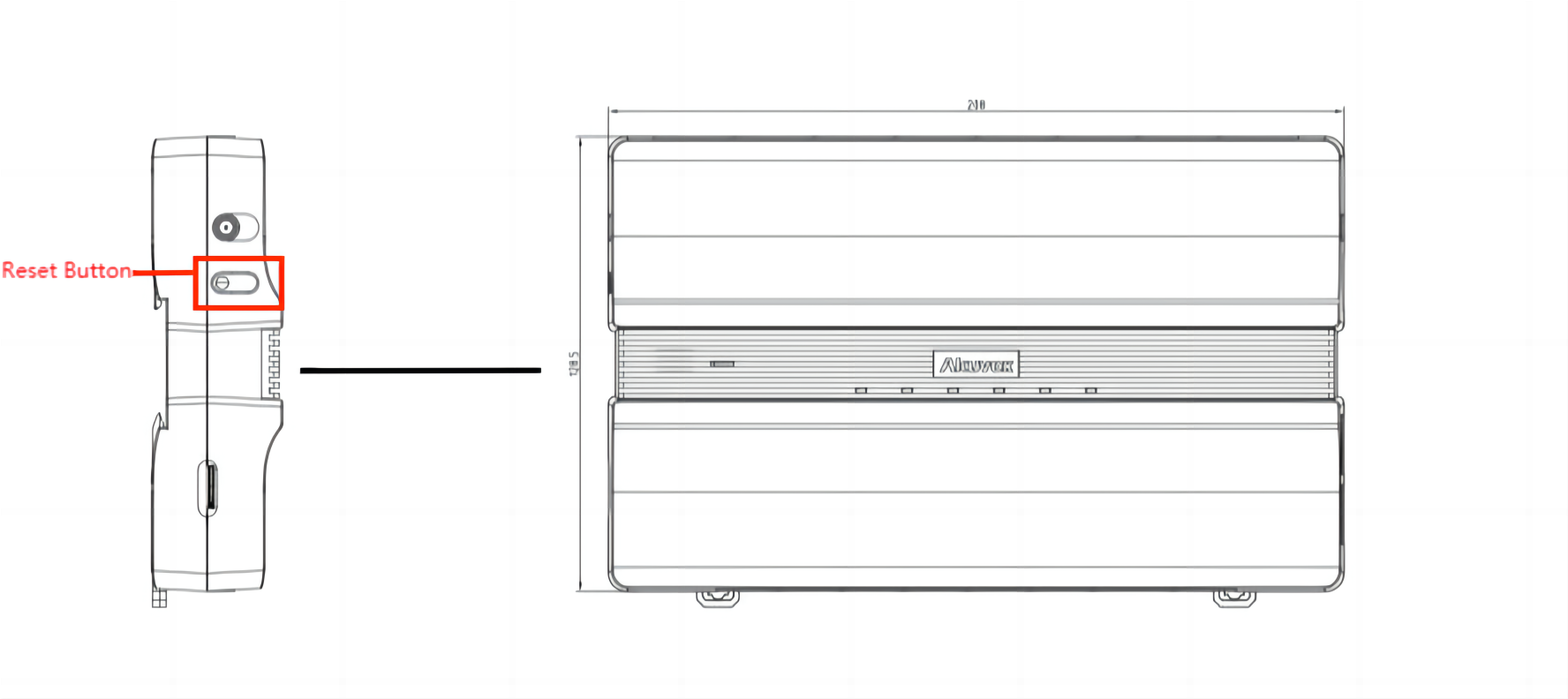
Hold the reset button for about 15 seconds until the RUN indicator light stops flashing. Then, the device will automatically reset and restart.
EC33 Elevator Controller
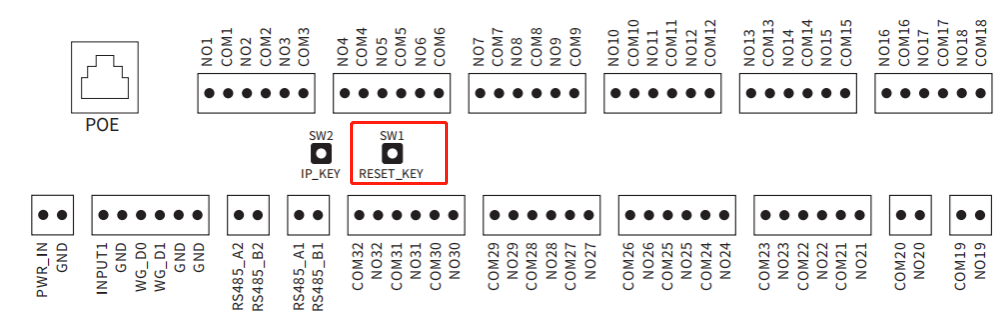
Press the SW1 button, and the device will reset and reboot.