You can configure the screen brightness, screensaver, screen lock, etc.
Go to the Settings > Display screen.
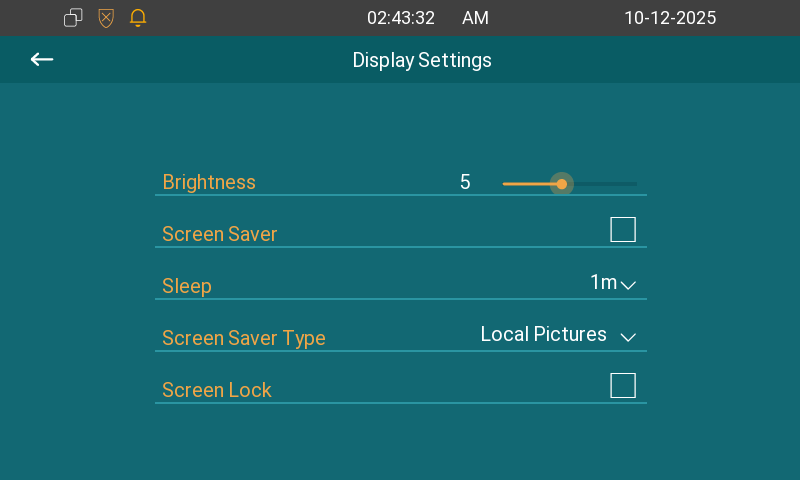
Brightness: Move the bar to adjust the screen brightness. The default brightness is 5.
Screen Saver: Determine whether to display the screensaver when the device goes into sleep mode.
Sleep: Set the sleep timing based on the screen saver (15 seconds to 30 minutes).
If the screen saver is enabled, the sleep time here is the screen saver start time. For example, if you set it to 1 minute, the screen saver will start automatically when the device has no operation for 1 minute.
If the screen saver is disabled, the sleep time here is the screen turn-off time. For example, if you set it to 1 minute, the screen will be turned off automatically when the device has no operation for 1 minute.
Screen Saver Time: Set the screen saver duration time from 15 seconds up to 2 hours. The device will enter the screensaver mode when no one approaches or operates for the Sleep time.
Screen Saver Type:
Local Pictures: Display pictures uploaded to the indoor monitor as the screen saver.
Clock: Display the clock as the screen saver.
Screen Lock: Lock the screen after the screen is turned off(turn dark). You can tap ✔ to unlock the screen.