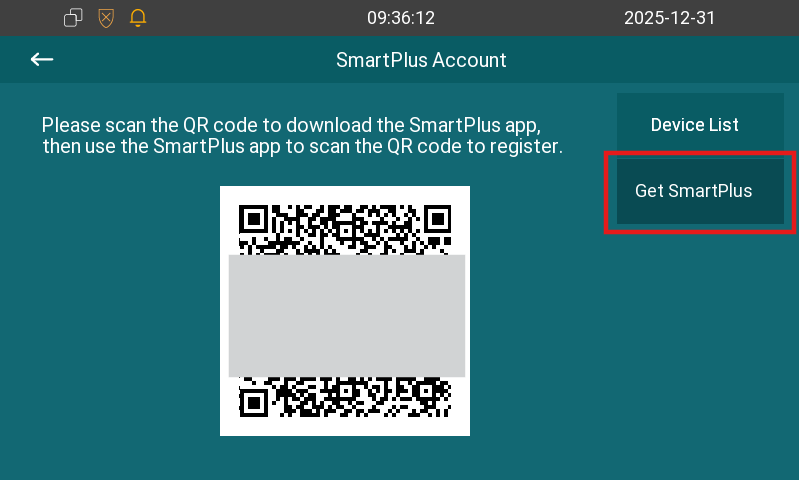
When the device is connected to the SmartPlus Cloud, you can scan the SmartPlus QR code to download the SmartPlus App and register your account.
This allows you to receive calls and open the door via the mobile app.
To scan the code, go to the More > Settings > Get SmartPlus screen.
Check Device List
You can check door phones scanned by the indoor monitor on the More > Settings > SmartPlus > Device List screen.
On this screen, tap  to change the device’s name.
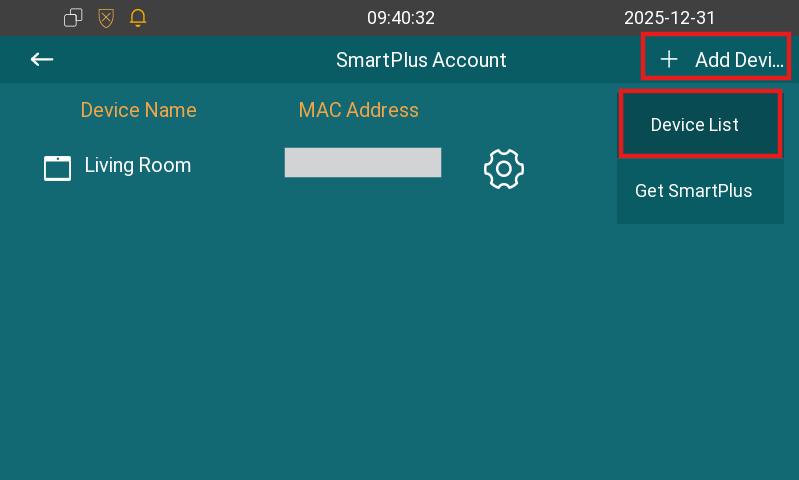
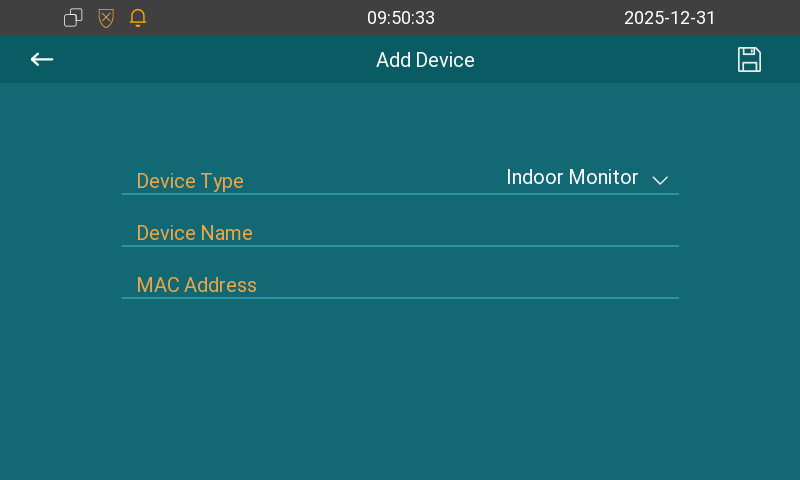
Furthermore, you can add a device manually by tapping + Add Device in the upper-right corner.
Select the device type, and enter its name and MAC address.