Reboot
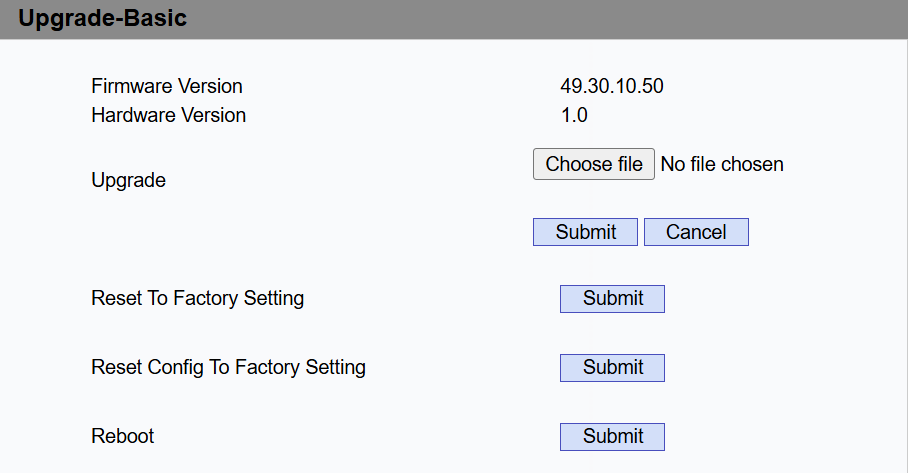
Navigate to the web Upgrade > Basic interface. Click Reboot.
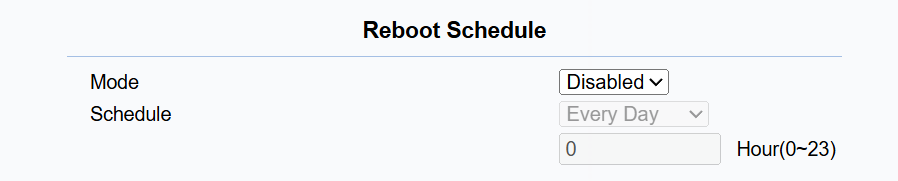
You can set up a schedule for the device to be restarted.
Navigate to the web Upgrade > Advanced > Reboot Schedule interface.
Reset
Reset the device on the Upgrade > Basic interface.
The device provides two reset options:
Reset to Factory Setting: Reset all data to the factory default.
Reset Config To Factory Setting: Retain the user data, such as schedules and call logs.
The device can also be reset directly on the screen.
Tap  > Settings > System > Reset options.
(1).png "image(850)(1).png")