Modify Device Web Interface Password
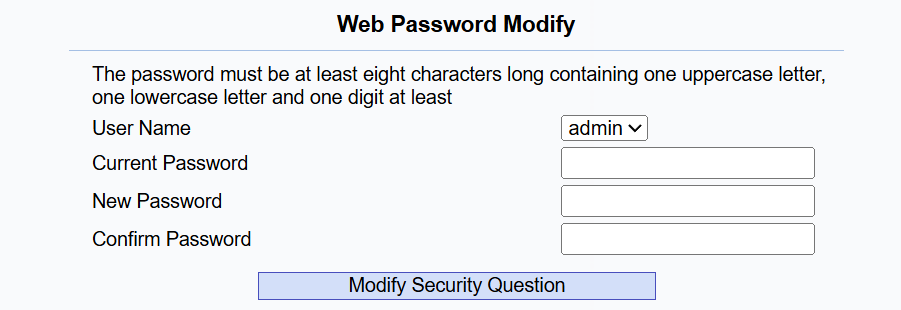
Navigate to the web Security > Basic > Web Password Modify interface. Select admin or user to modify web passwords for the desired role.
Note
There are two accounts, one is admin, its password is admin, the other is user, and its password is user.
Modify Security Questions
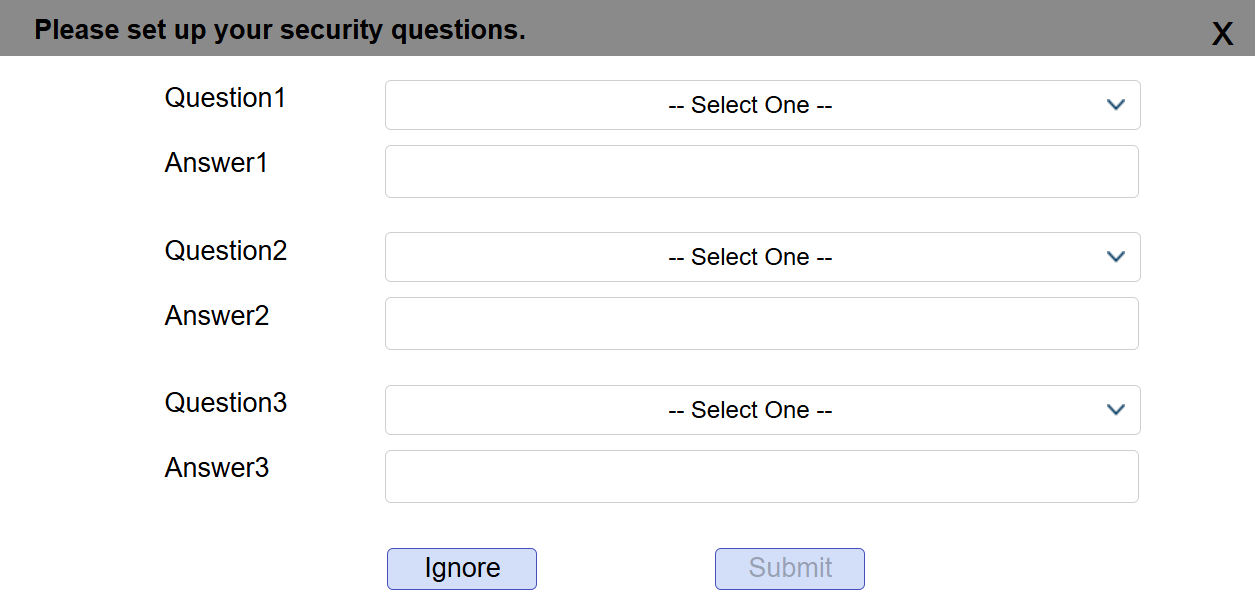
Security questions allow you to reset the web password if you forget it. After setting up the security questions, you can click "Forget Password" on the login interface, enter the answers, and a password reset window will pop up.
If you do not set up the security questions, clicking "Answer security questions" will prompt you to "Please contact your service provider".
Set it up on the Security > Basic > Web Password Modify interface.
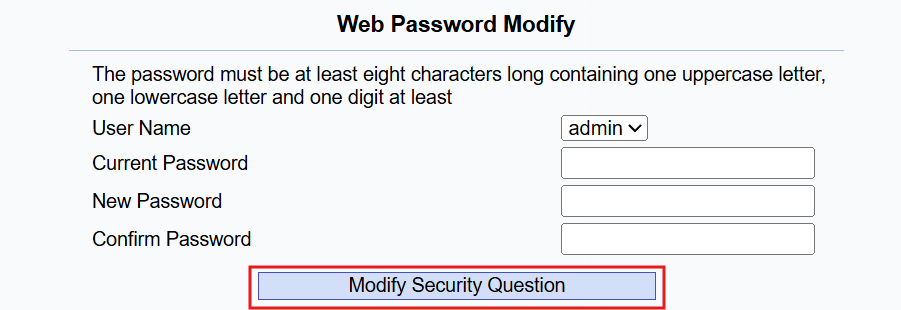
You are required to fill in the correct password before modifying the security questions.