Reboot
You can reboot the device on the Upgrade > Basic interface.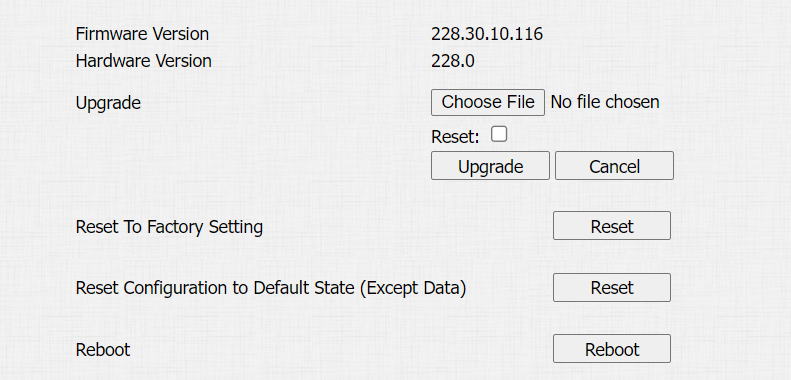
Reset
Reset the device on the Upgrade > Basic interface.
The device provides two reset options:
Reset to Factory Setting: Reset all data to the factory default.
Reset Configuration to Default State(Except Data): Retain the user data, such as the RF cards, face data, schedules, and call logs.
Tip
You can also reset the device directly by pressing “*2396#” on the keypad.
Press “3” to access the System Settings.
Select Restore Default to reset the device.