Unlock the door remotely
When you know who is at your door, you can open the door directly without communicating with the door phone:
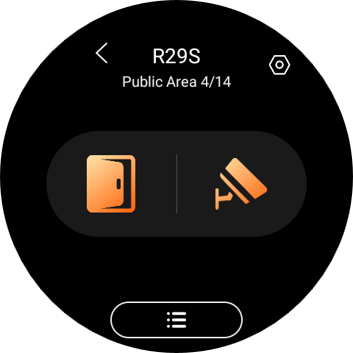
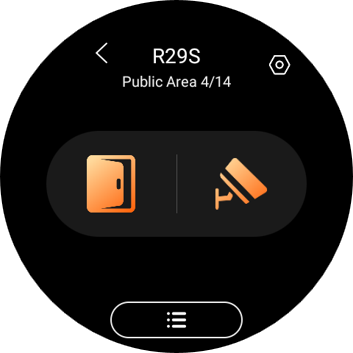
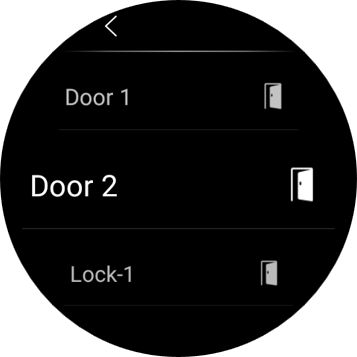
Go to Security screen, and tap  to open the door directly. If there are multiple doors connected to the door phone, select the desired one from the pop-up list.
Unlock the door before answering a call
When you receive a call from the door phone with a camera, you can preview its monitoring streaming and open the door without answering the call.
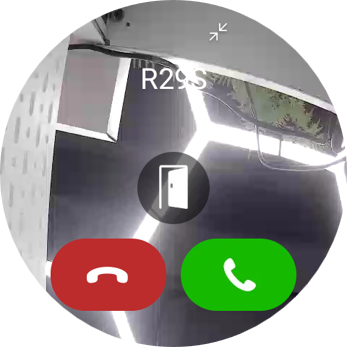
Unlock the door during a call
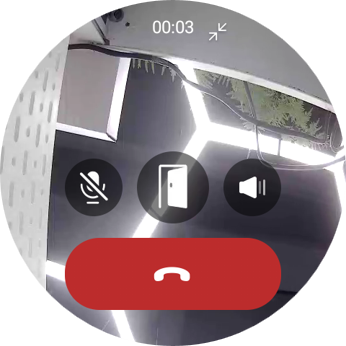
You can answer the door phone call and unlock the door during the call.
On the calling screen, tap  to release the door.
You are also able to call the door phone to see and hear who the visitor is. To do so, see the section Make voice calls in this guide.
See monitoring stream
If the connected door phone has a camera, you can see its monitoring stream on the panel.
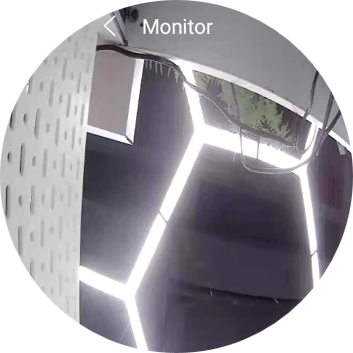
To see the monitor stream, find the desired door phone card on the Security screen, and tap  .