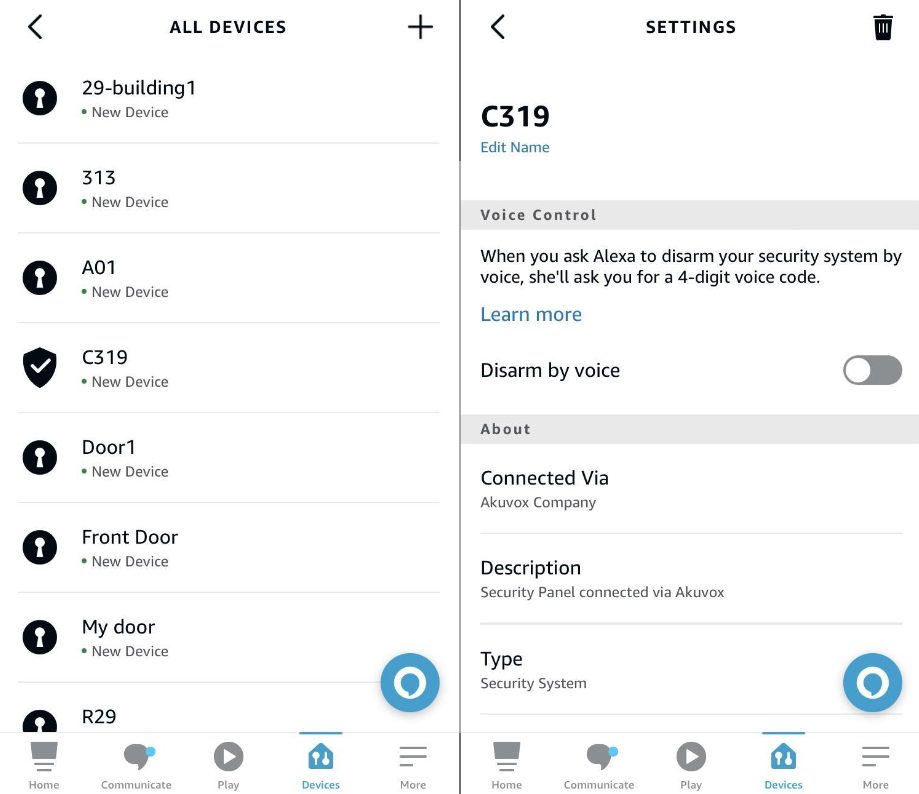
Linking your account to the Alexa app, you can arm or disarm the indoor monitor by giving the following commands to Alexa.
Check whether the device is armed: Alexa, is [device location] armed?
Arm the device in Home mode: Alexa, arm [device location]; Alexa, Arm [device location] in Home mode.
Arm the device in Away mode: Alexa, arm [device location] in away mode.
Arm the device in Night mode: Alexa, arm [device location] in night mode.
Disarm: Alexa, arm [device location] in night mode.
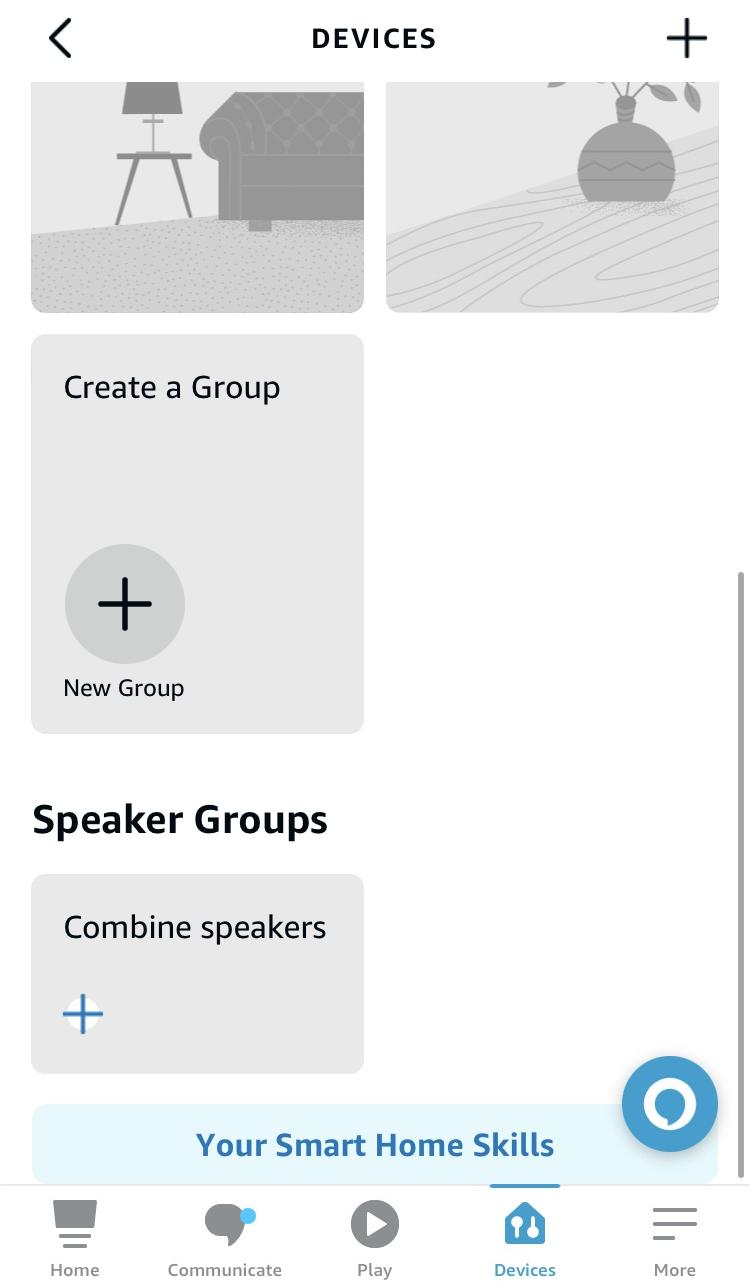
Log in to your Alexa app, go to Devices, and scroll down to the bottom. Tap Your Smart Home Skills.
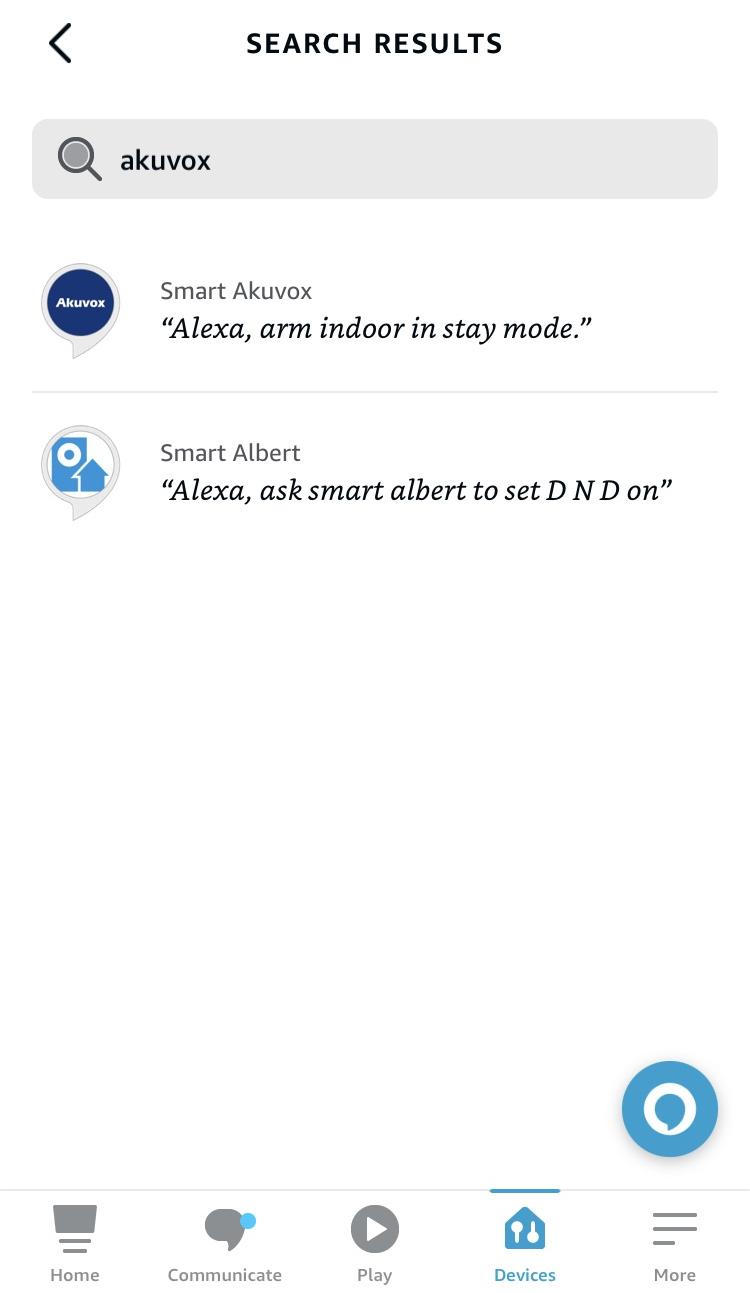
Enter Akuvox to search.
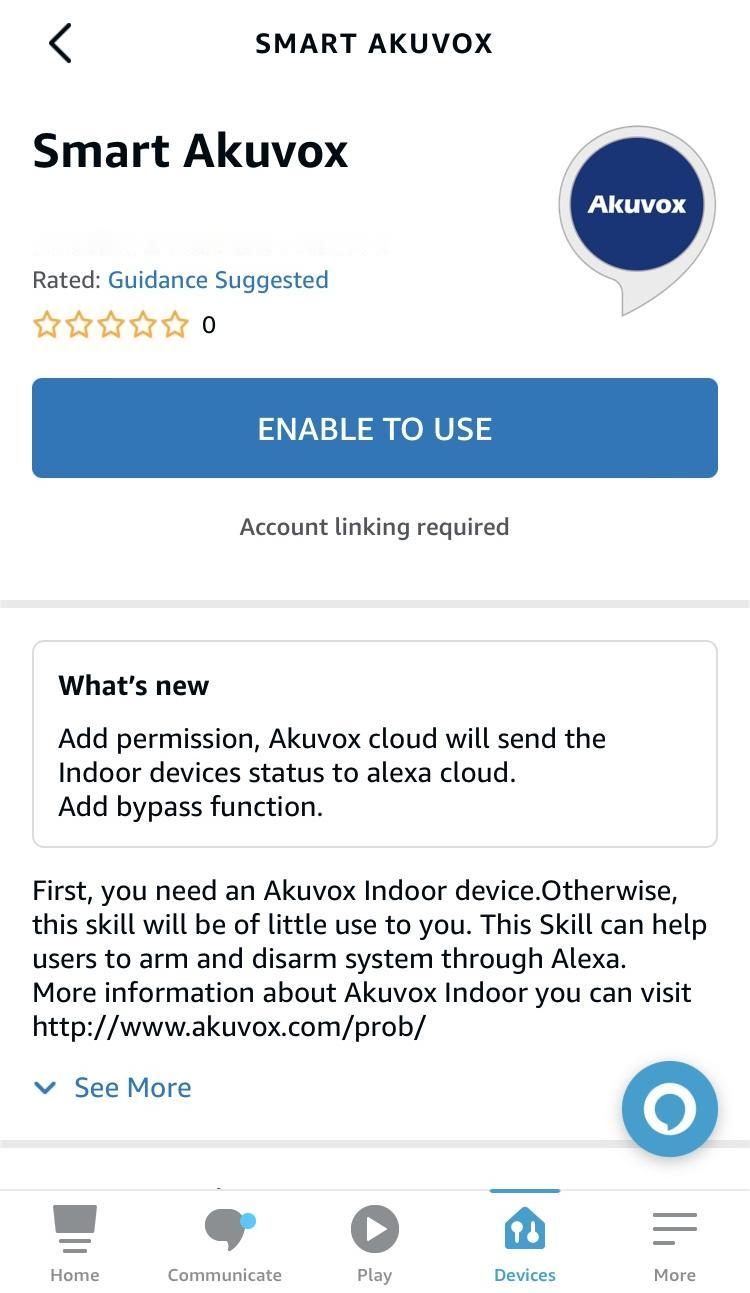
Tap ENABLE TO USE and enter your SmartPlus account username and password to log in.
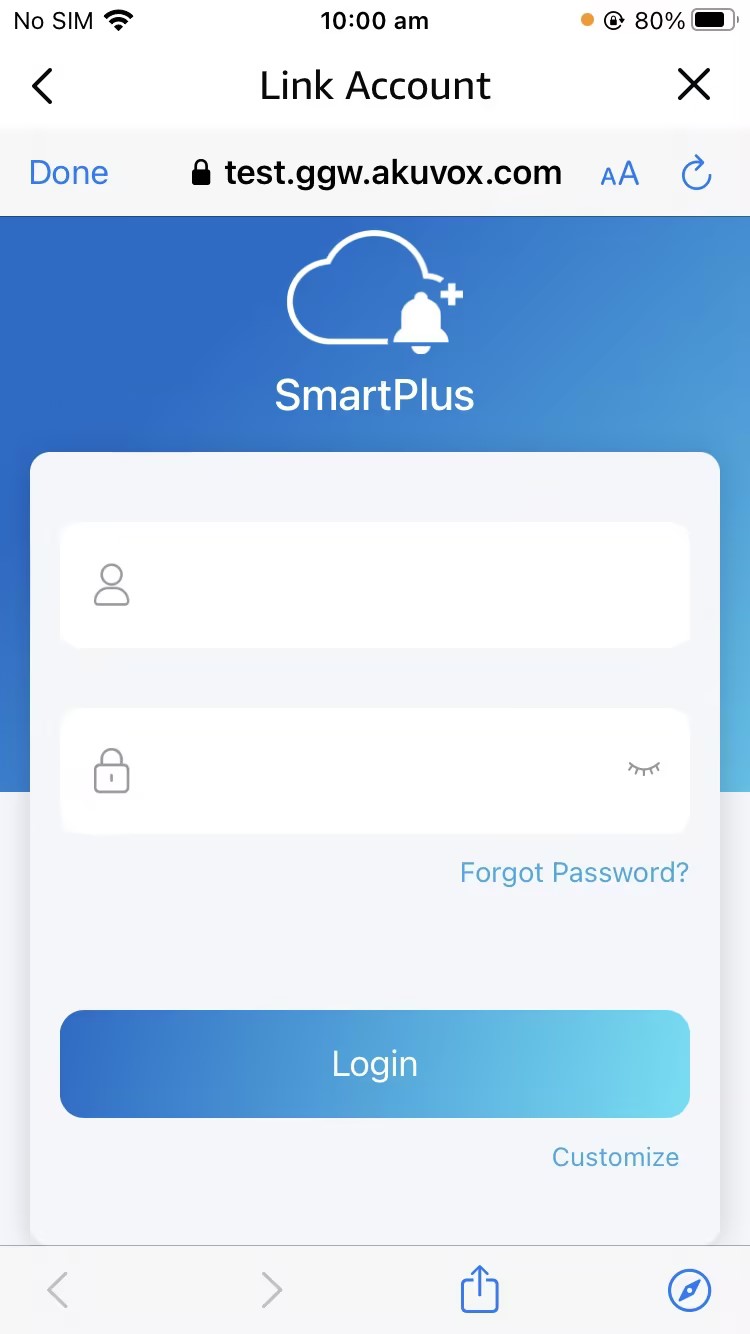
4. Tap Next to discover devices under your SmartPlus account.
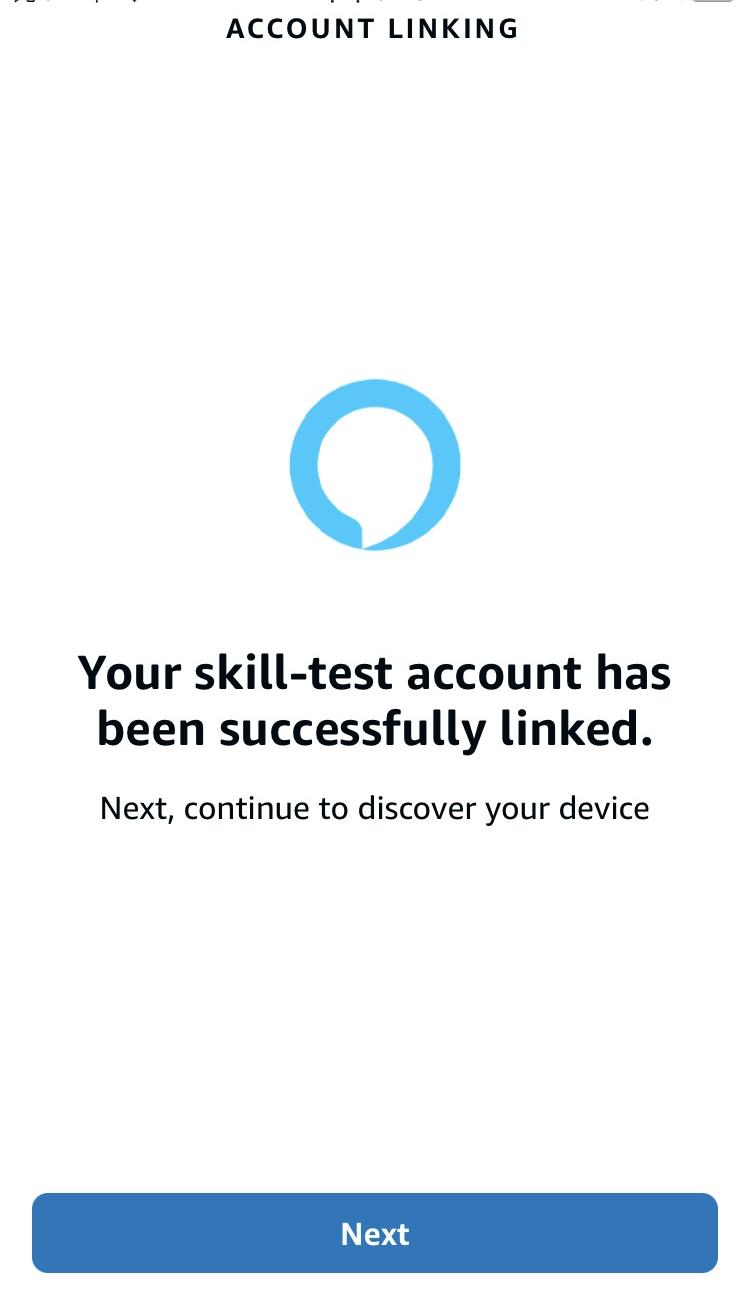
5. Tap Next and add desired devices.
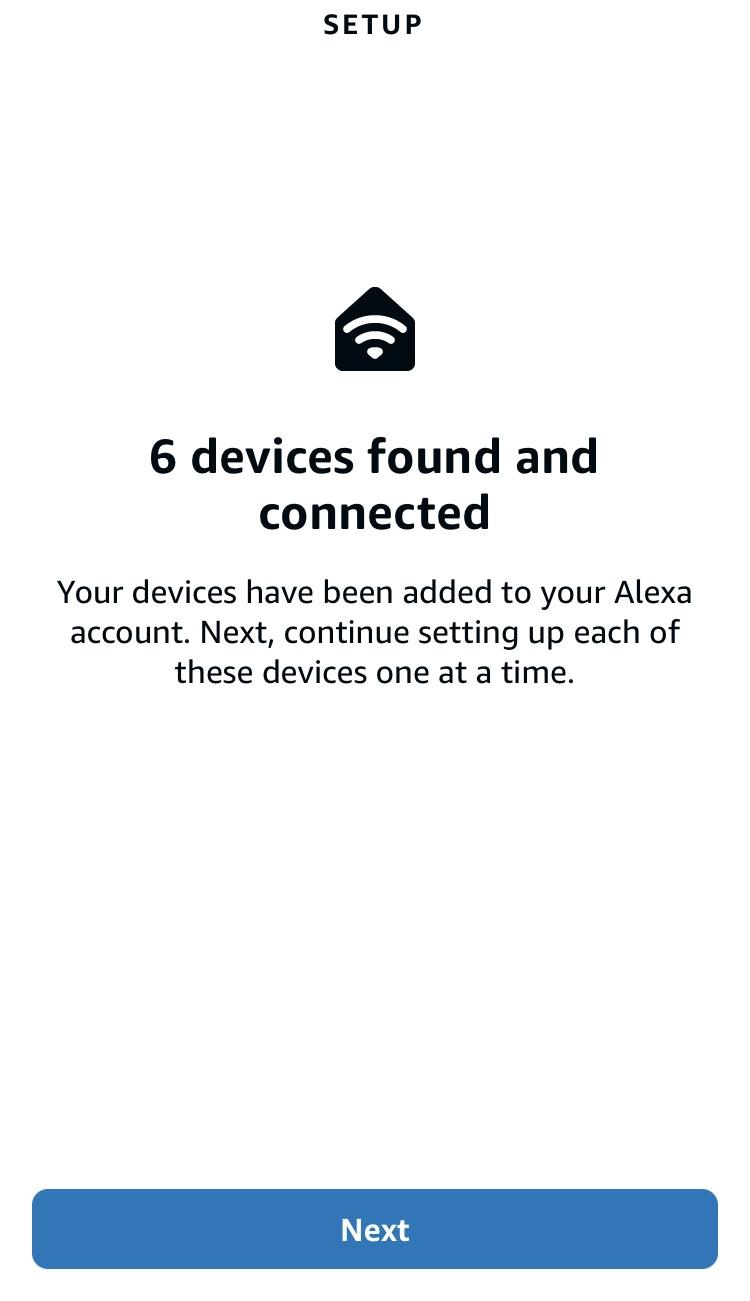
Return to the Devices module. Enable Disarm by voice.