Symptom
When you try to download a program for HyPanel devices, ETS may show error messages such as “Connection closed after too many TL errors to x.y.z”, “The device did not respond in appropriate time”, and more.
Solution
Perform the download process again
If it still fails, proceed to the next solution.
Press HyPanel’s physical programming button
Disconnect power from the HyPanel device.
Remove the panel.
Connect power for the HyPanel’s flush mounted module.
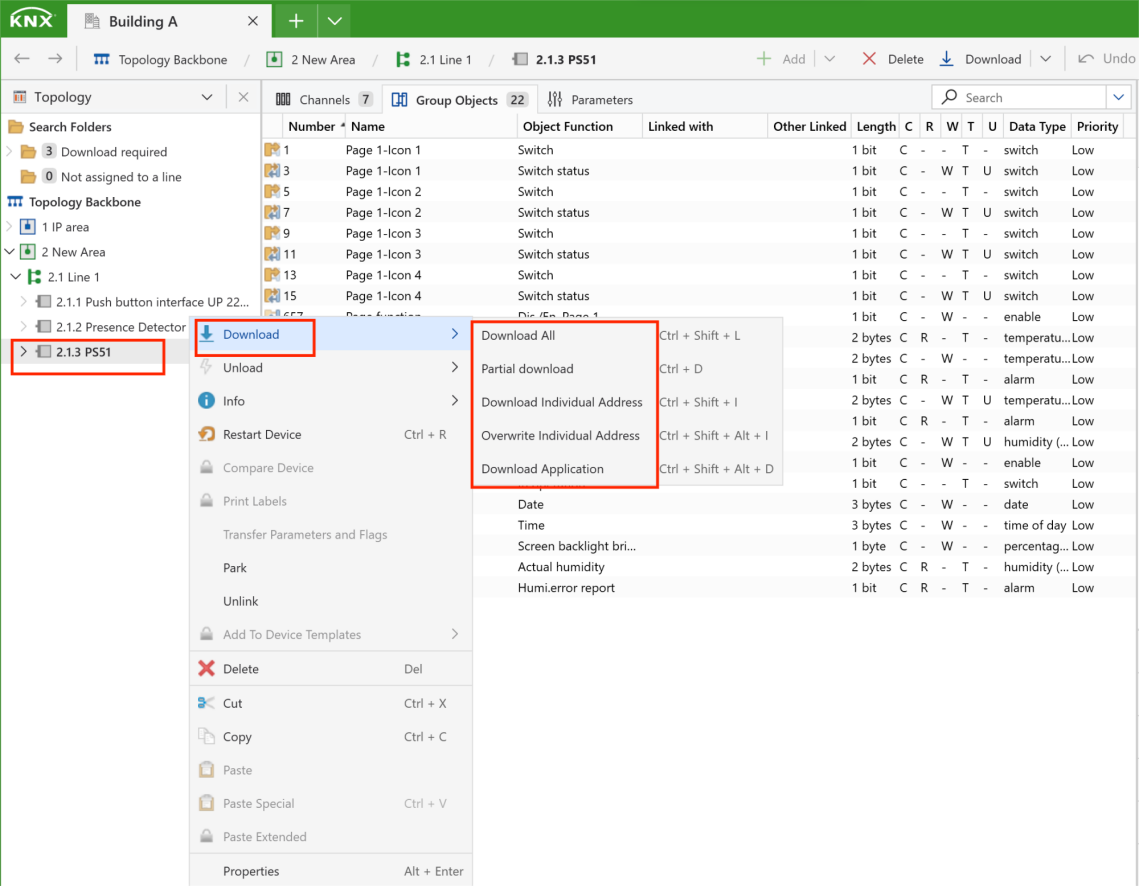
Select the desired Download option in ETS.
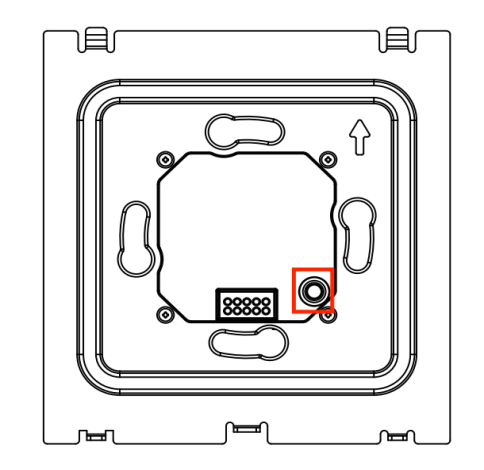
Press the physical programming button on the flush mounted module.
Reinstall the panel after a successful download.