You can set an email address to reset the SmartPlus platform login password.
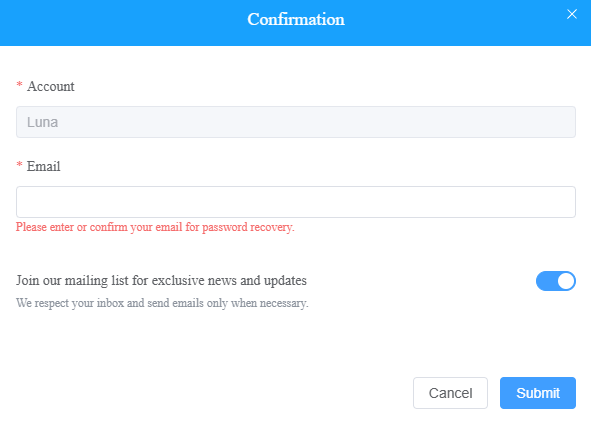
Enter the email address when you log into the SmartPlus Cloud for the first time.
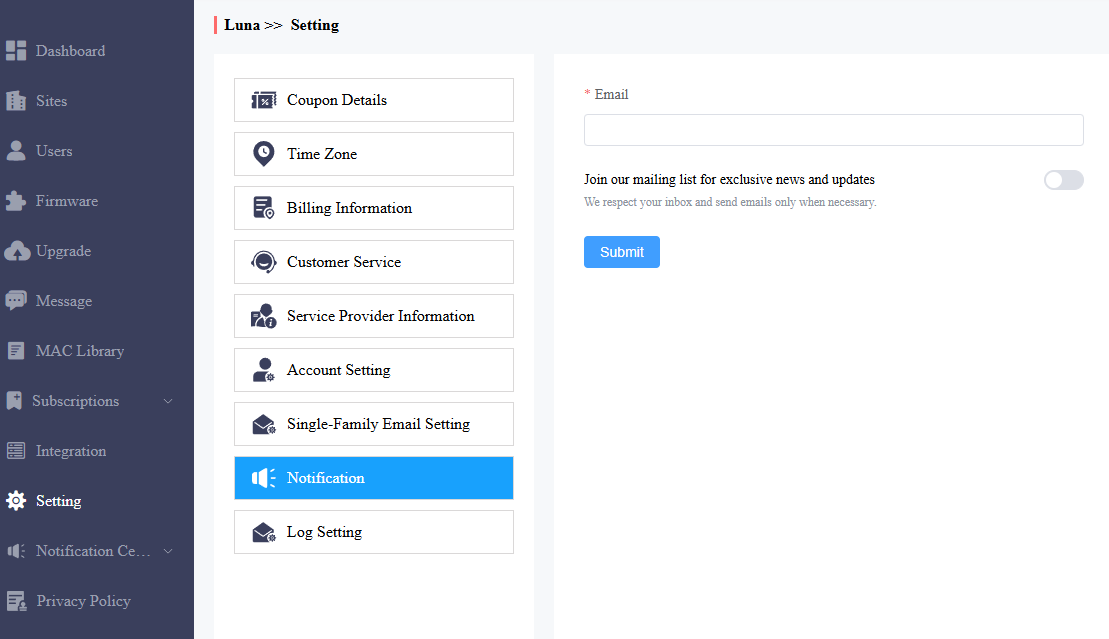
You can change the Email address on the Setting > Notification interface.
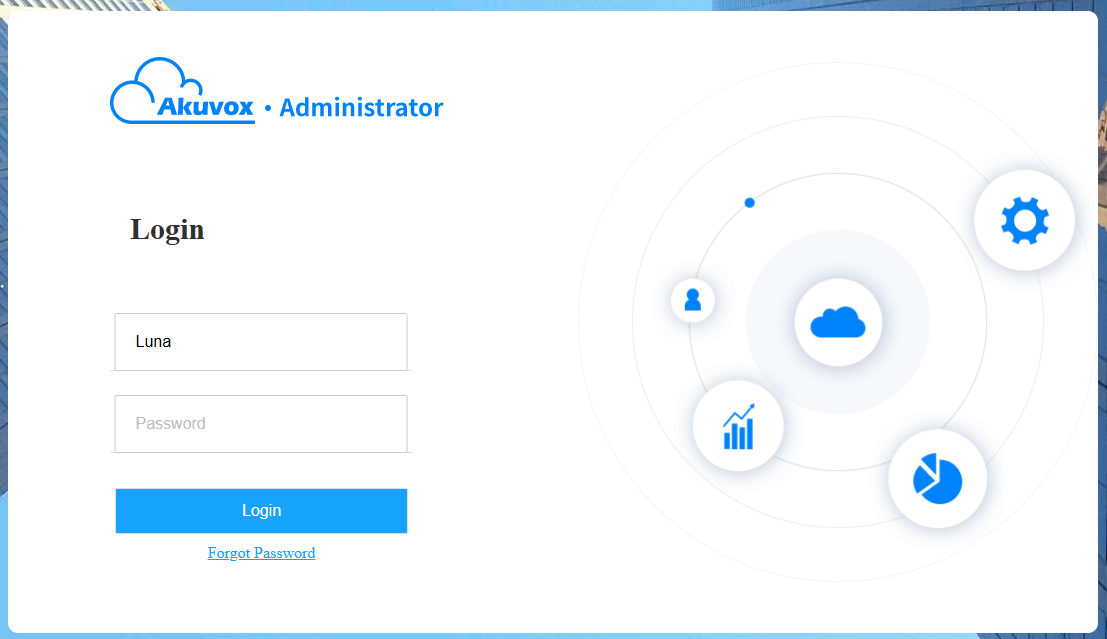
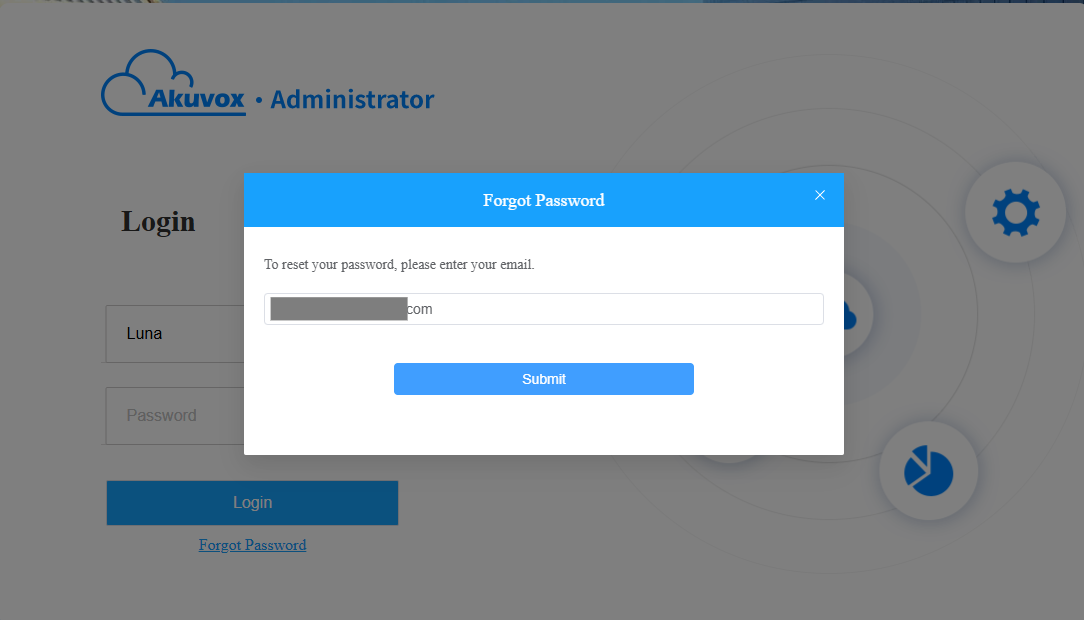
Click Forget Password on the login interface.
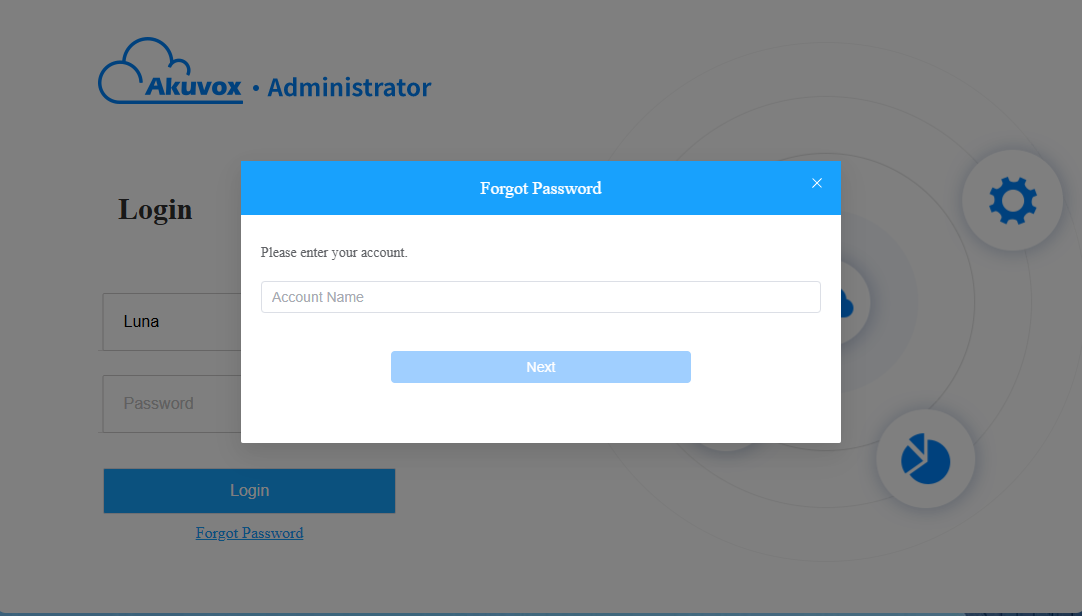
Enter your account name and click Next.
Enter the email address and click Submit. An email will be sent to the email address.
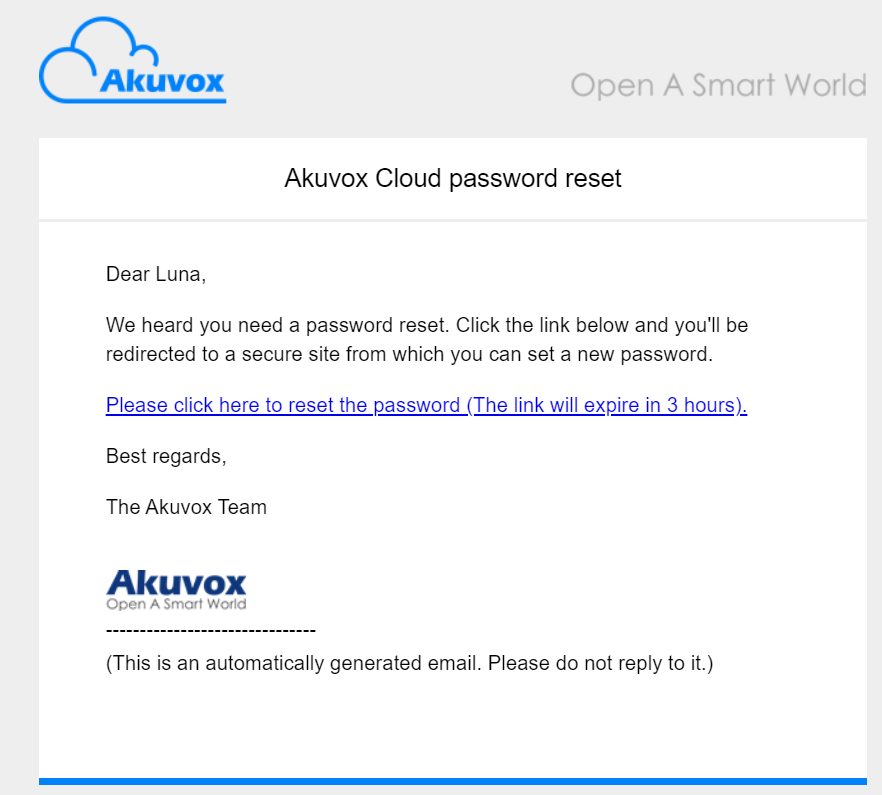
Click the link in the email.
Enter and confirm your new password.
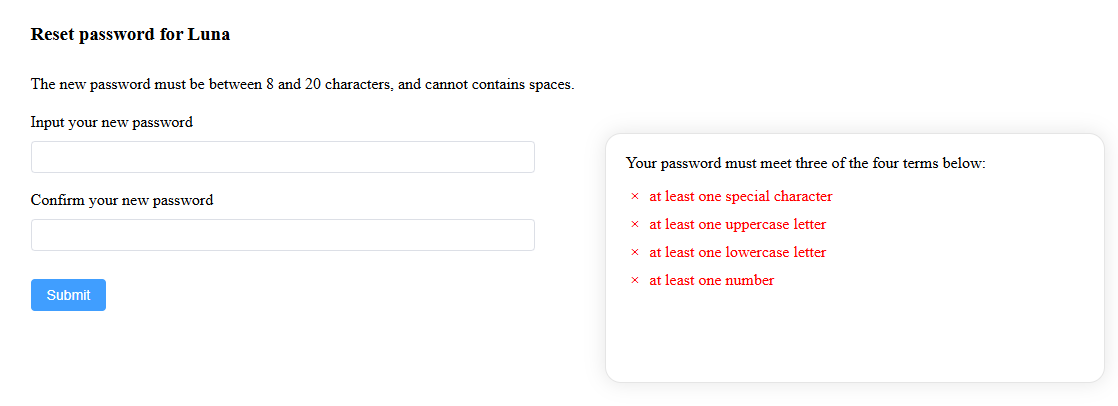
Click Submit.