The parameter interface “Scene Group” (Figure 5.9.1) enables scene group functions.
A total of 8 scene groups are available, each with 8 outputs.
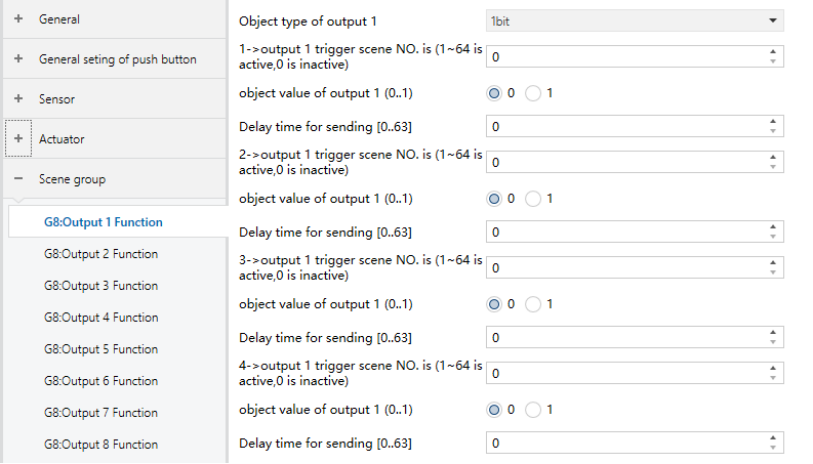
Figure 5.9.1 “Scene Group disable/enable" Interface
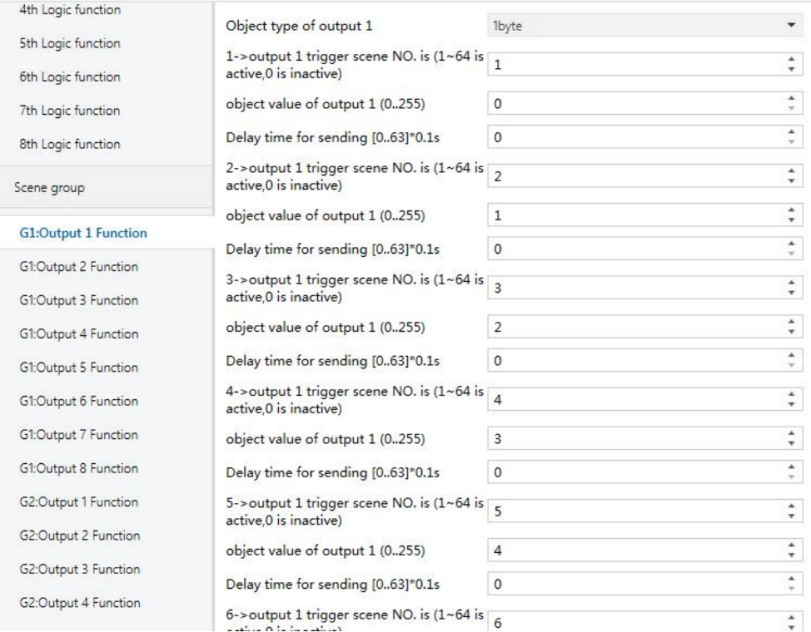
Figure 5.9.2 "GX:Output y Function" Interface
Scene Group X Function (X: 1…8)
Enables or disables the selected scene group.
Options:
Disable
Enable
When enabled, configuration parameters for the group’s 8 outputs become visible. All groups and outputs share identical behavior.
❖ Object type of output y (y:1…8)
Defines the data type of output y.
Options:
1bit
1byte
2byte
❖ z->Output y trigger scene NO. (1–64 active, 0 inactive) (z:1–6)
Defines the scene numbers that can trigger output y.
Each output supports up to 6 scenes.
Options: 0…64 (0 = inactive)
❖ Object value of output y (0..1 / 0..255 / 0..65535)
Defines the output value sent when the scene is triggered. The value range depends on the data type of output Y:
Options:
1 bit: 0..1
1 byte: 0..255
2 bytes: 0..65535
❖ Delay time for send [0..63]
Defines the delay before sending the output value.
Options: 0..63s