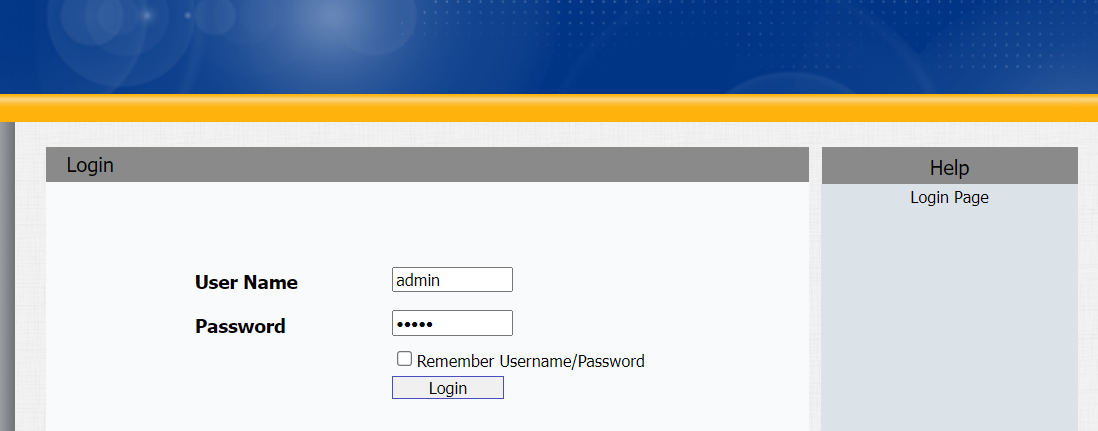
E20S door phone can be configured on the device web interface whose address is https://device_IP_address.
Obtain Device IP Address
IP Broadcast Automatically
The device will automatically broadcast its IP address three times once it is powered on and connected to the network.
To disable the auto-IP-broadcast, log into the web interface and go to Phone > Preference > IP Broadcast.

Use IP Scanner
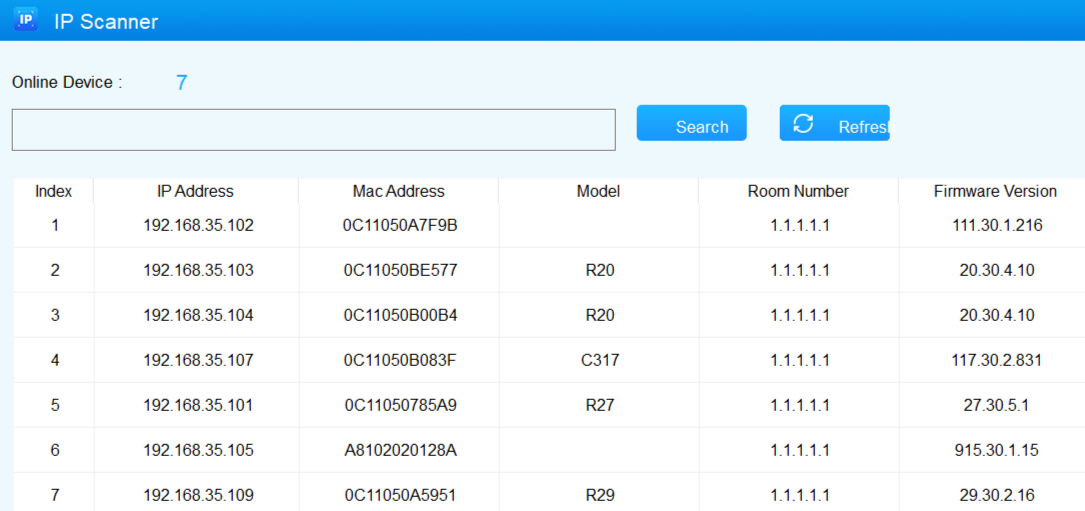
You can use the IP Scanner software to check the device IP on the same local network.
Note
- Download IP scanner:
https://knowledge.akuvox.com/docs/akuvox-ip-scanner?highlight=IP - See detailed guide:
https://knowledge.akuvox.com/v1/docs/en/how-to-obtain-ip-address-via-ip-scanner?highlight=IP%20Scanner
Log in to the Device Setting Web Interface
To log in to device web interface where you can configure and change parameters, enter the device IP address on the browser. The default user name and password are both admin.