Door phones' system settings can be either accessed on the device or on its interface.
Access the Device Settings
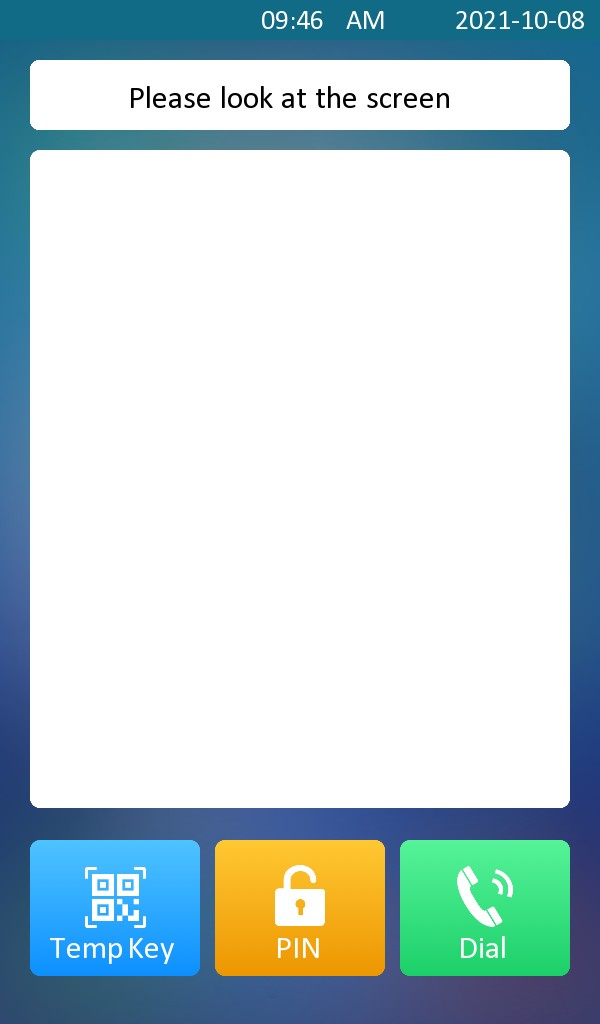
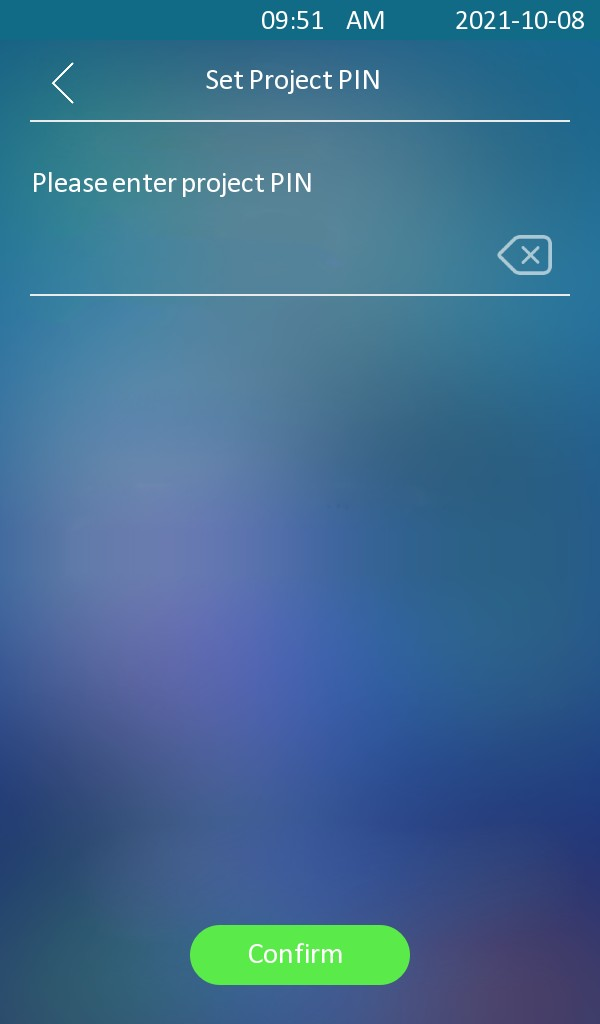
To access the device settings, you can long-press on the initial screen for approximately five seconds, then enter the default PIN code.
Before proceeding, identify your device model and firmware version, as the default PIN varies.
The default PIN depends on your firmware version:
Firmware version 18.30.10.211 or earlier:
adminAll other versions:
Admin321.
Access the Device Web Settings
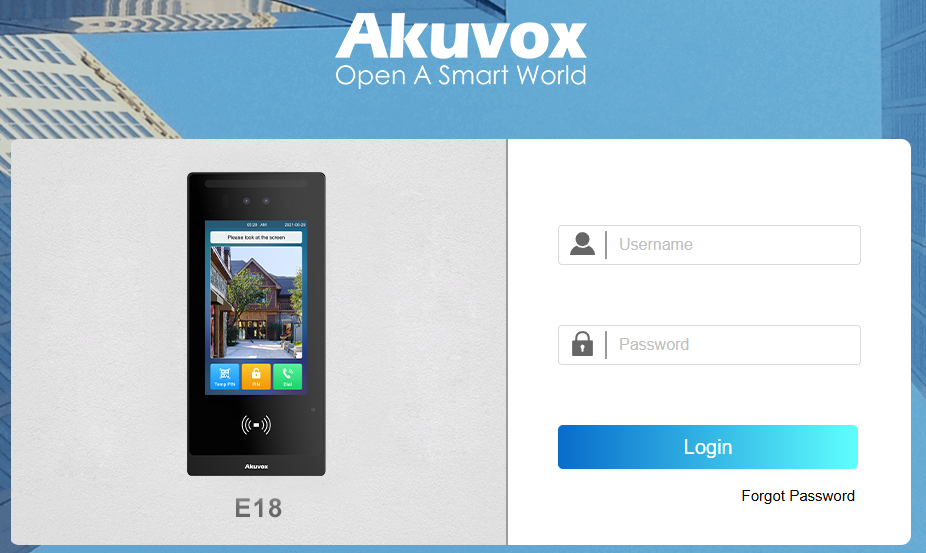
You can enter the device IP address in a browser and log into the device web interface where you can configure and adjust parameters.
Check the device IP on the Setting > System Info screen or use the Akuvox IP scanner tool to search for the device's IP address in the same LAN.
Note
Download IP scanner:
https://knowledge.akuvox.com/docs/akuvox-ip-scanner?highlight=IPSee the detailed guide:
https://knowledge.akuvox.com/v1/docs/en/how-to-obtain-ip-address-via-ip-scanner?highlight=IP%20ScannerGoogle Chrome browser is strongly recommended.
The initial username and password are both admin.
Your computer should be on the same network as the device.