Akuvox indoor monitor system settings can be either accessed on the device or its web interface.
Device Start-up Network Selection
After the device boots up initially, you are required to select the network connection for the device. You can either select Ethernet or Wireless network connection.
Note
Only C313W supports network connection via Wi-Fi.
Please refer to Network Setting & Other Connection for the configuration of the Ethernet and wireless network connection
Access the Device Settings
Access Device Basic Settings
You can access the device's basic and advanced settings to configure different types of functions as needed. To access the device's basic settings, tap More > Settings.
.bmp)
Access Device Advance Settings
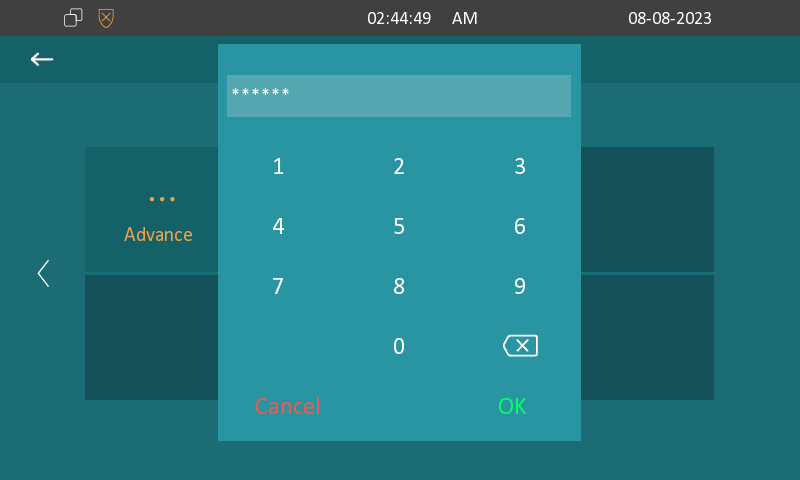
To access the advanced settings, press More > Settings > Advance. Press the default password 123456 to enter the advanced settings.
Access the Device Web Settings
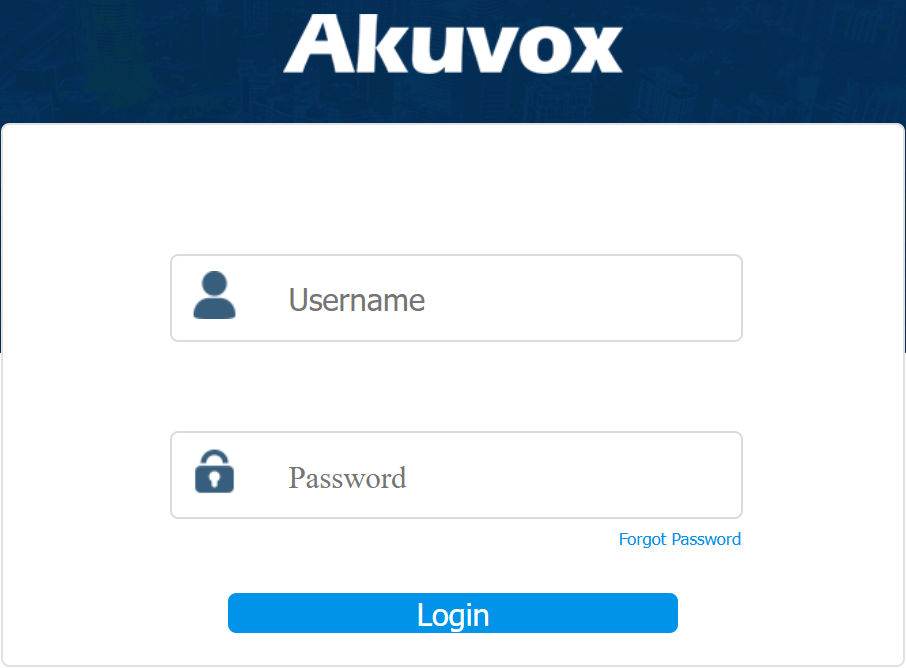
You can enter the device IP address in a browser and log into the device web interface where you can configure and adjust parameters.
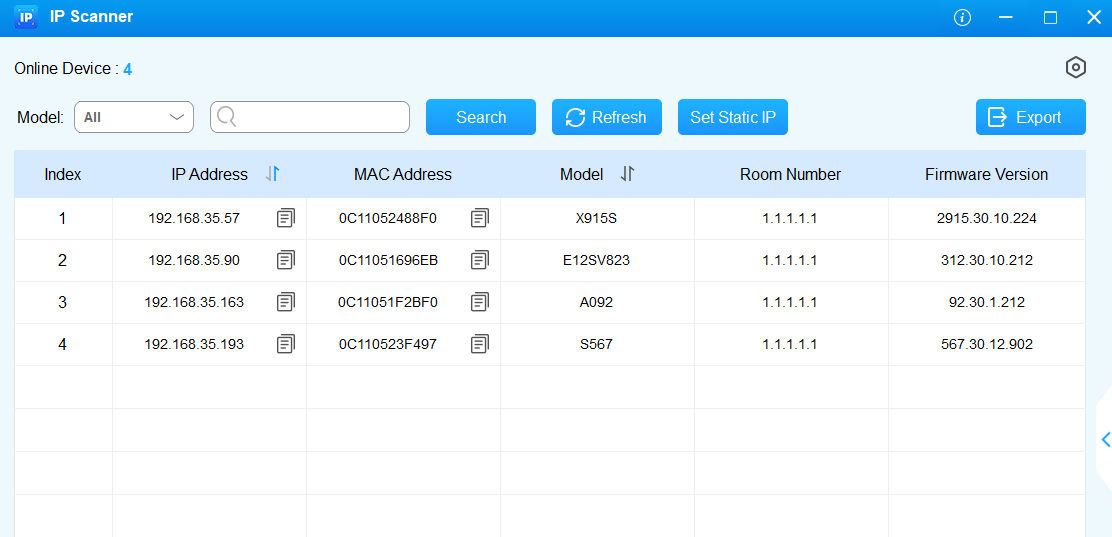
You can check device IP on device Settings > Status > Network screen. You can also search the device by IP scanner, which can search all the devices on the same LAN.
Note
Download IP scanner:
https://knowledge.akuvox.com/docs/akuvox-ip-scanner?highlight=IP
See detailed guide:
Google Chrome browser is strongly recommended.
The initial username and password are admin and please be case-sensitive to the user names and passwords entered.