Obtain Device IP Address
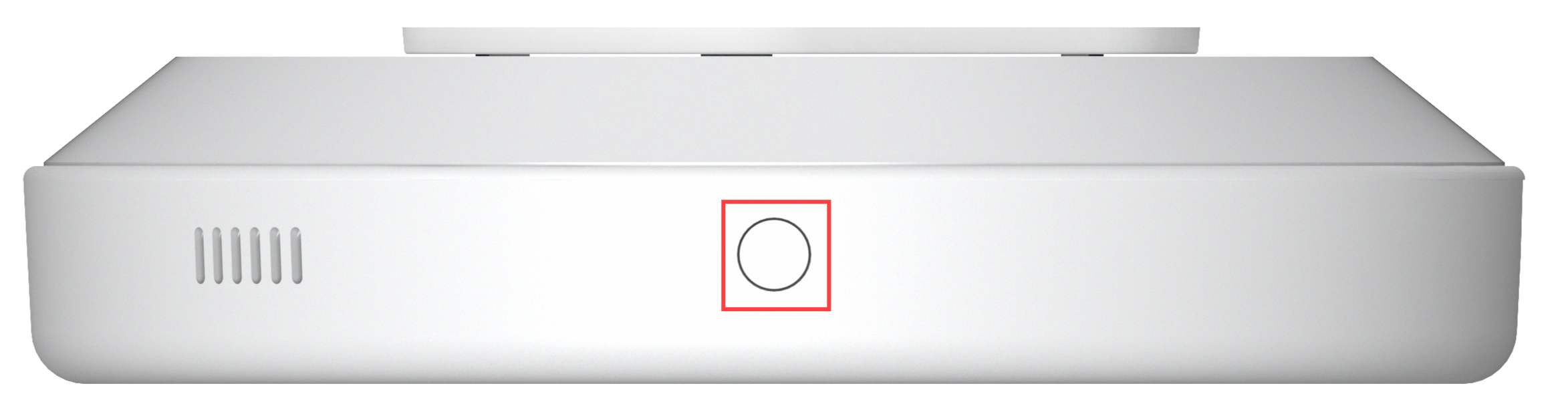
Press the button on the top of the device and hold it until the device announces its IP.
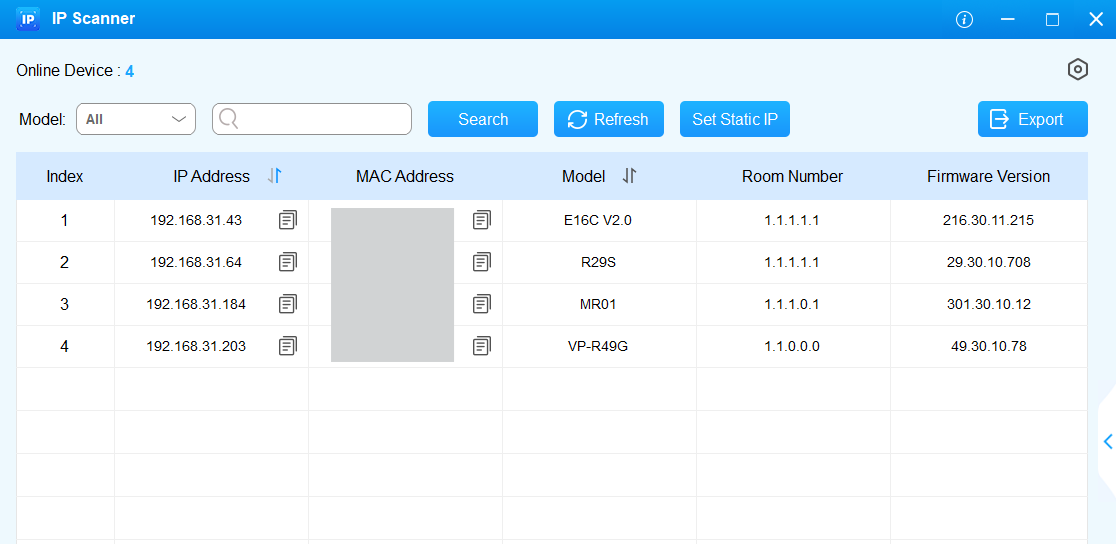
Or, scan the device IP with the Akuvox IP Scanner Tool on the same local network. Click Refresh to update the list.
Access the Device Settings
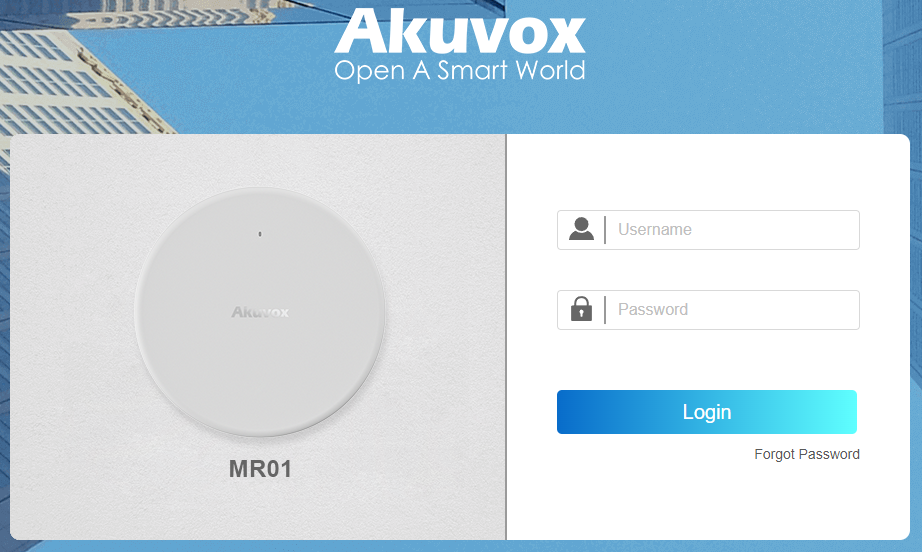
Enter the device IP address in a browser and log in to the device web interface, where you can configure and adjust parameters.
Note
Download IP scanner:
https://knowledge.akuvox.com/docs/akuvox-ip-scanner?highlight=IPSee the detailed guide:
https://knowledge.akuvox.com/v1/docs/en/how-to-obtain-ip-address-via-ip-scanner?highlight=IP%20ScannerGoogle Chrome browser is strongly recommended.
The initial username and password are admin, and please be case-sensitive.