Door phones' system settings can be either accessed on the device or on its interface.
Access the Device Settings
Before configuring the device, please ensure the device is installed correctly and connected to a normal network.
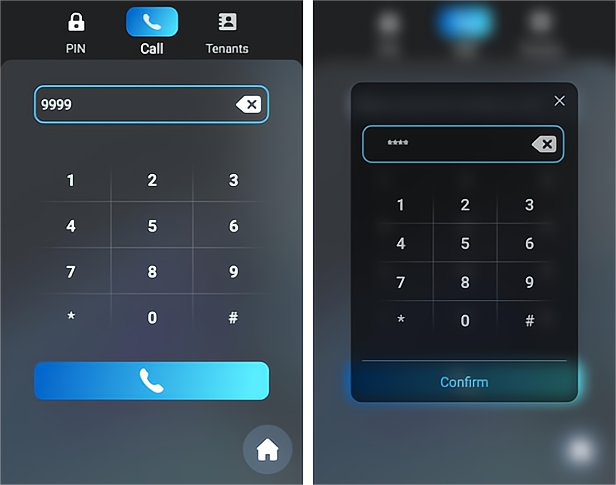
You can set up some basic settings on the device screen by pressing 9999 + Dial key + 3888(password) on the Dial screen.
Gesture Control Setting
When the device is in the Building or Villa theme, tap on the time area ten times on the device’s home screen to access the settings screen. The default password is 3888.
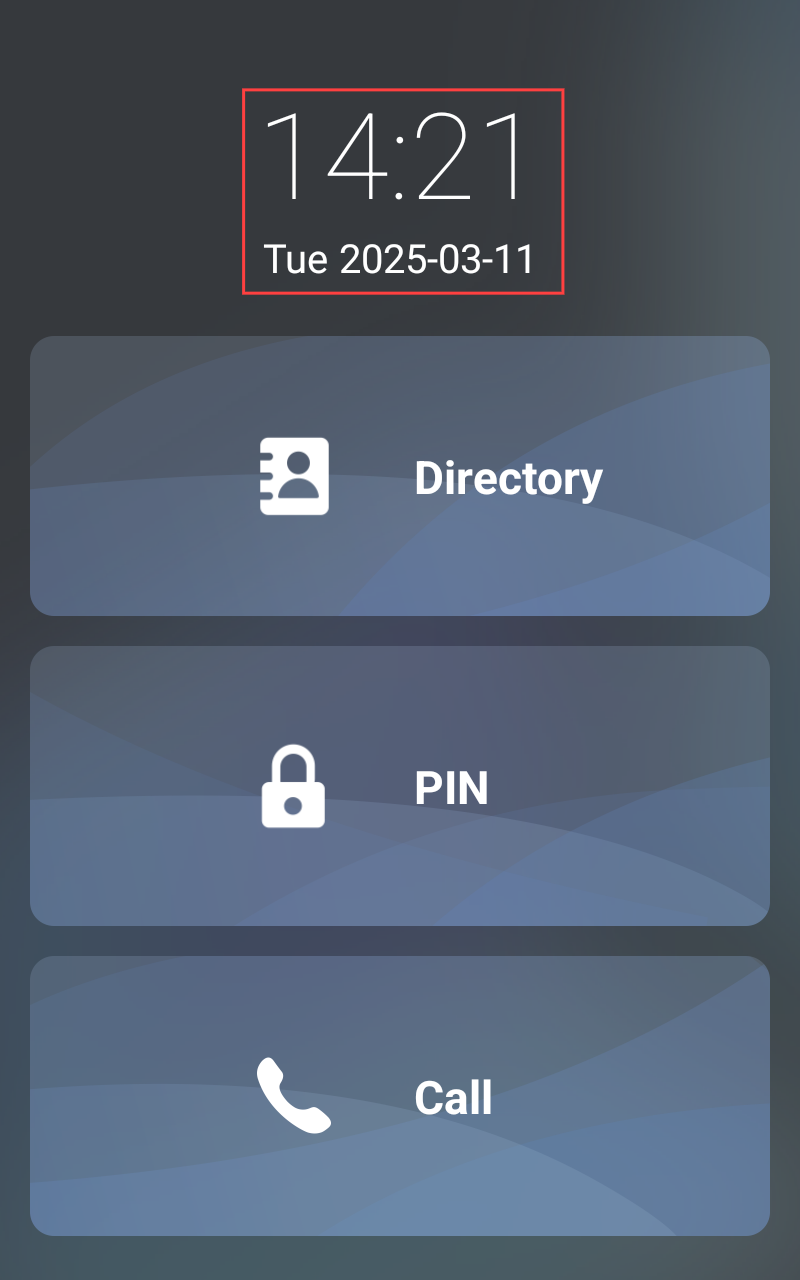
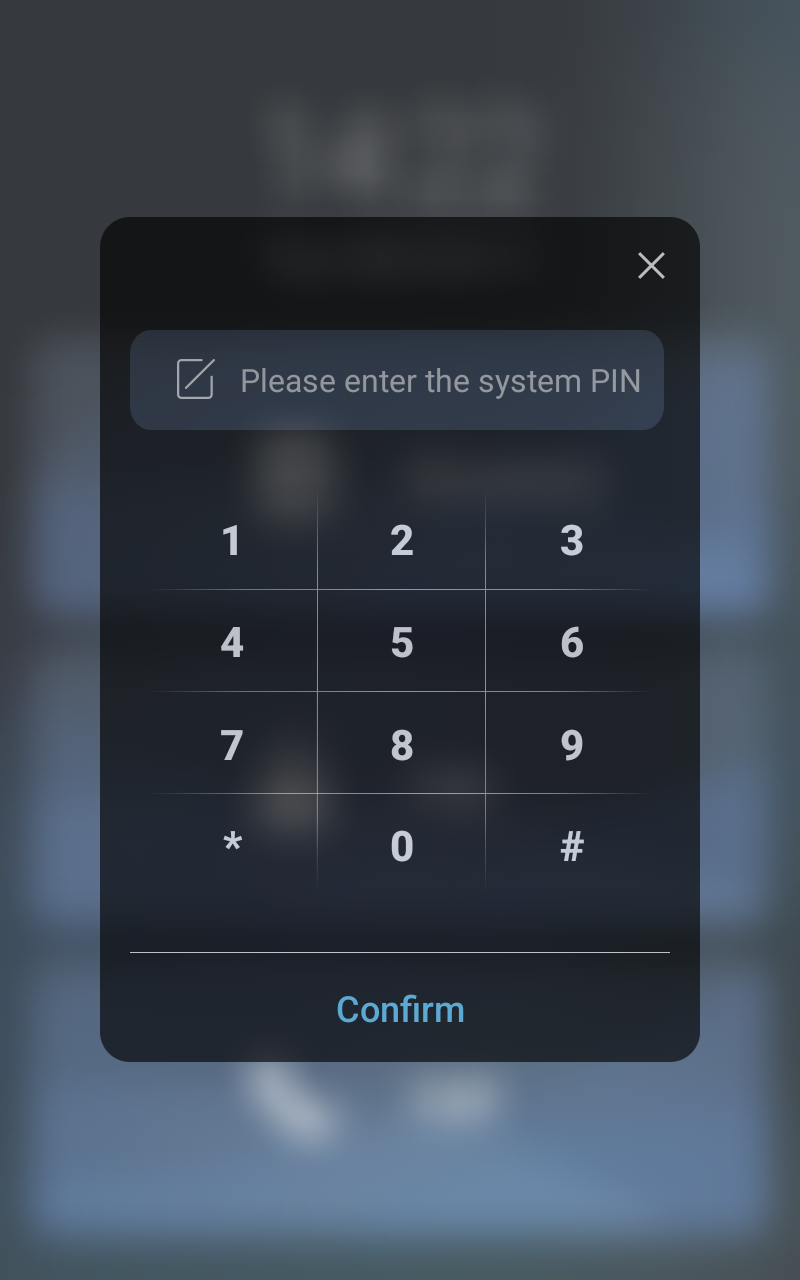
To enable the feature, navigate to the web System > Security > Gesture Control interface.

Note
See theme configuration in Screen Display Configuration chapter.
Access Device Web Settings
You can use the Akuvox IP scanner tool to search the device's IP address in the same LAN. Then use the IP address to log into the web browser by user name and password admin and admin. 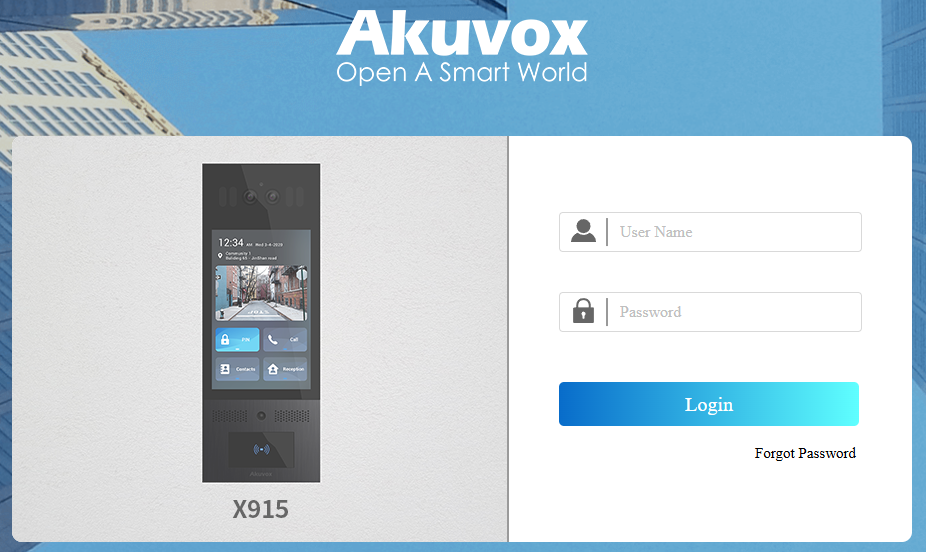
Note
Download IP scanner:
https://knowledge.akuvox.com/docs/akuvox-ip-scanner?highlight=IPSee the detailed guide:
https://knowledge.akuvox.com/v1/docs/en/how-to-obtain-ip-address-via-ip-scanner?highlight=IP%20ScannerGoogle Chrome browser is strongly recommended.
The initial user name and password are admin and please be case-sensitive.